- 71 -
Connecting the PC
AppendixPrinting
3
Setting Up
2
Before use
1
Basic Device Operations
4
Index
9
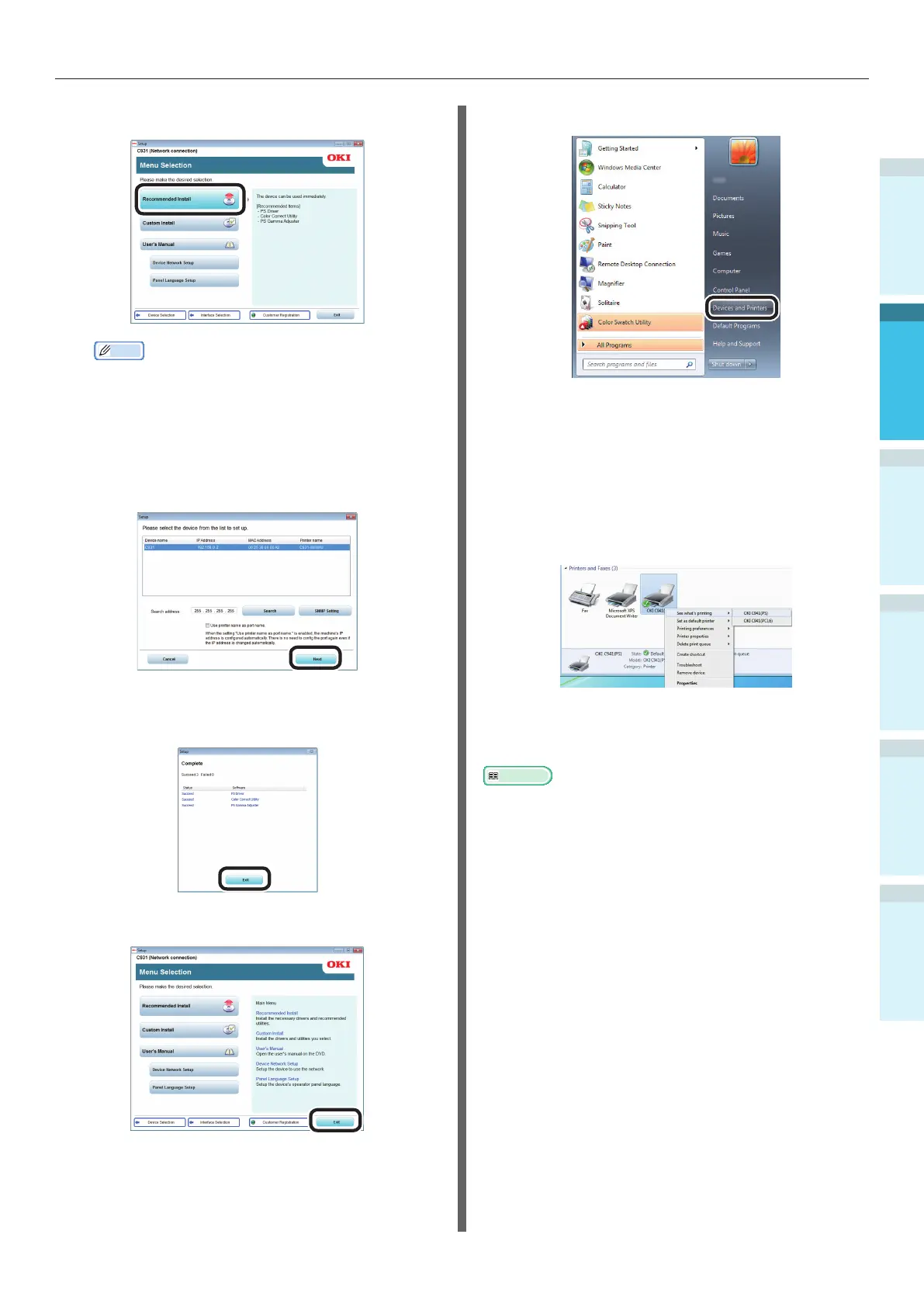
Click [Recommended Install].
Memo
Click [Custom install] to select "PCL6 Driver" and
"XPS Driver".
10
The printer search will start. When the
printer has been detected, select the
device from the table. Click [Next] to
start the installation.
11
When the installation is complete, click
[Exit].
12
Click [Exit] in the menu screen to nish.
13
Select [Start]> [Devices and Printers].
14
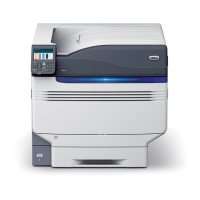
Check that the OKI C931 icon is
displayed.
Right-click the OKI C931 icon and select
and item from the menu, and check
that all the printer drivers that have
been installed are displayed in the sub-
menu.
15
Remove the "Software DVD-ROM" from
the PC.
Reference
For how to print from the PC, see “Printing from Trays”
(P.94).


 To Next Page