Maintenance > 125
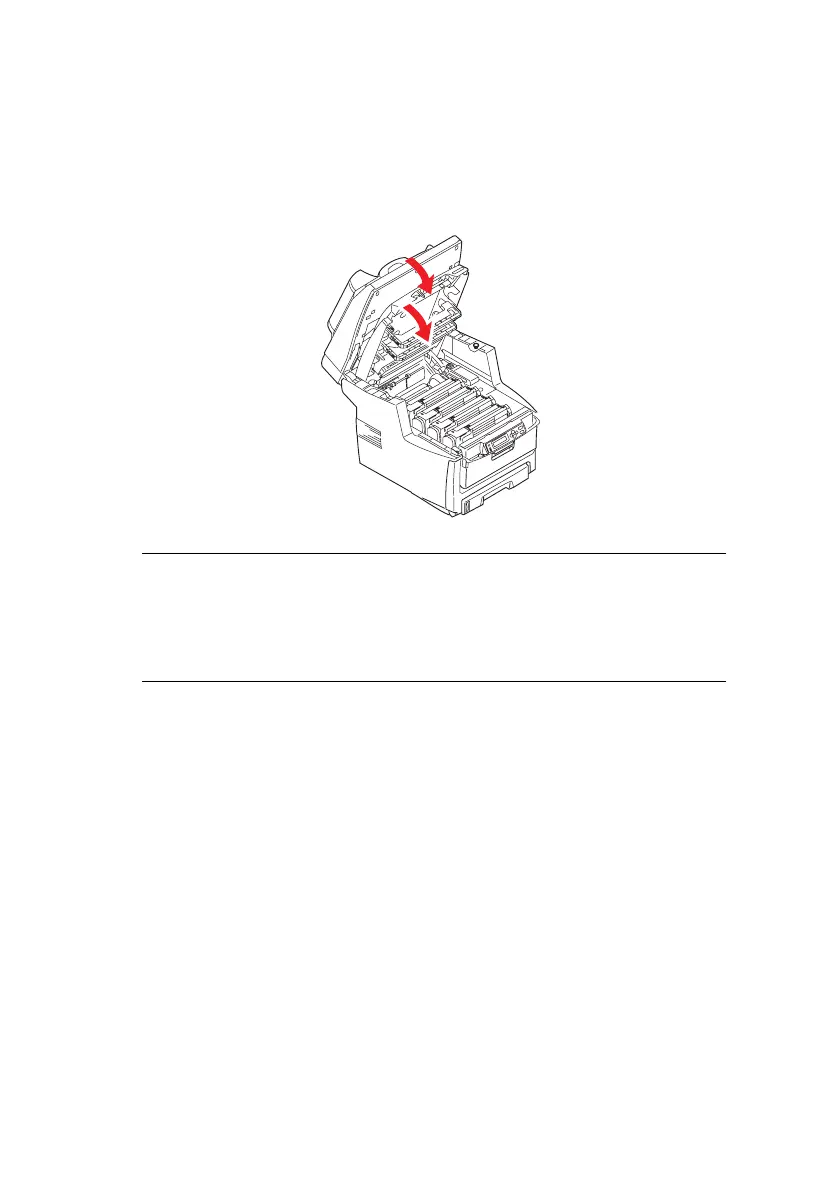
12. Close the top cover and press down firmly at both sides so
that the cover latches closed.
13. Gently lower the scanner.
Scanner down.eps
NOTE
If you need to return or transport this product for any reason,
please make sure you remove the image drum unit
beforehand and place in the bag provided. This is to avoid
toner spillage.



 To Next Page