3K5-2
1-3-42
U244
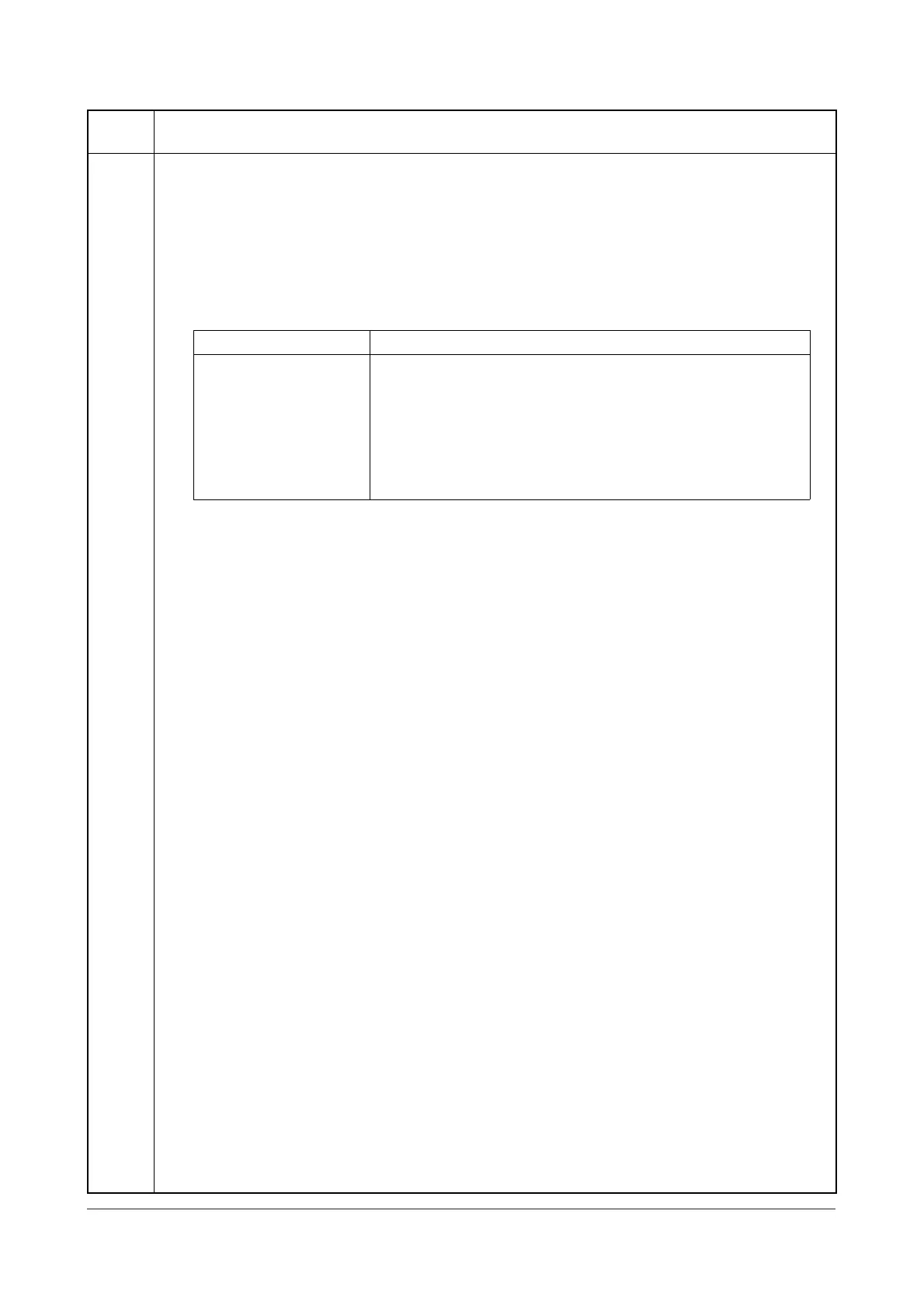
Checking the DP switches
Description
Displays the status of the respective switches in the DP.
Purpose
To check if respective switches in the DP operate correctly.
Method
1. Press the start key.
2. Turn the respective switches on and off manually to check the status.
If the on-status of a switch is detected, the corresponding switch is displayed in reverse.
Completion
Press the stop key. The screen for selecting a maintenance item No. is displayed.
Maintenance
item No.
Description
Display Switches
TMG SW DP timing switch (DPTSW)
REV SW Original switchback switch (OSBSW)
SET SW Original set switch (OSSW)
SZ SW A Original size length switch (OSLSW)
COV OP SW DP interlock switch (DPILSW)
DP OP SW DP open/close switch (DPOCSW)
Service Manual Y108671-9



 To Next Page