Operator console 2-1
The operator console
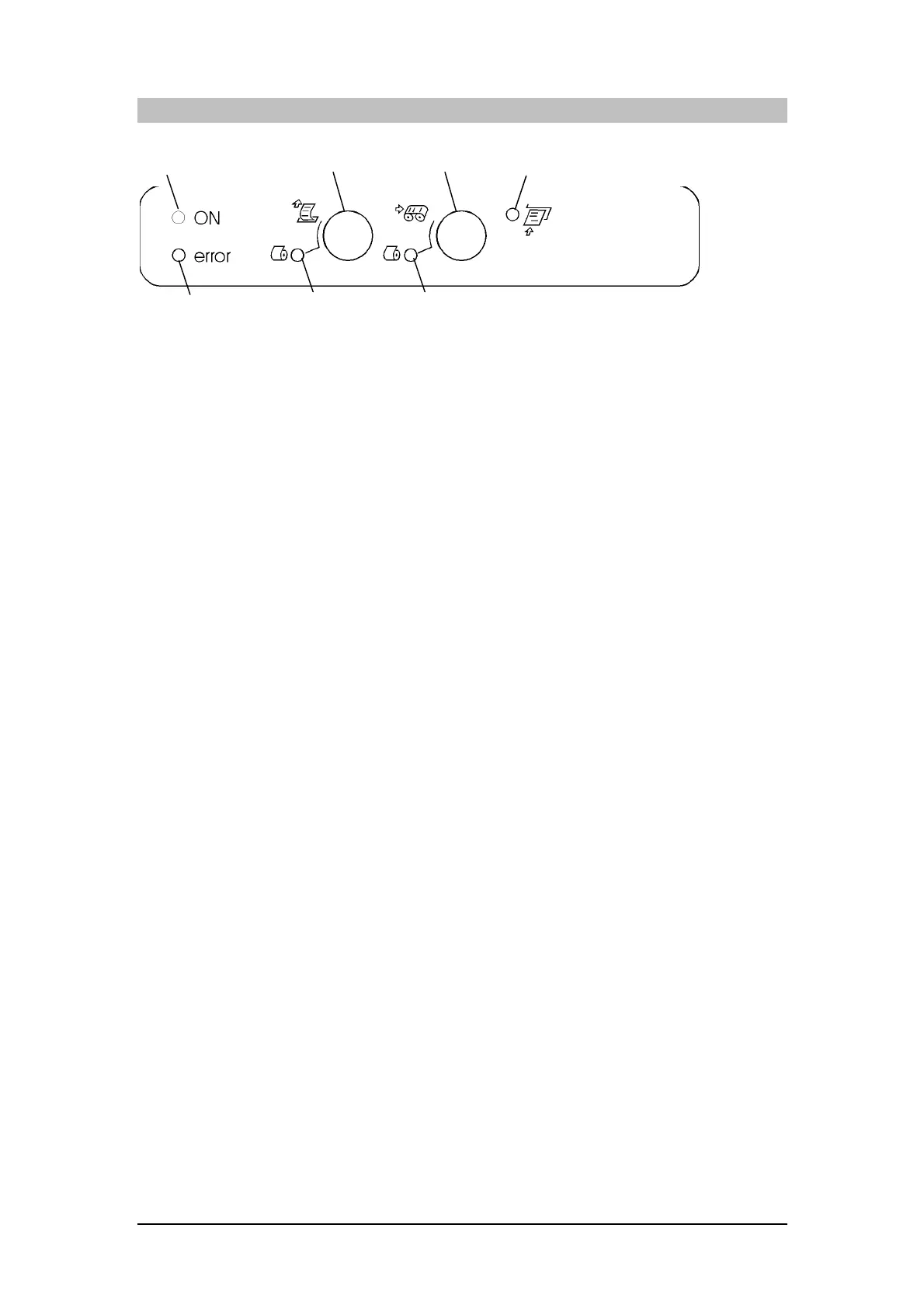
The printer’s operator console consists of five LEDs and two keys.
Function of the keys depends on printer status (or set-up).
Printer status
The printer states of relevance to the programmer are as follows:
- on-line (with the covers closed)
- off-line (with rear and/or front cover open)
- "setup/settings" (with front cover open - or both covers open).
The setup/settings status is obtained by holding both buttons 1 and 2 down in the order and
for the duration indicated in "Setup and settings".
Led 1
Led 5
Led 4Led 3Led 2
Key 1
Key 2















 To Next Page