94
EN
7
Playback functions
Lets you erase recorded images. You can select single-frame erase, which erases only the
currently displayed image; all-frame erase, which erases all the images stored on the card; or
selected frame erase, which erases only the frames selected.
x
Notes
•
When you perform all-frame or selected frame erase on images recorded using RAW+JPEG,
both the RAW and JPEG images are erased. When using single-frame erase, you can select
whether to erase the JPEG, RAW, or both RAW and JPEG images.
g
“RAW+JPEG
ERASE” (P. 105)
•
Protected images cannot be erased. Cancel protected images, then erase them.
•
Once erased, images cannot be restored.
g
“Protecting images” (P. 93)
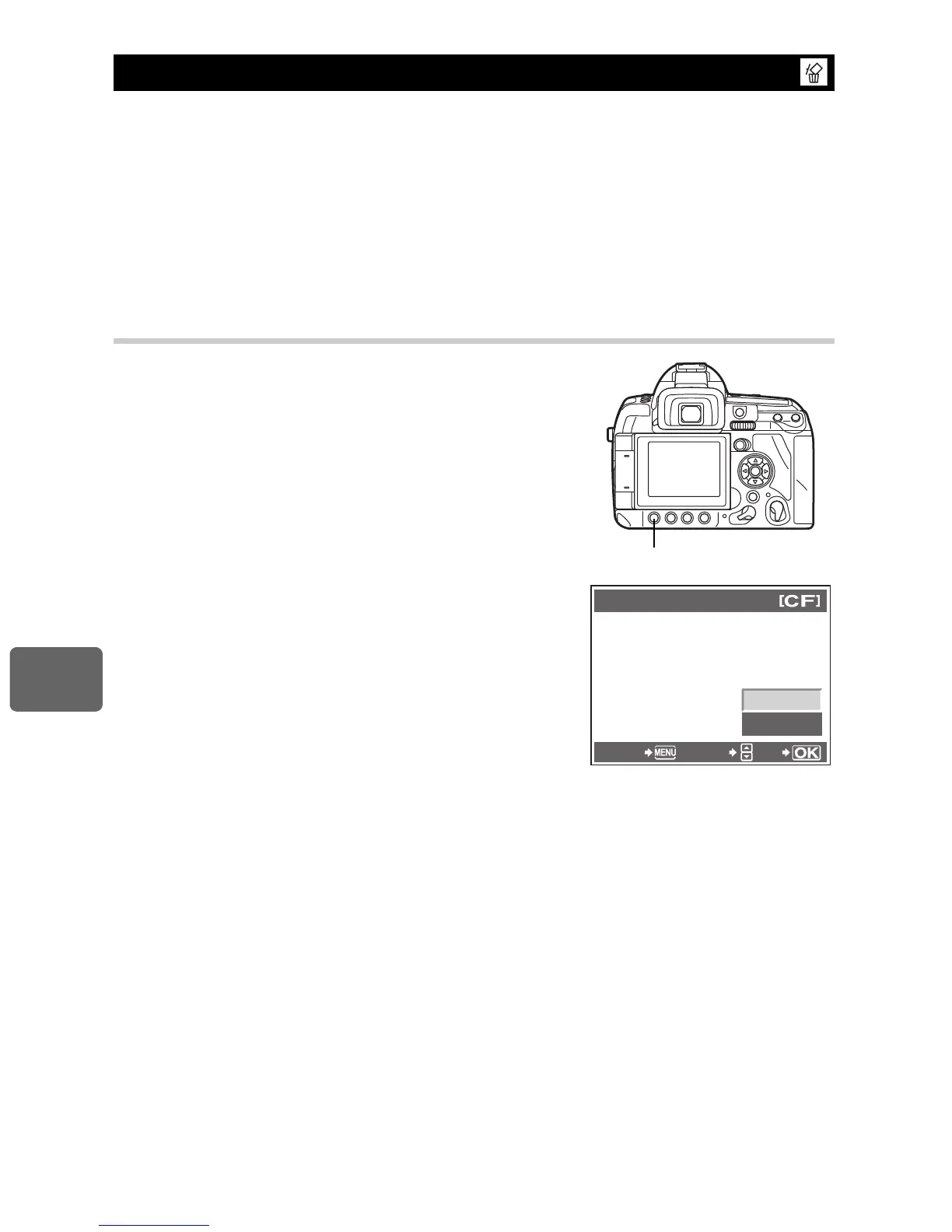
Single-frame erase
1
Play back the image you want to erase and press
the
S
button.
2
Use
ac
to select [YES], then press the
i
button.
Erasing images
ERASE
YES
NO
CANCEL SELECT
GO



 To Next Page