64
5
EN
Menu setting method
Menu setting method
. LCD/Sound Menu
Backlight
The display will remain lit for about 10 (Initial
setting) seconds when a button on the
recorder is pressed.
[ O f f ] :
Disables the Backlight function.
[ 5 sec. ] [ 10 sec. ] [ 30 sec. ] [ 1 min. ] :
Enables the Backlight function.
C o n t r a s t
Display contrast can be adjusted in 12 levels.
• You can adjust the LCD display contrast
level from [ 0 1 ] to [ 1 2 ] .
L E D
You can set the recorder so the LED indicator
light does not turn on.
[ O n ] :
Enables the LED light function.
[ O f f ] :
Disables the LED light function.
Beep
The recorder beeps to alert you to button
operations or warn you of errors. System
sounds may be turned off.
[ O n ] :
Enables the Beep function.
[ O f f ] :
Disables the Beep function.
4 When [
S e l e c t
] is selected:
4 Select a playback scene.
To check the settings:
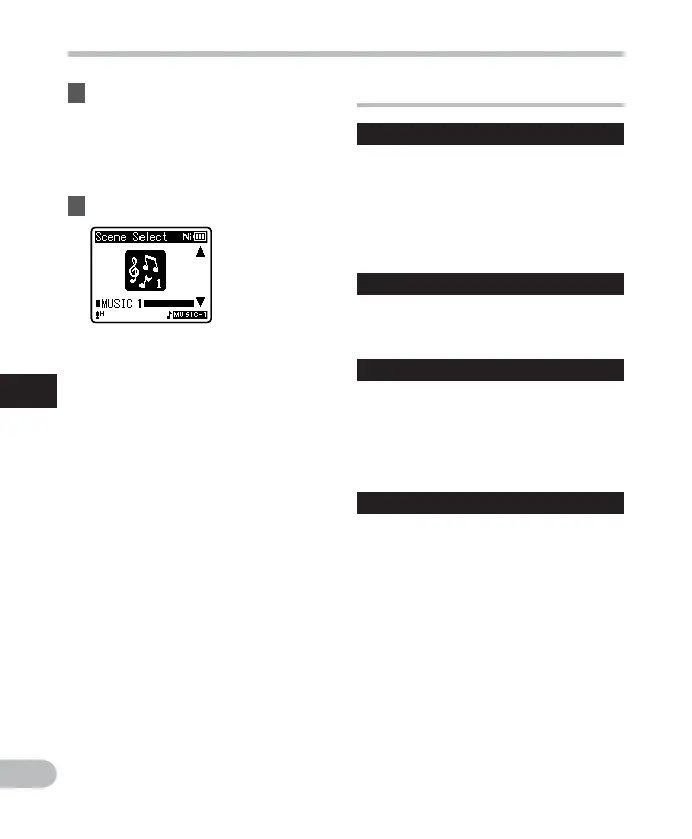
On the [ Scene Select ] display, select
a playback scene using the + and
– buttons, and press the 9 button.
Press the 0 button to return to the
[ Scene Select ] display.
3 Specify a save destination for the
settings.
• You can select the save destination
from among [ VOICE 1 ] to [ MUSIC 3 ] .



 To Next Page