70
5
EN
Menu setting method
Menu setting method
[ Move to memory ] :
Move a file from the internal memory
or microSD card to another folder
within the internal memory.
[ Copy to memory ] :
Copy a file from the internal memory
or microSD card to another folder
within the internal memory.
[ Move to microSD ] :
Move a file from the internal memory
or microSD card to another folder in
the microSD card.
[ Copy to microSD ] :
Copy a file from the internal memory
or microSD card to another folder in
the microSD card.
4 Press the `
OK
button.
5 Press the
+
or
−
button to select
the number of files you want to
move or copy.
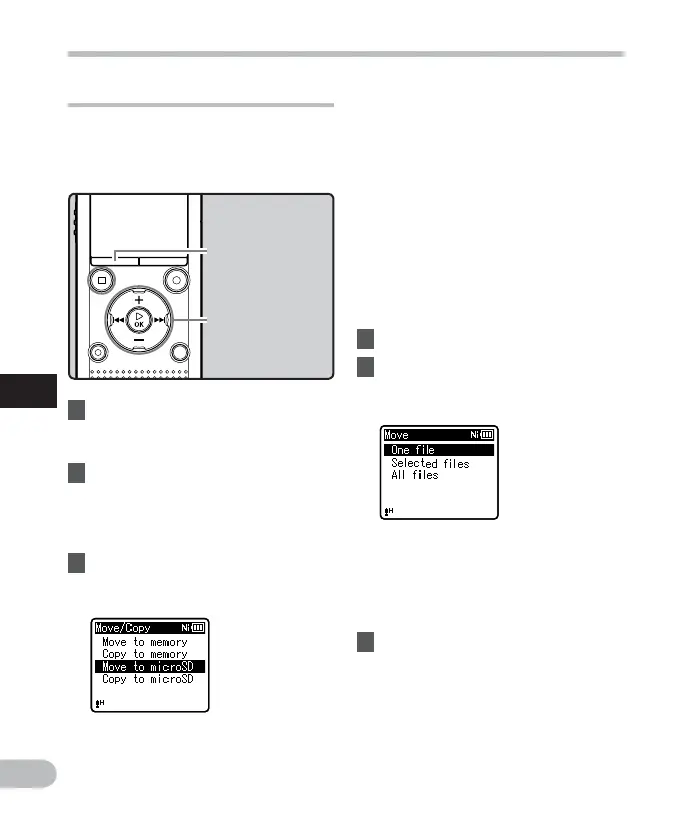
Moving/Copying files [ Move/Copy ]
Files saved in the internal memory or a
microSD card can be moved or copied
within the memory. Files can also be moved
or copied between memory.
1 Select the folder where the file
you want to move or copy is
saved ( ☞ P.28).
2 Select [
M o v e / C o p y
] from the
menu on the [
File Menu
] .
• For details on how to enter the menu
settings, see “ Menu setting method ”
( ☞ P.53).
3 Press the
+
or
−
button to select
the location to which you want to
move or copy the file.
[ One file ] :
Select only the specified file.
[ Selected files ] :
Select multiple files.
[ All files ] :
Select all files in the folder.
6 Press the `
OK
button to move to
the respective setting.
+
−
button
9 0 button
`
OK
button
MENU
button



 To Next Page