© 2011 Omnicell, Inc. External Return Bin Installation and Service Guide/67-2038 Rev D
Installation Instructions 2-67
Installation on G4 Cabinets
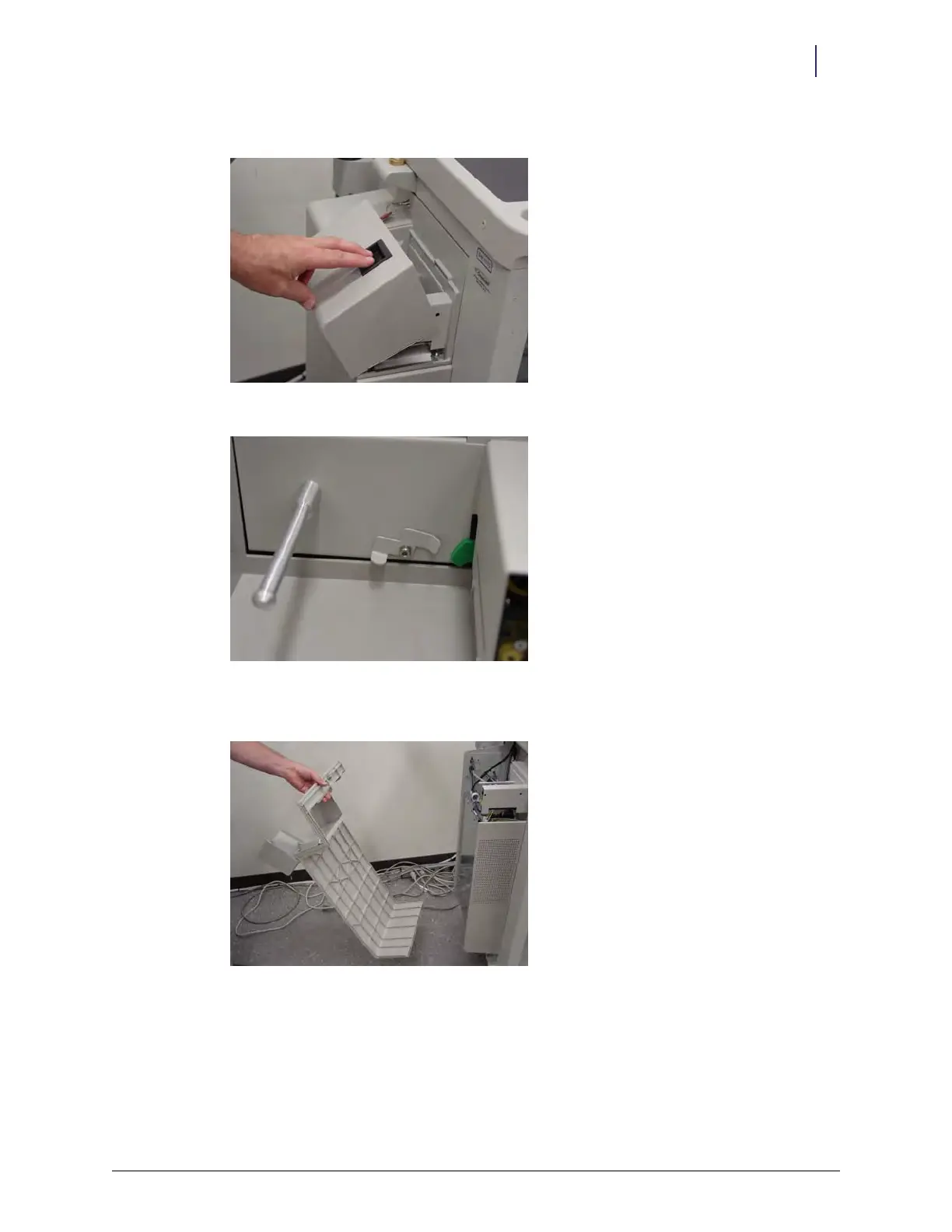
b. Open the printer door and rotate the lever on the back wall.
Figure 2-163. Opening printer door
Figure 2-164. Rotated lever
c. Tilt the cover back and pull it off.
Figure 2-165. Removing E-box cover



 To Next Page