© 2011 Omnicell, Inc. External Return Bin Installation and Service Guide/67-2038 Rev D
Installation Instructions 2-21
Installation on G3 Cabinets
One-, Two-, and Three-Cell Cabinets
There are restrictions for installing an ERB on tall (1-, 2-, and 3-cell) cabinets:
The cabinet must have a PC box with a monitor.
An ERB can be installed on either side of a single cell cabinet with a PC box. Reconfigure the
ERB if installing it on the left side. See “Cable Assembly Configuration” on page 2-1 for
instructions.
Install the ERB on the right side of a multi-cell cabinet configuration which always has the
cabinet with the PC box on the right side.
Attaching the ERB to the One-, Two-, and Three-Cell Cabinets
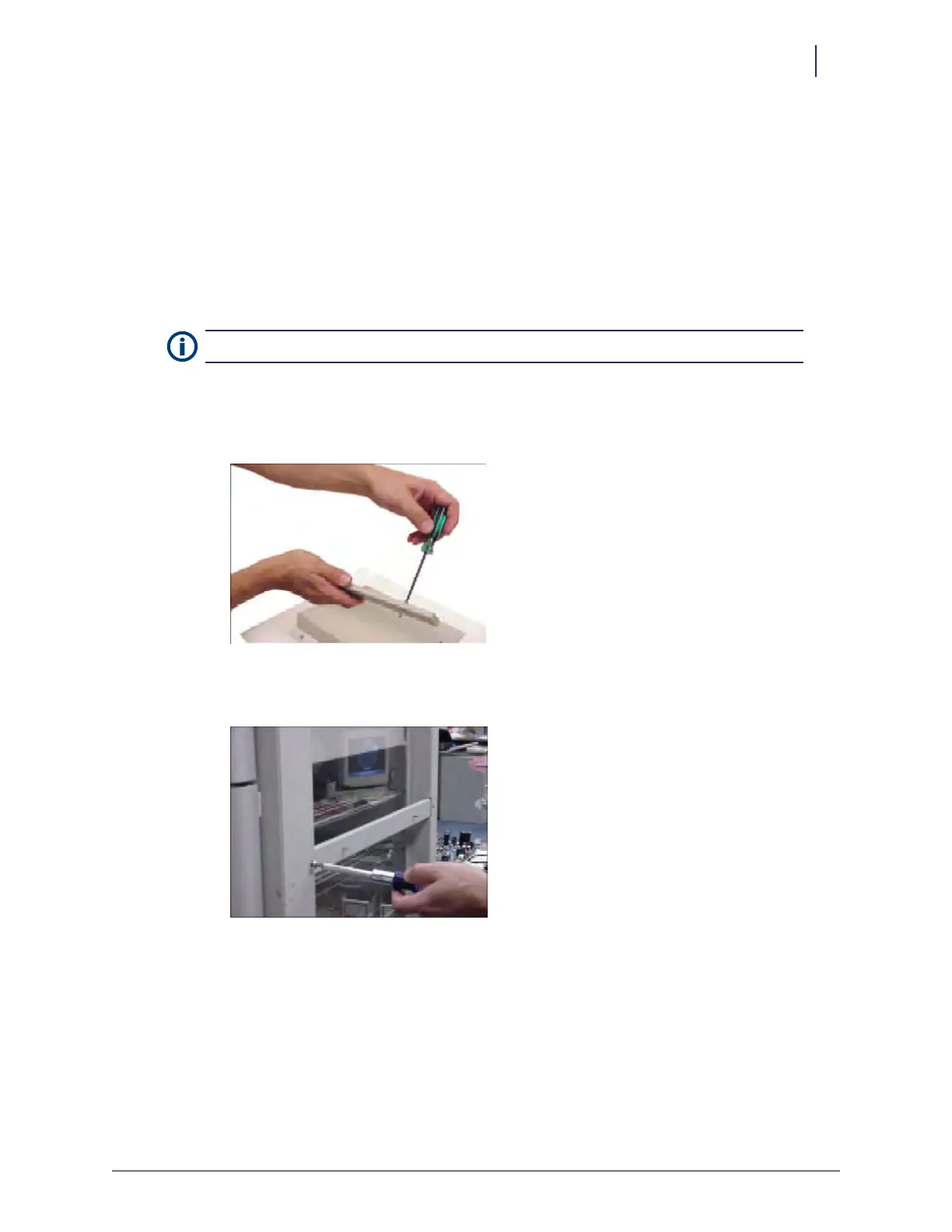
1. Assemble the two #8-32 x 3/8" socket head cap screws to the modified transport handle in the
kit.
Figure 2-53. Assembling the modified transport handle
2. Install the modified transport handle to the right side of the OmniSupplier cabinet.
Figure 2-54. Installing the modified transport handle
Note: A FlexLock cable can be used with an ERB.



 To Next Page