2-26 Installation Instructions
Installation on G3 Cabinets
External Return Bin Installation and Service Guide/67-2038 Rev D © 2011 Omnicell, Inc.
Anesthesia Workstation (AWS) G3
Attaching the ERB to the AWS G3
The ERB is attached to the left side of the AWS G3. Steps 2 through 16 describe reconfiguring the
cabling for installation on the left side.
1. Place the AWS bracket on the left side of the AWS and fasten to the side with four #8-32 x 3/16
buttonhead screws.
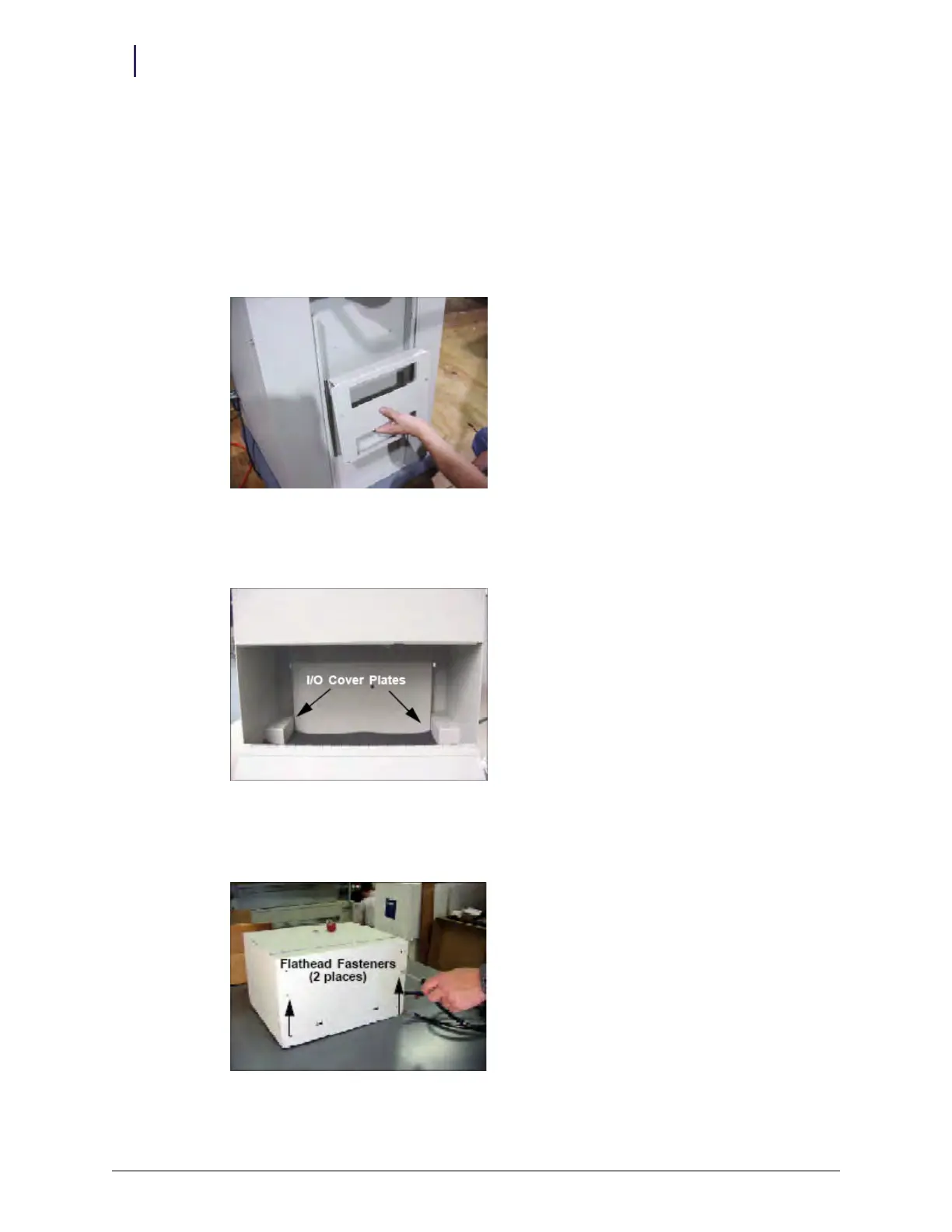
Figure 2-67. Placing the AWS bracket on the left side of the AWS G3
2. Open the ERB access door with both keys. Use key #2204 to unlock the access door and key
#2202 to override the solenoid. The I/O cover plates can be seen.
Figure 2-68. I/O cover plate locations
3. Lay the ERB down as shown in Figure 2-69, and unscrew the two 4-40 flat head fasteners from
under the ERB.
Figure 2-69. Unscrewing the fasteners



 To Next Page