© 2011 Omnicell, Inc. External Return Bin Installation and Service Guide/67-2038 Rev D
Installation Instructions 2-27
Installation on G3 Cabinets
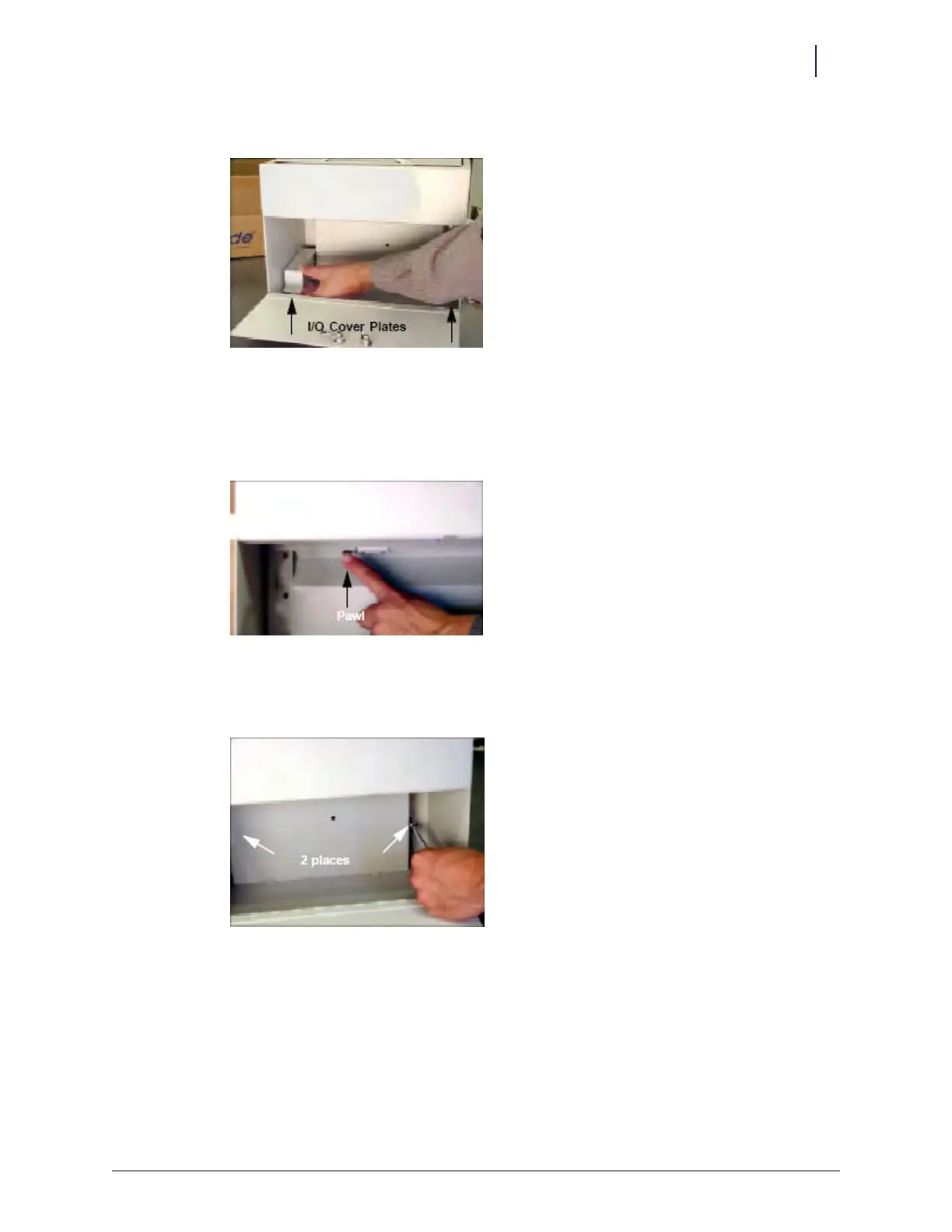
4. Turn the ERB upright and lift out both I/O cover plates.
Figure 2-70. Removing the I/O cover plates
5. Remove the PCB/solenoid metal mount.
a. Open the return door.
b. Push the pawl of the solenoid to the left.
Figure 2-71. Pushing the pawl
c. Loosen, but do not remove, the two nuts on either side of the PCB/solenoid plate with a
5/16" nut driver.
Figure 2-72. Loosening the nuts on both sides of the PCB/solenoid plate



 To Next Page