2-66 Installation Instructions
Installation on G4 Cabinets
External Return Bin Installation and Service Guide/67-2038 Rev D © 2011 Omnicell, Inc.
Cabling for the AWS G4 with the ERB Mounted in the Lower Position
1. Remove the worksurface from the AWS G4.
a. Move the monitor out of the way.
b. Use the cam lock key #2378 to unlock the worksurface.
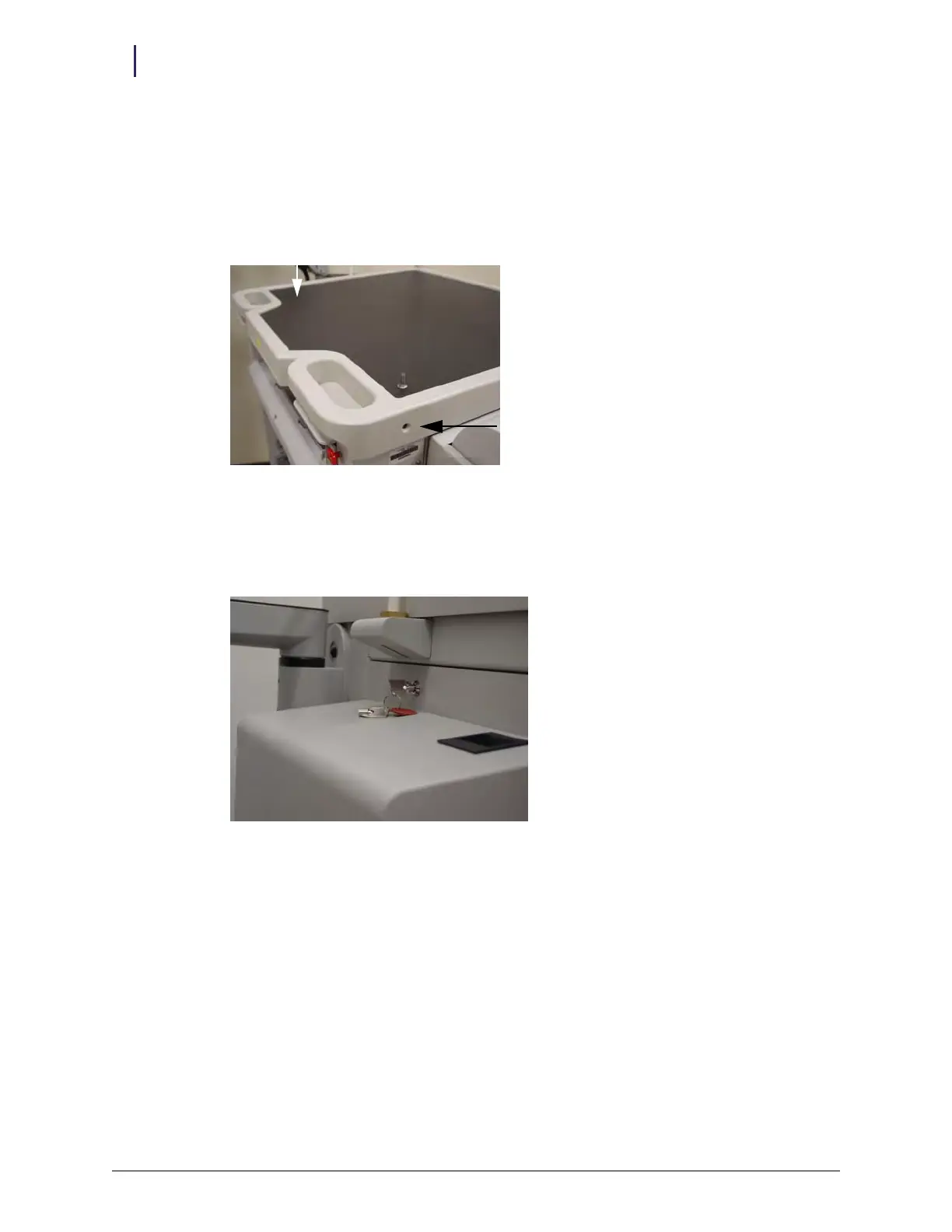
c. Remove the two front side screws.
Figure 2-161. AWS G4 worksurface with one of two screws removed
d. Pull the worksurface forward, then lift it up and away. Set it aside.
2. Remove the cover from the E-box.
a. Use cam lock key #2378 to unlock the E-box cover on the left side of the chassis.
Figure 2-162. Unlocking the E-box cover



 To Next Page