© 2011 Omnicell, Inc. External Return Bin Installation and Service Guide/67-2038 Rev D
Installation Instructions 2-17
Installation on G3 Cabinets
OmniRx
Attaching the ERB to the OmniRx
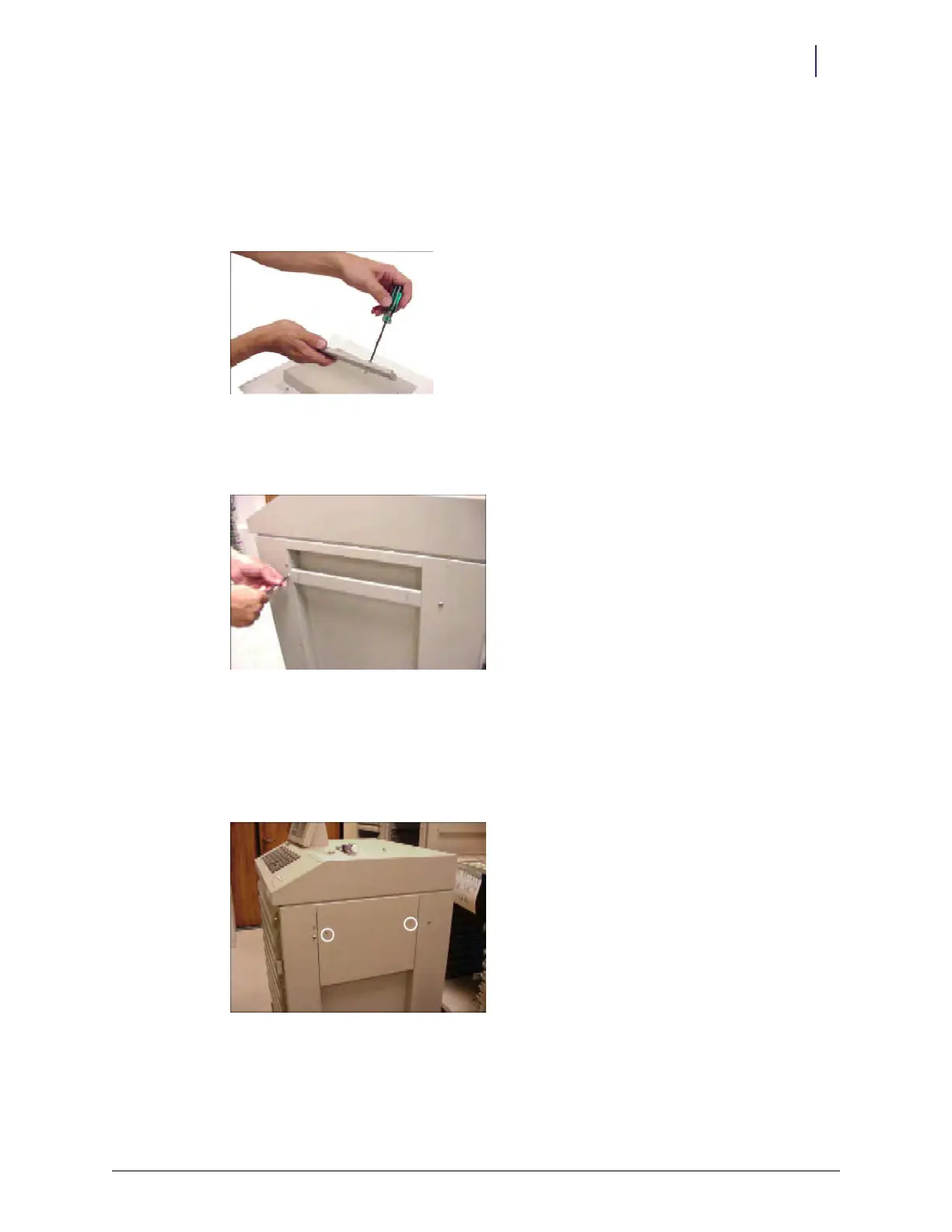
1. Preassemble the two #8-32 x 3/8" socket head cap screws to the modified transport handle in
the kit.
Figure 2-44. Assembling the transport handle
2. Remove the screws that secure the original transport handle on the right side of the OmniRx
Color Touch cabinet.
Figure 2-45. Removing the original transport handle
3. Remove the original transport handle and replace it with the modified transport handle.
4. Secure the new handle with the screws removed in step 2.
5. Place the mounting plate over the modified transport handle. Align the drilled holes over the
studs on the handle.
Figure 2-46. Mounting plate



 To Next Page