2-10 Installation Instructions
Installation on G3 Cabinets
External Return Bin Installation and Service Guide/67-2038 Rev D © 2011 Omnicell, Inc.
Cabinet Preparation
1. Perform a graceful shutdown on the cabinet that is to have an ERB mounted.
2. Unplug the power cable.
3. Refer to the Omnicell Drug Handling Policy and Procedures for information regarding the
removal of drugs from the internal return bin drawer.
4. Empty the contents of the internal return bin drawer if it exists.
Installation on G3 Cabinets
This section contains ERB installation instructions for various G3 cabinet types. For installation
on G3 cabinets that have the new G4 E-box, see “Installation on G3 Cabinets with G4 Console
Upgrade” on page 2-40. For installation on G4 cabinets, see “Installation on G4 Cabinets” on
page 2-45.
This section describes installation procedures for the following:
“OmniTT” on page 2-10
“OmniRx” on page 2-17
“Half-Cell” on page 2-19
“One-, Two-, and Three-Cell Cabinets” on page 2-21
“Anesthesia Workstation (AWS) G3” on page 2-26
OmniTT
Attaching the ERB to the OmniTT
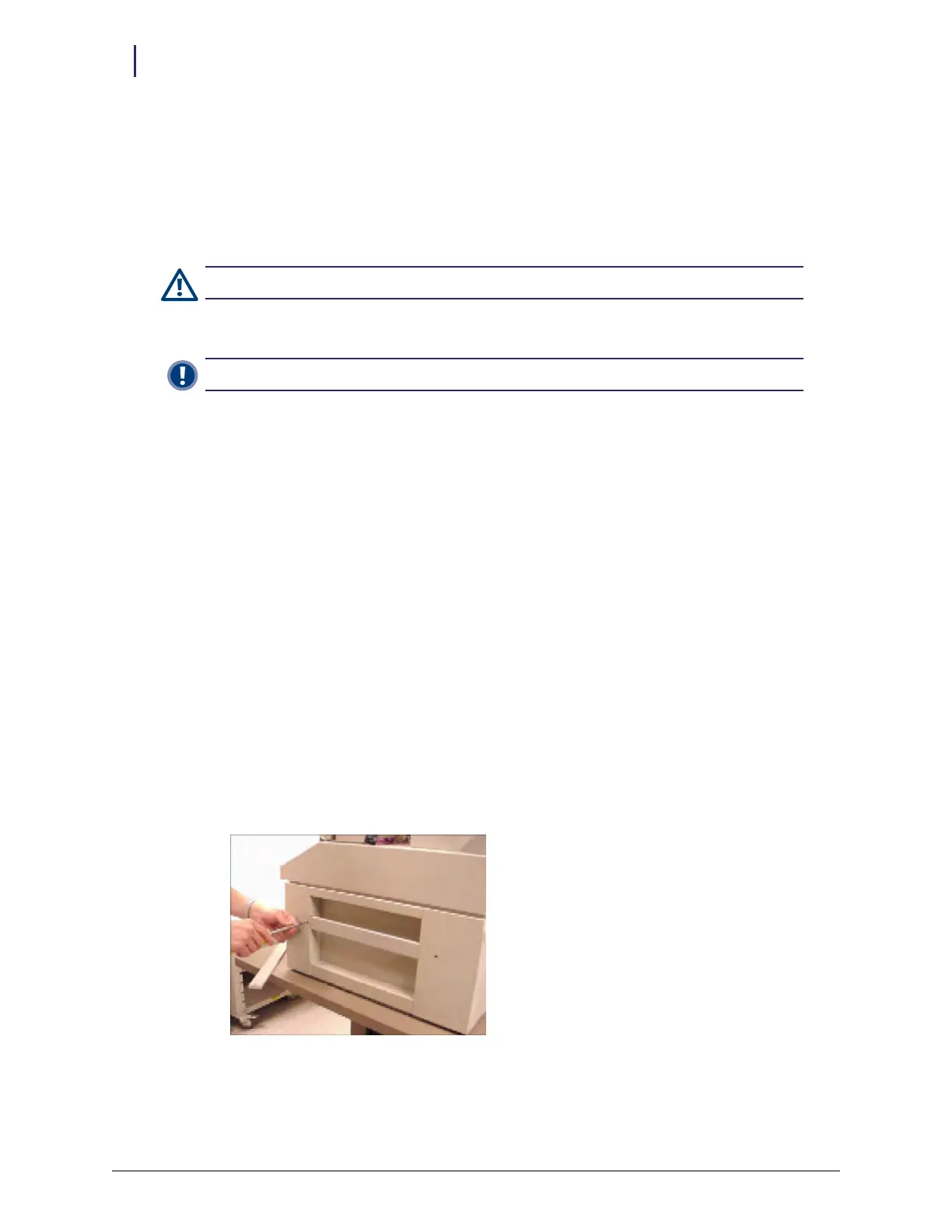
1. Remove the two screws securing the transport handle on the right side of the OmniTT Color
Touch cabinet, then remove the original transport handle.
Figure 2-26. Removing the original transport handle
Caution: The pharmacist must be present when servicing any drawers where medication is present.
Important: Once the ERB is enabled, the internal return bin is no longer accessible.



 To Next Page