© 2011 Omnicell, Inc. External Return Bin Installation and Service Guide/67-2038 Rev D
Installation Instructions 2-9
Setup
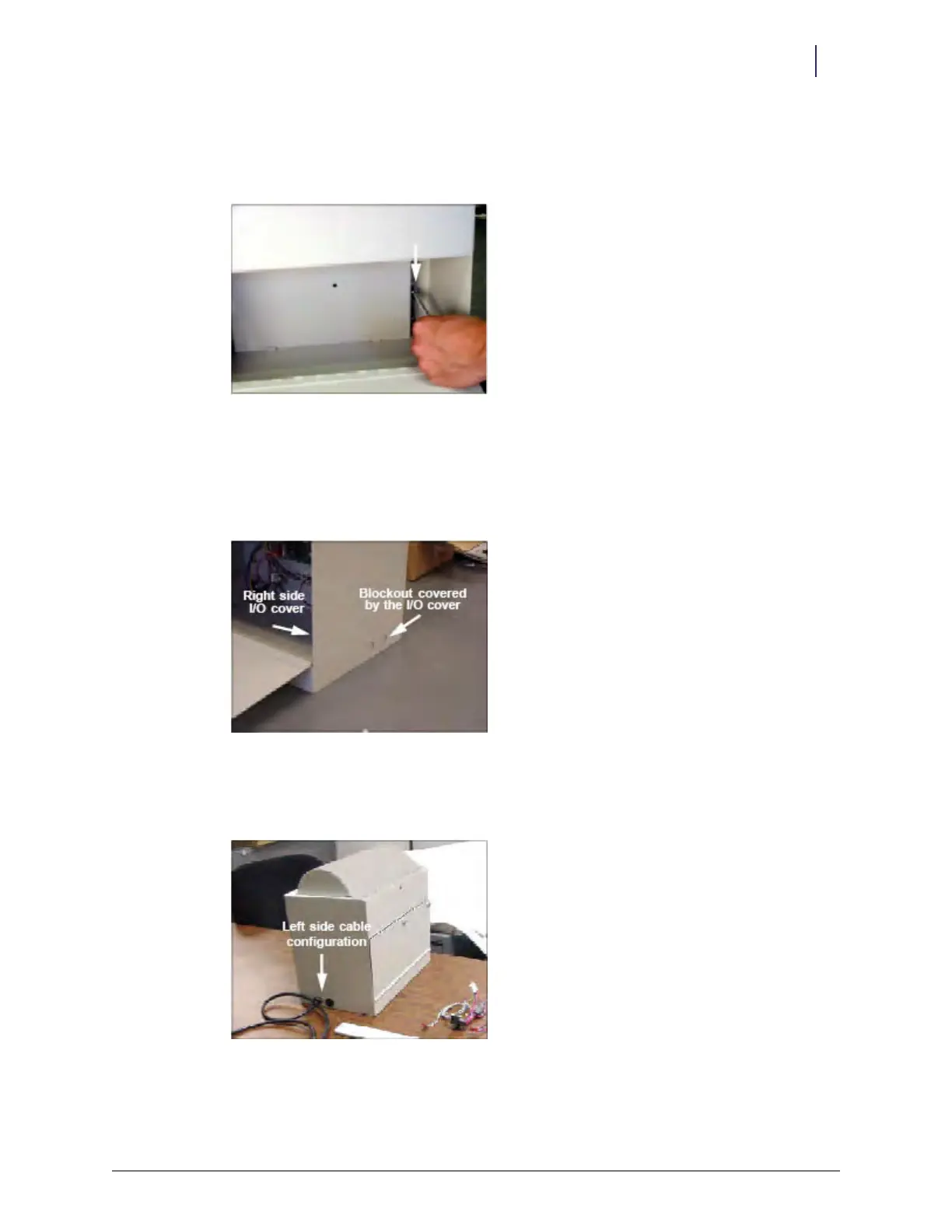
20. Maneuver the plate onto the two studs behind the nuts and position the bottom rim behind the
sheet metal tabs. Be careful not to pinch the wires behind the plate.
21. Tighten the two loose nuts with a 5/16" nut driver.
Figure 2-23. Tightening the nuts
22. Install the right I/O cover plates.
23. Secure the right I/O cover plates with the 4-40 flat head fastener removed in step 3 on
page 2-2. The side that does not have the cable installed has the two D cutouts covered by the
I/O cover.
Figure 2-24. Covered cutouts
24. Close the return door.
25. Check that the solenoid lock mechanism is latching correctly.
Figure 2-25. Complete assembly



 To Next Page