2-8 Installation Instructions
Setup
External Return Bin Installation and Service Guide/67-2038 Rev D © 2011 Omnicell, Inc.
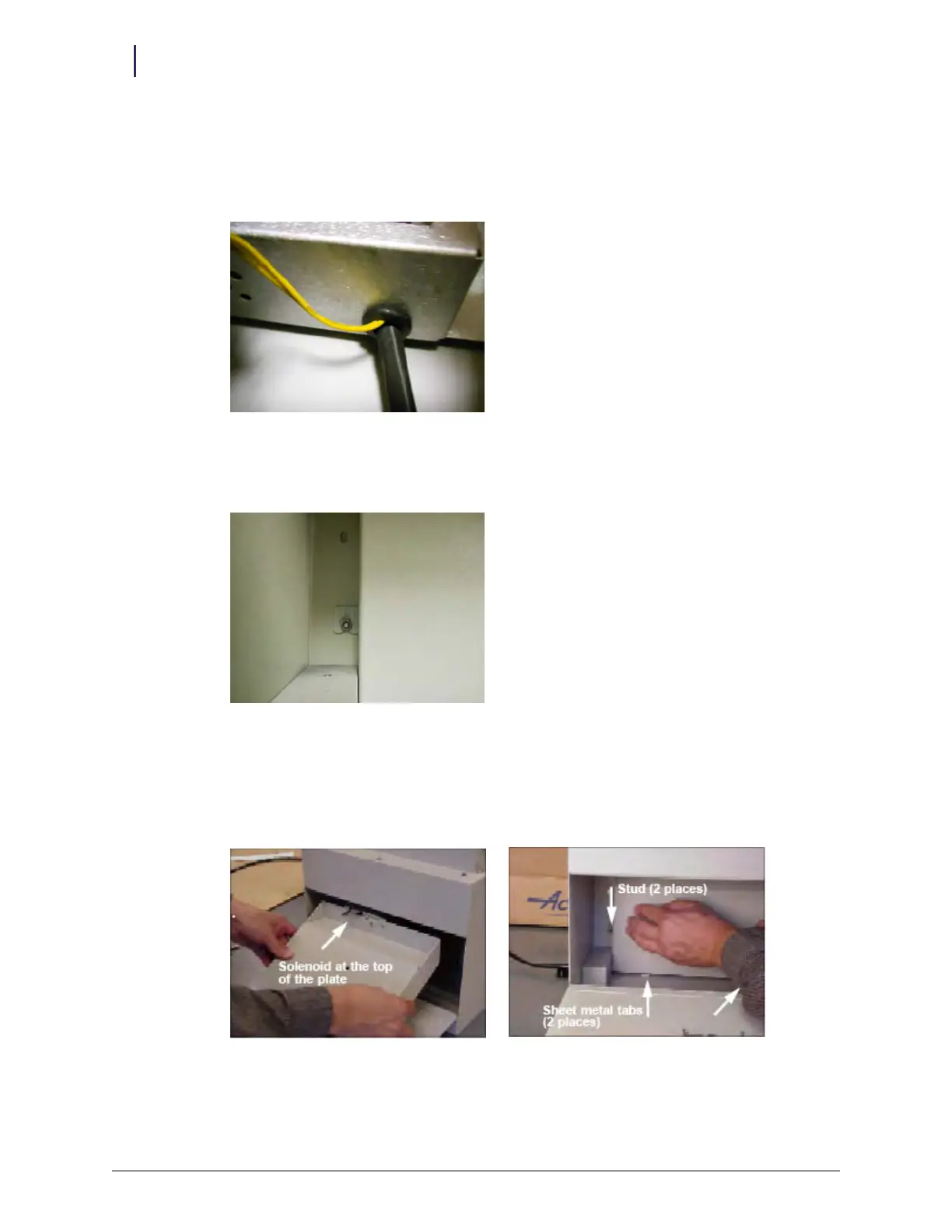
18. Reinstall the RFI cover.
a. Slide the two grommets back into the keyhole openings on the top and bottom of the RFI
cover. Hold the RFI cover over the studs against the rear wall. Make sure wires are not
pinched.
Figure 2-20. RFI rubber grommet
b. Reconnect the 2 position yellow wire solenoid cable, and slide the internal cover over the
studs.
Figure 2-21. Sliding RFI over studs
c. Retighten the two hex nuts. Tighten using the 5/16” nut driver or socket.
19. Reinstall the PCB/solenoid mount with the solenoid inserted first into the ERB housing,
clearing the return door. Keep the external return door open while reinstalling the mount
plate.
Figure 2-22. Installing the PCB/solenoid mount



 To Next Page