2-46 Installation Instructions
Installation on G4 Cabinets
External Return Bin Installation and Service Guide/67-2038 Rev D © 2011 Omnicell, Inc.
Cabling for the OmniTT G4
If possible the ERB should be installed on the left side (monitor side) of the OmniTT G4, to
maximize strain relief.
Cabling for the ERB on the Left Side of the Cabinet
1. Reconfigure the cabling in the ERB as described in “Cable Assembly Configuration” on
page 2-1.
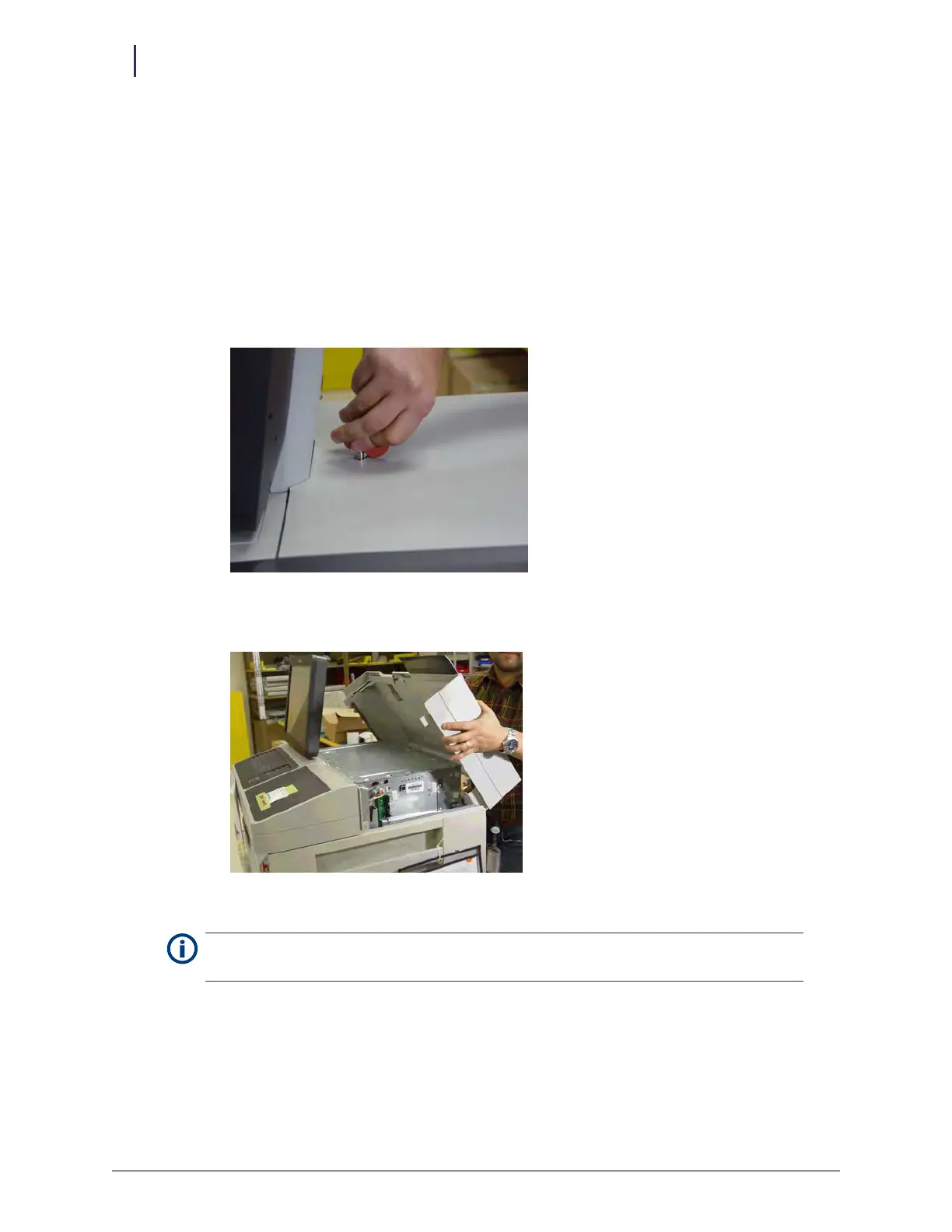
2. Remove the lid from the cabinet.
a. Use the #2378 cam lock key to unlock the lid.
Figure 2-115. Unlocking the lid
b. Rotate the lid up, and lift it from the hooks that hold it.
Figure 2-116. Removing the lid
c. Place the lid aside.
Note:
Although it is possible to prop the cover open with the kick stand, removing it provides better
access.



 To Next Page