2-28 Installation Instructions
Installation on G3 Cabinets
External Return Bin Installation and Service Guide/67-2038 Rev D © 2011 Omnicell, Inc.
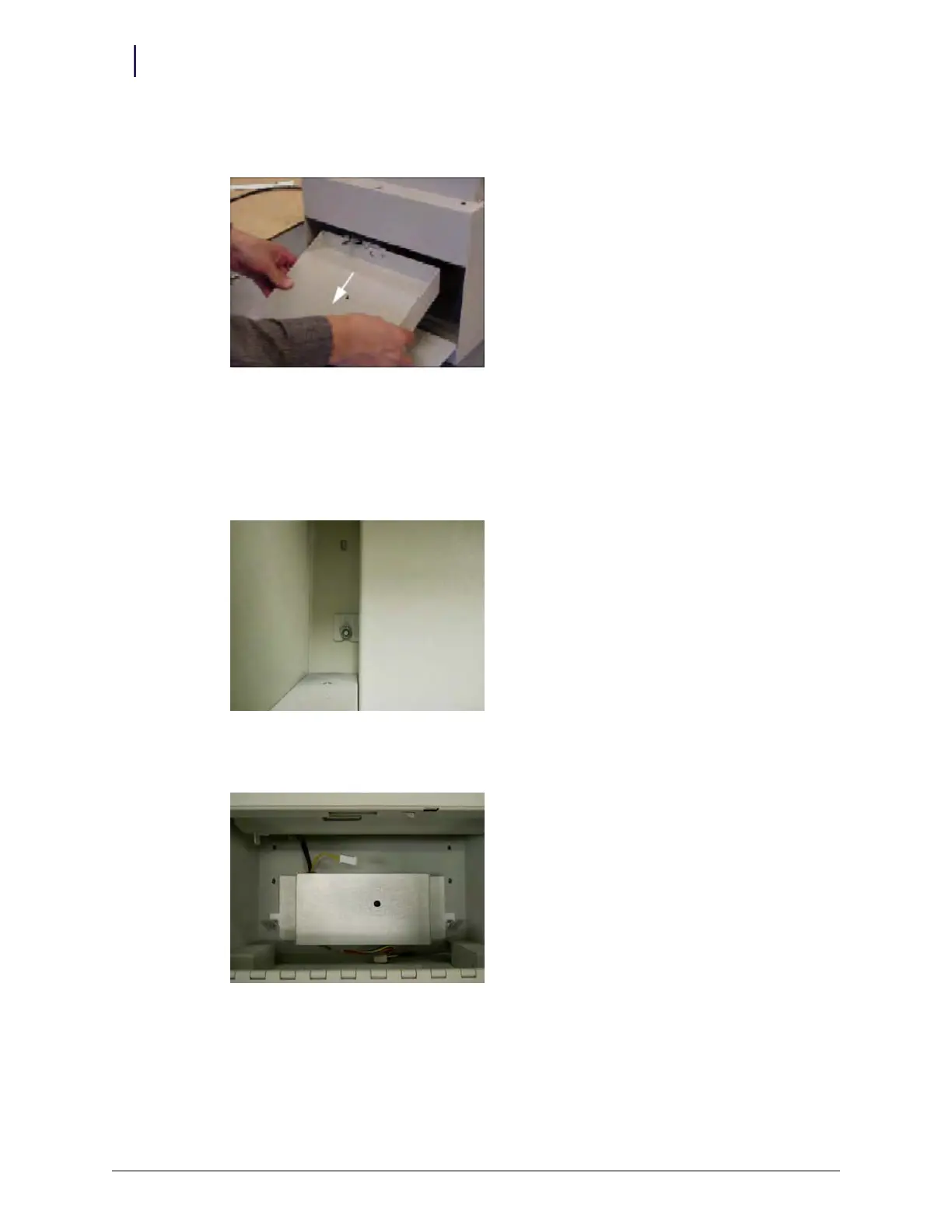
d. Maneuver the PCB/solenoid mount around the sheet metal tabs and nuts. Remove the
lower rim first.
Figure 2-73. Removing the PCB/solenoid mount
Under the PCB/solenoid mount is an internal cover to reduce the radiated emissions level.
6. Remove the RFI cover that is under the PCB/solenoid mount.
a. Loosen the two hex nuts on either side of the internal cover using a 5/16” nut driver or
socket.
Figure 2-74. Loosening hex nuts
b. Disconnect the yellow solenoid cable for convenience.
Figure 2-75. Disconnecting solenoid cable



 To Next Page