© 2011 Omnicell, Inc. External Return Bin Installation and Service Guide/67-2038 Rev D
Installation Instructions 2-29
Installation on G3 Cabinets
c. Lift the RFI cover off the two studs. Slide the wiring rubber grommets down the two
keyhole slots and remove the RFI cover completely.
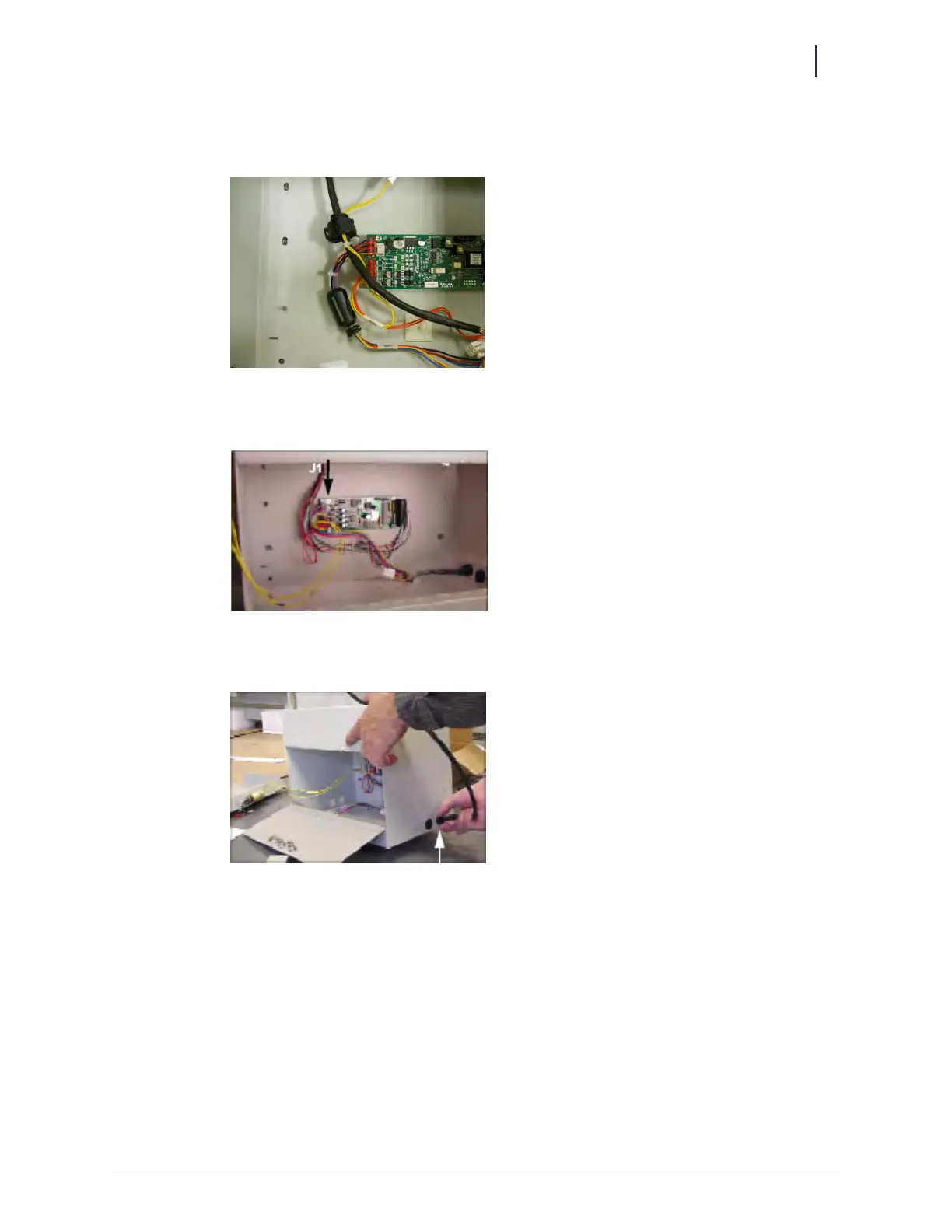
Figure 2-76. PC board with RFI cover removed
7. Unplug the PowerCom cable from J1 on the PC board.
Figure 2-77. J1 location on the PC board
8. Remove the gray PowerCom cable from the right side of the ERB and set it aside.
Figure 2-78. Removing the PowerCom cable
9. Squeeze and pull the black grommet to remove it from the opening.



 To Next Page