Operation
67
Fixed IP mode
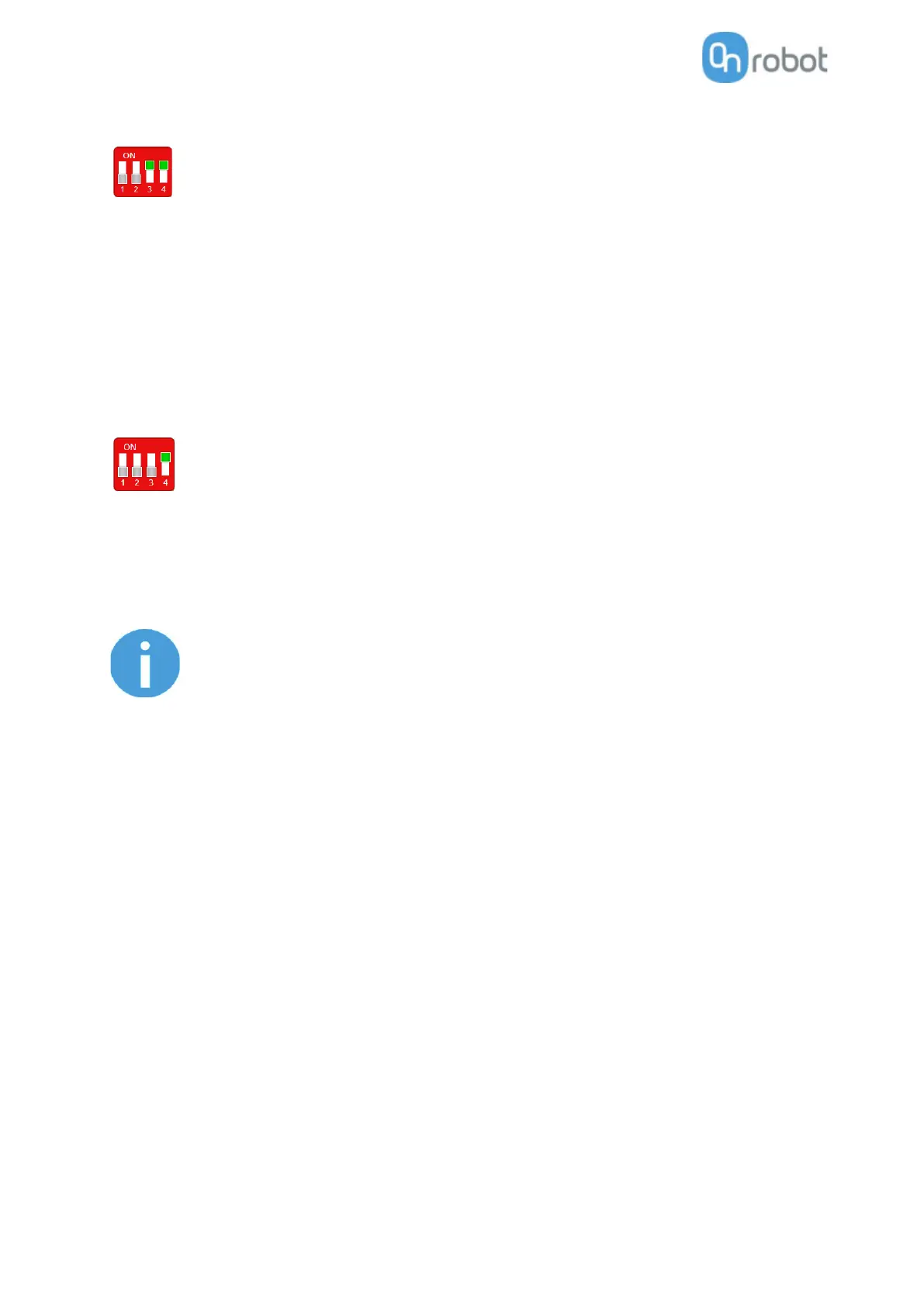
Set the DIP switch 3 and 4 in ON position and cycle the power for the changes to take effect.
In this case the IP address of the Compute Box is set to 192.168.1.1 (subnet mask is
255.255.255). Both the DHCP Client and Server options are disabled.
Make sure to set the robot/computer IP address manually. To have a proper communication the
robot/computer IP address must be in the range of 192.168.1.2 - 192.168.1.254.
Example robot/computer setting:
IP address: 192.168.1.2
Subnet mask: 255.255.255.0
Other settings like Gateway, DNS Server, etc. could be kept empty or set to 0.0.0.0.
Advanced mode
Set the DIP switch 3 in OFF and DIP switch 4 in ON position and cycle the power for the changes
to take effect.
In this case the IP address of the Compute Box could be set to any value by using the Web Client. For more
details see section Configuration menu.
In this mode, the DHCP server option is disabled.
Make sure to have a matching IP setting to your robot/computer network for a proper communication.
If the Compute Box become unreachable (due to improper or forgotten
IP settings), switch to Fixed IP mode to reset the IP setting.



 To Next Page