Operation
70
7.4 OnRobot WebLogic menu
There are two tabs to choose from:
• Browser - manage (import/export, etc.) the WebLogic programs
• Program Editor - create/edit or run WebLogic programs
In the following these two will be described.
7.4.1 Browser
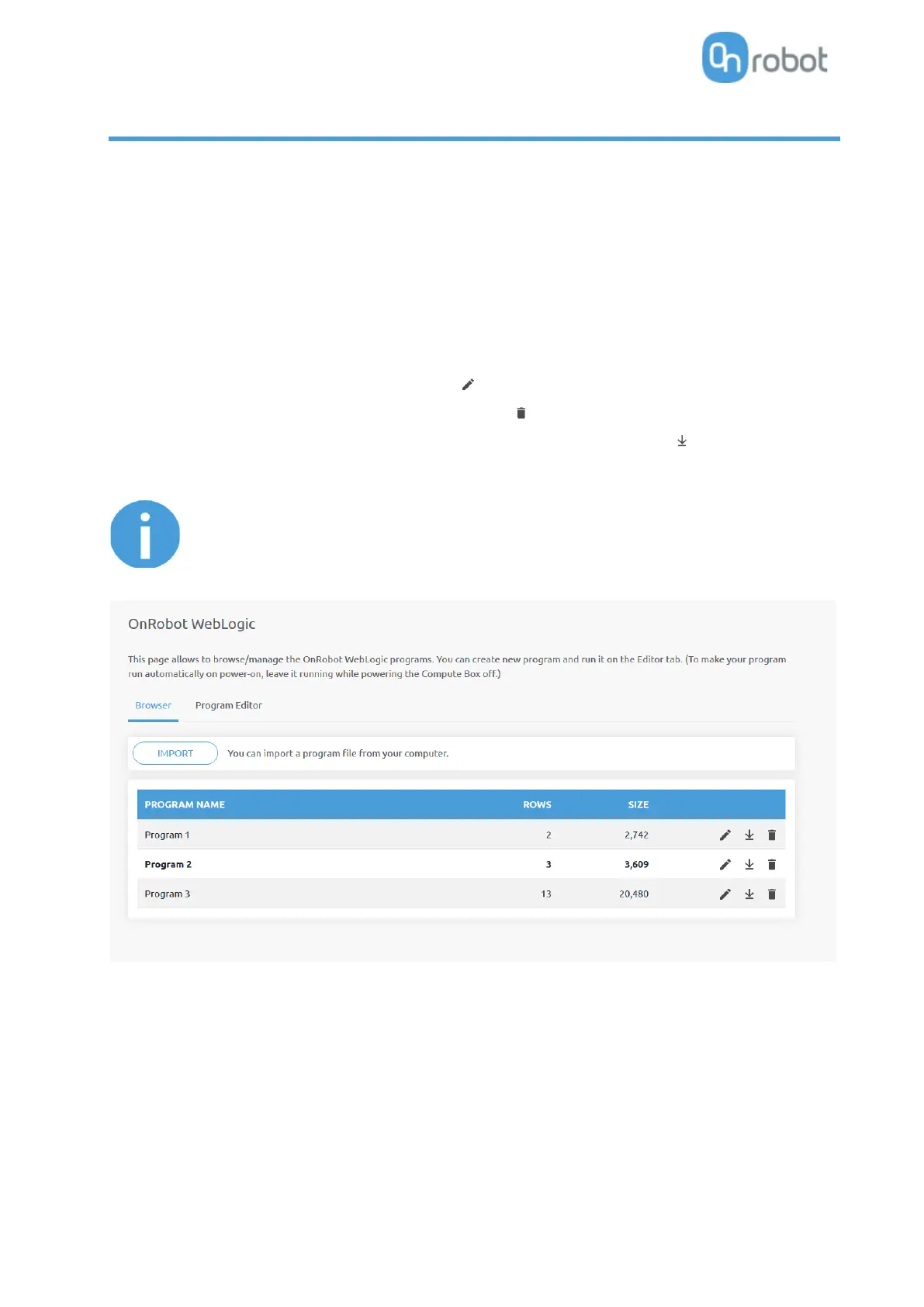
This tab lists the WebLogic programs that are stored on the Compute Box.
• To create a new program, go to the Program Editor tab.
• To edit a stored program, click on the pencil icon and it will be loaded in the Program Editor
• Any program can be deleted by clicking on the trash icon.
• Programs can be exported to your computer by clicking on the down arrow icon.
• Exported programs can be imported with the Import button.



 To Next Page