Installation
30
4.4.3 Configure the Robot as an Adapter
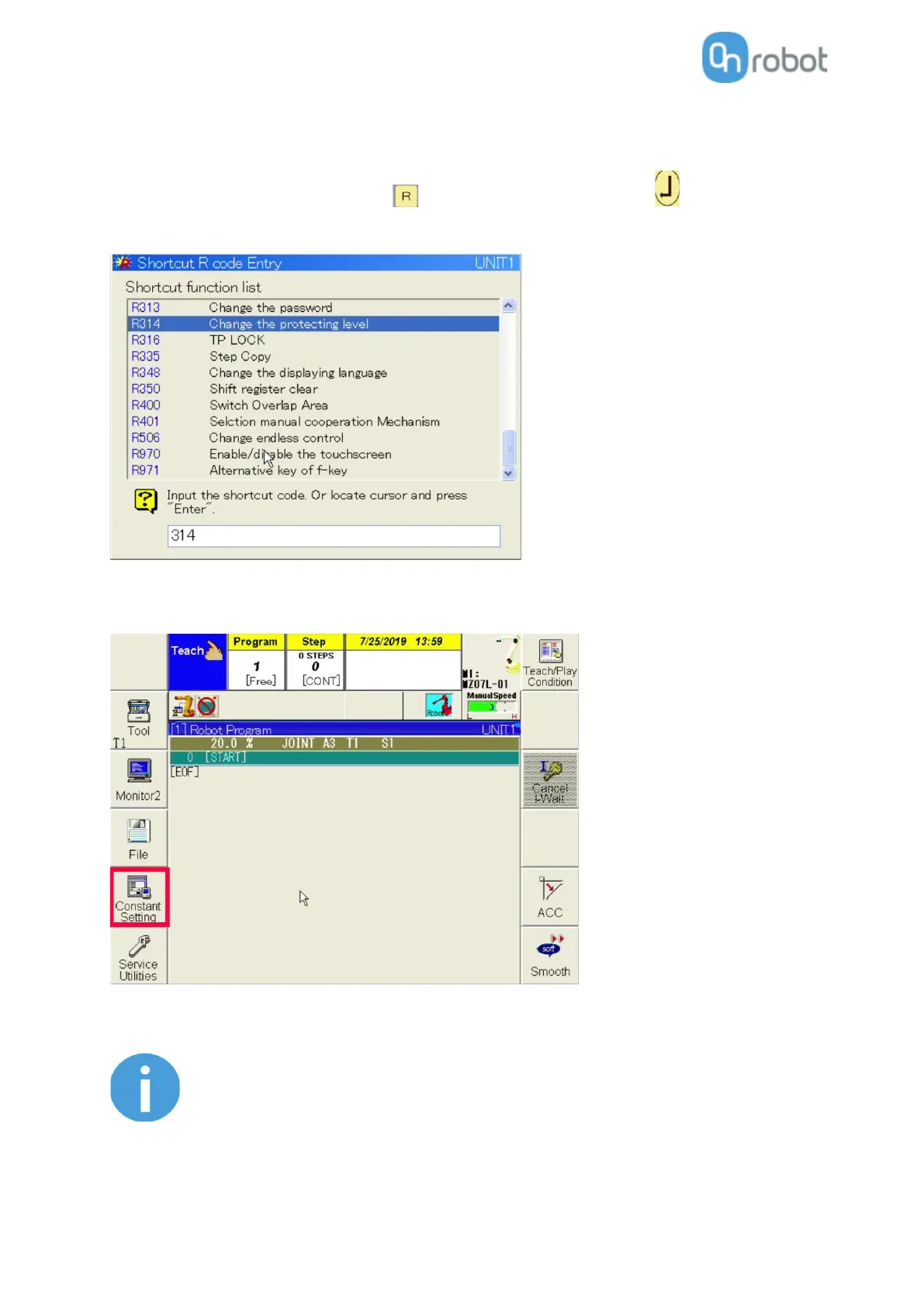
To access the communication settings Expert or Specialist protection level is needed.
To change the protection level press the button then enter 314 and press (Enter) button.
The default password is 12345.
Now the Fieldbus can be initialized.
Go to Constant setting > Communication > Fieldbus.
Select the EtherNet/IP card installed in your robot controller for Channel 1 (in this case
AnyBusEtherNet/IP).
The AnyBus EtherNet/IP card can be mapped into other Channel than the
first, but in this case OR_init(…,fieldbusCH) needs to be set
accordingly. For more information about the channels please see the FD
CONTROLLER INSTRUCTION MANUAL EtherNet/IP Function – (TFDEN-
122-005_EtherNetIP.pdf / Chapter 3.1.x).



 To Next Page