If no Digital Input type of condition is needed set DI1-DI8 to don't care.
For Device specific values first set the Select device by clicking on the arrow icon.
The list contains only the connected devices. If you would like to
select a device that is not currently connected check the Show all
devices checkbox.
For RG2/6, VG10 / VGC10 and Gecko there are three numbers after the device name:
• 0 - If the device is mounted on a Quick Changer or a HEX-E/H QC
• 1 - If the device is mounted on the Primary side of a Dual Quick Changer
• 2 - If the device is mounted on the Secondary side of a Dual Quick Changer
If a Device specific value type condition is not needed set it to
-- Not selected -- and it will give true result.
Commands
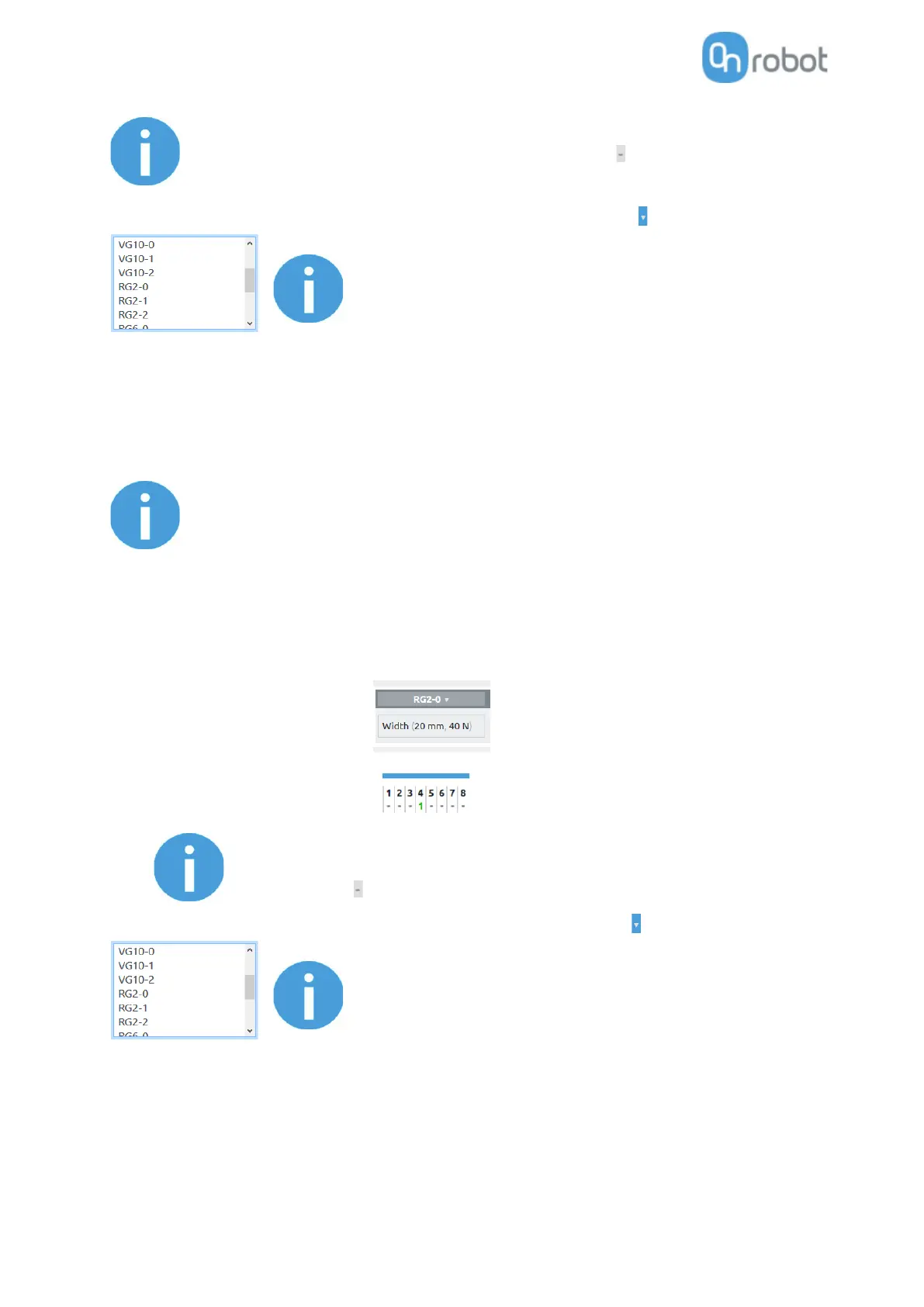
Commands are the input fields marked with gray.
There are two types of commands:
• Device specific value type - like (set RG2 width 77 mm and with force = 20N)
• Digital Output type - like DO4=1 (set Digital Output 4 to logic high)
Both types are always executed so make sure that the not relevant part
is always set to Don't change or -- Not selected --.
For Device specific value first set the Select device by clicking on the arrow icon.
The list contains only the connected devices. If you would like to
select a device that is not currently connected check the Show all
devices checkbox.
For RG2/6, VG10 / VGC10 and Gecko there are three numbers after the device name:
• 0 - If the device is mounted on a Quick Changer or a HEX-E/H QC
• 1 - If the device is mounted on the Primary side of a Dual Quick Changer
• 2 - If the device is mounted on the Secondary side of a Dual Quick Changer



 To Next Page