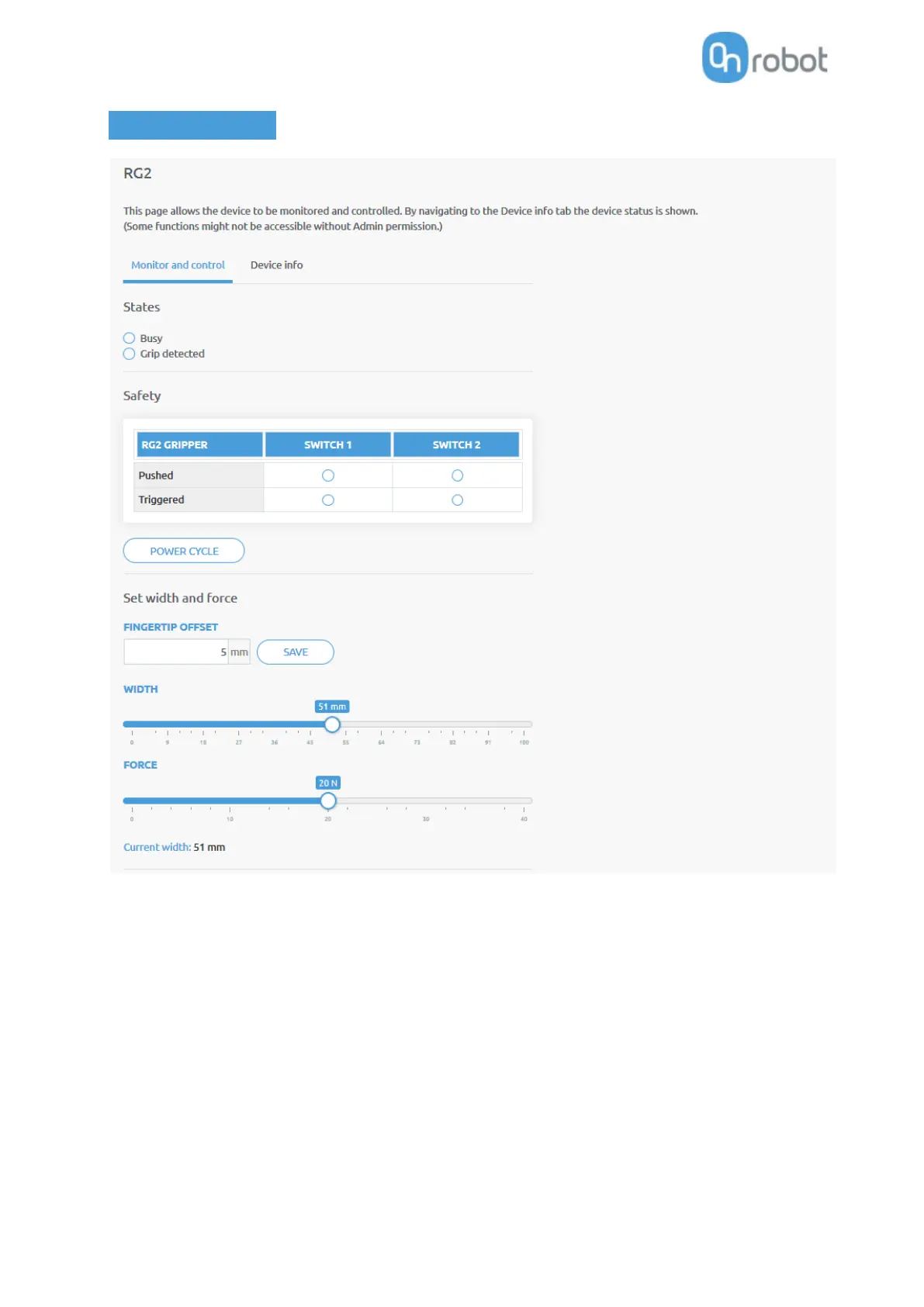
The state of the gripper could be:
• Busy - the gripper is moving
• Grip detected - the set force limit is reached but the set width is not.
The status of the two safety switch shows:
• Pushed - the safety switch 1/2 is still being pushed
• Triggered - the safety switch 1/2 has been activated and gripper is stopped.
To recover from a Triggered state:
• Check if any of the safety switch is being pushed
• If yes, remove the object pushing the switch



 To Next Page