118 Infotainment system
Time and date settings
Press p and then select 1 in the top
left corner of the screen to display the
application overview screen.
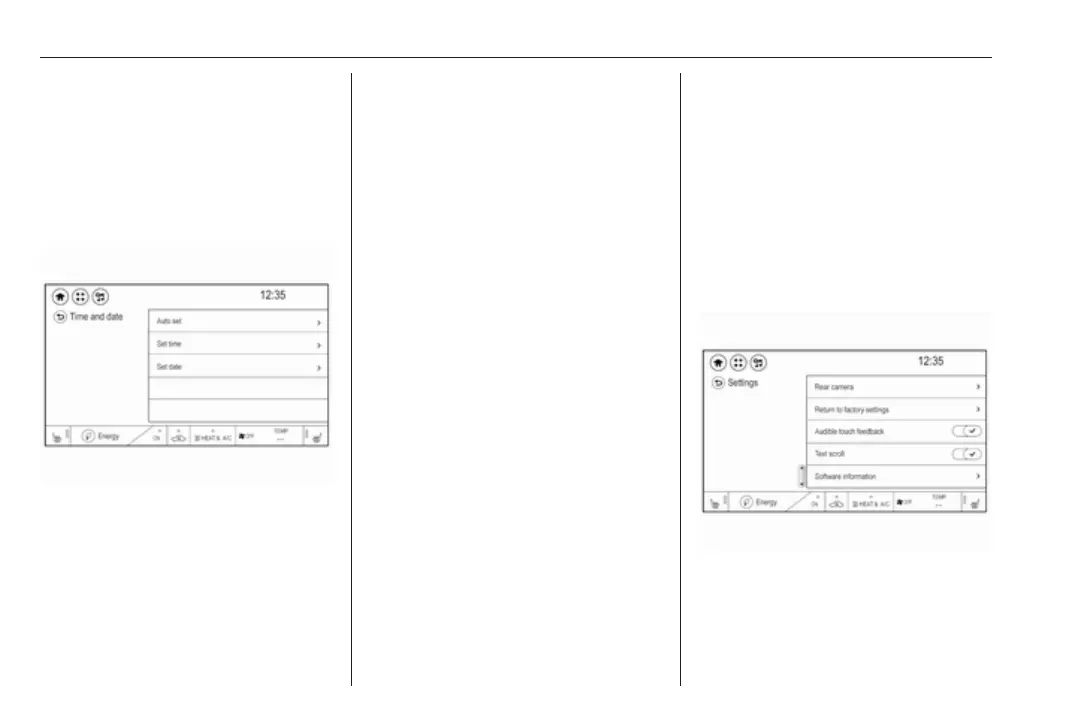
Select Settings and then Time and
date to display the respective
submenu.
Auto set
To choose whether time and date are
to be set automatically or manually,
select Auto set.
For time and date to be set
automatically, select On - RDS.
For time and date to be set manually,
select Off - Manual. If Auto set is set
to Off - Manual, the submenu items
Set time and Set date are available.
Set time
To adjust the time and date settings,
select Set time.
Select the time format at the left side
of the screen. Activate 12 hr or 24 hr.
Touch + and - to adjust the time
settings.
Set date
To adjust the time and date settings,
select Set date.
Touch + and - to adjust the date
settings.
Language settings
Press p and then select 1 in the top
left corner of the screen to display the
application overview screen.
Select Settings and then Language to
display the respective menu.
To adjust the language for the menu
texts: touch the desired language.
Text scroll function
If long text is displayed on the screen
e.g. song titles or station names, the
text may either be scrolled continually
or it may be scrolled once and then
displayed in truncated form.
Press p and then select 1 in the top
left corner of the screen to display the
application overview screen.
Select Settings.
If you wish the text to be scrolled
continually, activate Text scroll.
If you wish the text to be scrolled in
blocks, deactivate the setting.



 To Next Page