Infotainment system 119
Display Settings
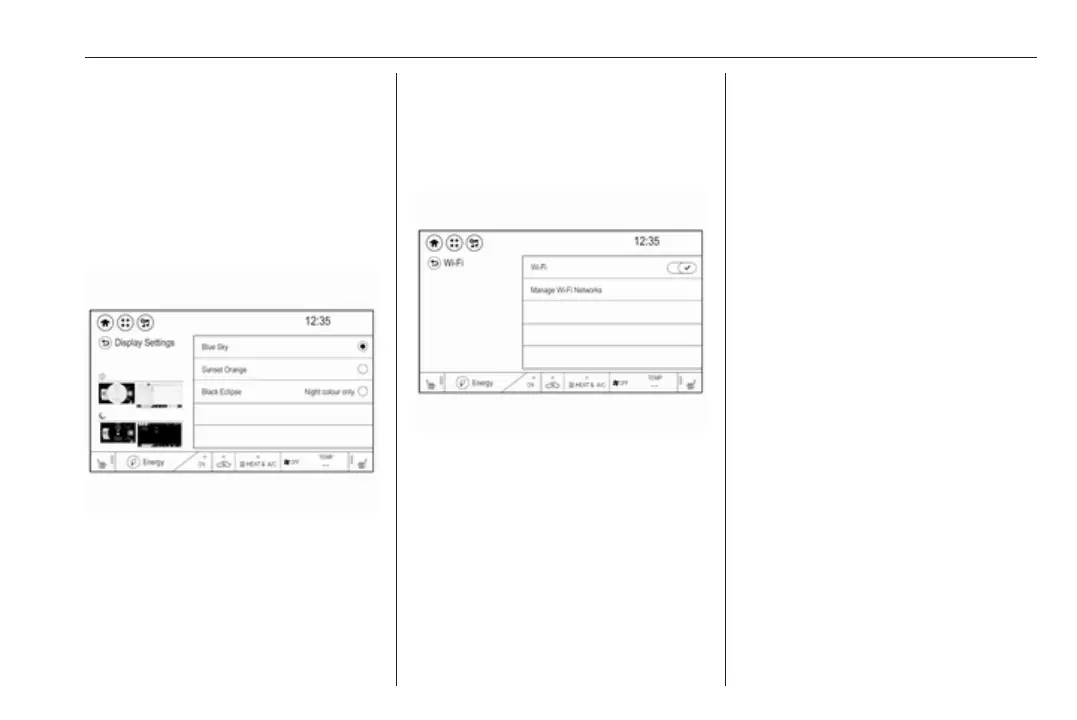
There are different display options
available.
Press p and then select 1 in the top
left corner of the screen to display the
application overview screen.
Select Settings. Scroll through the list
and select Display Settings.
Select the desired option.
Wi-Fi settings
Using the Wi-Fi menu, you can
establish a connection to an available
Wi-Fi network.
Press p and then select 1 in the top
left corner of the screen to display the
application overview screen.
Select Settings and then Wi-Fi to
display the respective submenu.
Configuration of Wi-Fi
Activate or deactivate Wi-Fi.
Note
A Wi-Fi connection can only be
established if Wi-Fi is activated.
Wi-Fi networks
To display a list of available Wi-Fi
networks, select Manage Wi-Fi
Networks.
To register a new network, select Add
Another Network. Follow the
instructions on the screen and enter
the network name, security type and
password. The new network appears
in the list.
To reload the existing list, select
Refresh.
To display more information on a
network, select i.
To delete a network from the list,
select Delete.
Factory defaults
Press p and then select 1 in the top
left corner of the screen to display the
application overview screen.
Select Settings. Scroll through the list
and select Return to factory settings.
To restore all vehicle personalisation
settings, select Reset vehicle
settings.
To delete the paired Bluetooth
devices and all related data, select
Clear all private data.



 To Next Page