Keys, doors and windows 25
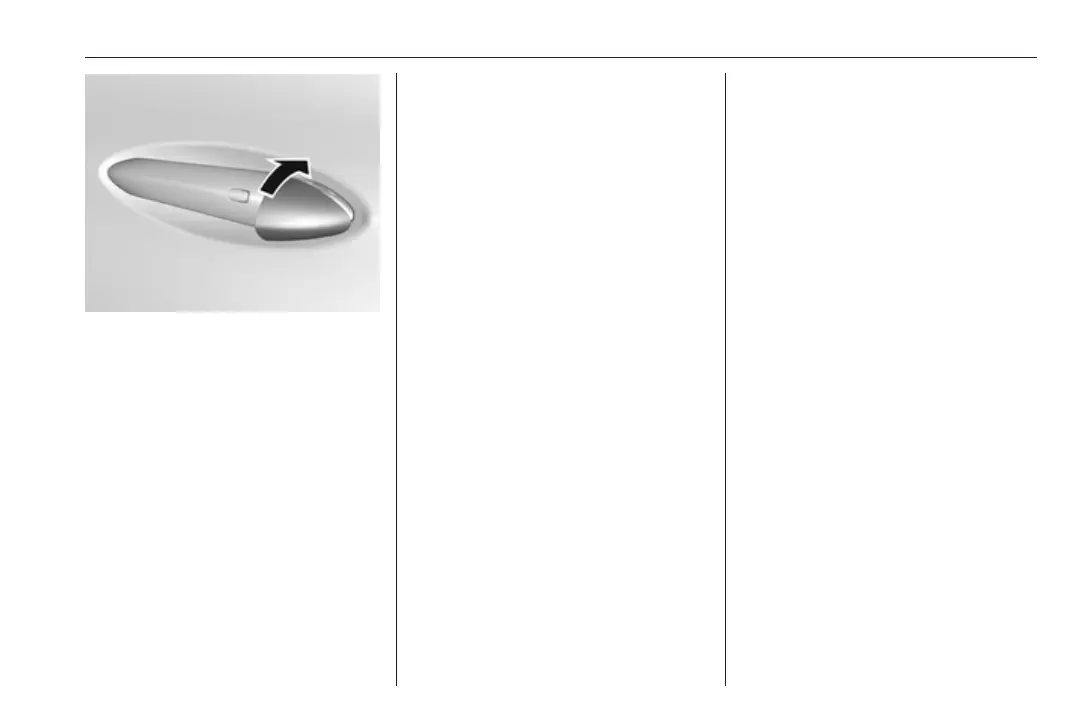
After locking, cover the lock cylinder
with the cap: insert the cap with the
lower side in the recesses, swivel and
push the cap until it engages at the
upper side.
Delayed locking
This feature delays the actual locking
of the doors and arming of the anti-
theft alarm system for five seconds
when the power door lock switch or
electronic key is used to lock the
vehicle.
Delayed locking can only be turned
on when the Unlocked door anti
lockout feature has been turned off.
This can be changed in the vehicle
settings.
Vehicle personalisation 3 92.
On: When pressing the central
locking button ), three chimes will
sound to signal delayed locking is
activated.
The doors will not lock until five
seconds after the last door is closed.
Delayed locking can be temporarily
overridden by pressing the central
locking button ) or ) on the
electronic key.
Off: The doors will lock immediately
when pressing the central locking
button ) or ) on the electronic key.
Automatic locking
Automatic locking after driving off
This security feature can be
configured to automatically lock all
doors, load compartment and charge
port door after the shift lever is moved
out of P.
When at a standstill after driving, the
vehicle will be unlocked automatically
as soon as the vehicle is switched off.
Activation or deactivation of
automatic locking can be set in the
menu Settings, I Vehicle in the Info
display.
Info display 3 86.
Vehicle personalisation 3 92.
The setting can be saved for the
electronic key being used 3 20.
Automatic relock after unlocking
This feature can be configured to
automatically lock all doors, load
compartment and charge port door a
short time after unlocking with the
electronic key, provided no door has
been opened.
Activation or deactivation of
automatic relock can be set in the
menu Settings, I Vehicle in the Info
display.
Info display 3 86.
Vehicle personalisation 3 92.
The setting can be saved for the
electronic key being used 3 20.



 To Next Page