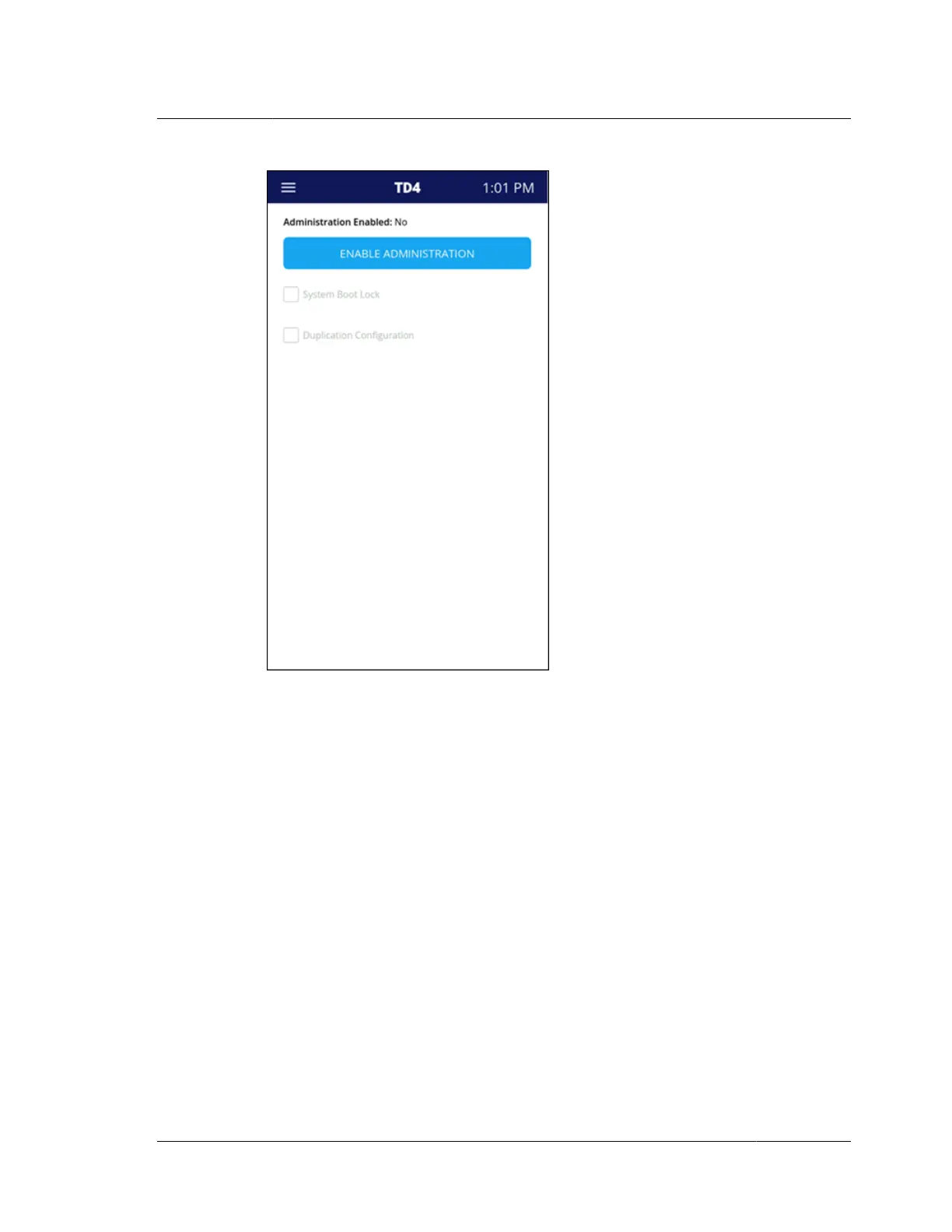
Tap Enable Administration to get started. The first step is to set a six-digit
Administration PIN. The PIN must be entered twice to ensure accuracy.
Once Administration is enabled, the following areas can be selected to block access
to anyone without the PIN:
System Boot Lock: If selected, the unit will boot directly to the PIN pad, and the
Administrator PIN will need to be entered to use the unit.
Duplication Configuration: If enabled, the following Duplication settings will
require the Administrator PIN to make any changes:
Hashes
‘Duplicate’ File Type
Max File Size
Error Recovery
Compression
Evidence File Path
Readback Verification
3.2. Configuring TD4
ISTD230100-UGD-EN-1
User Guide
23



 To Next Page