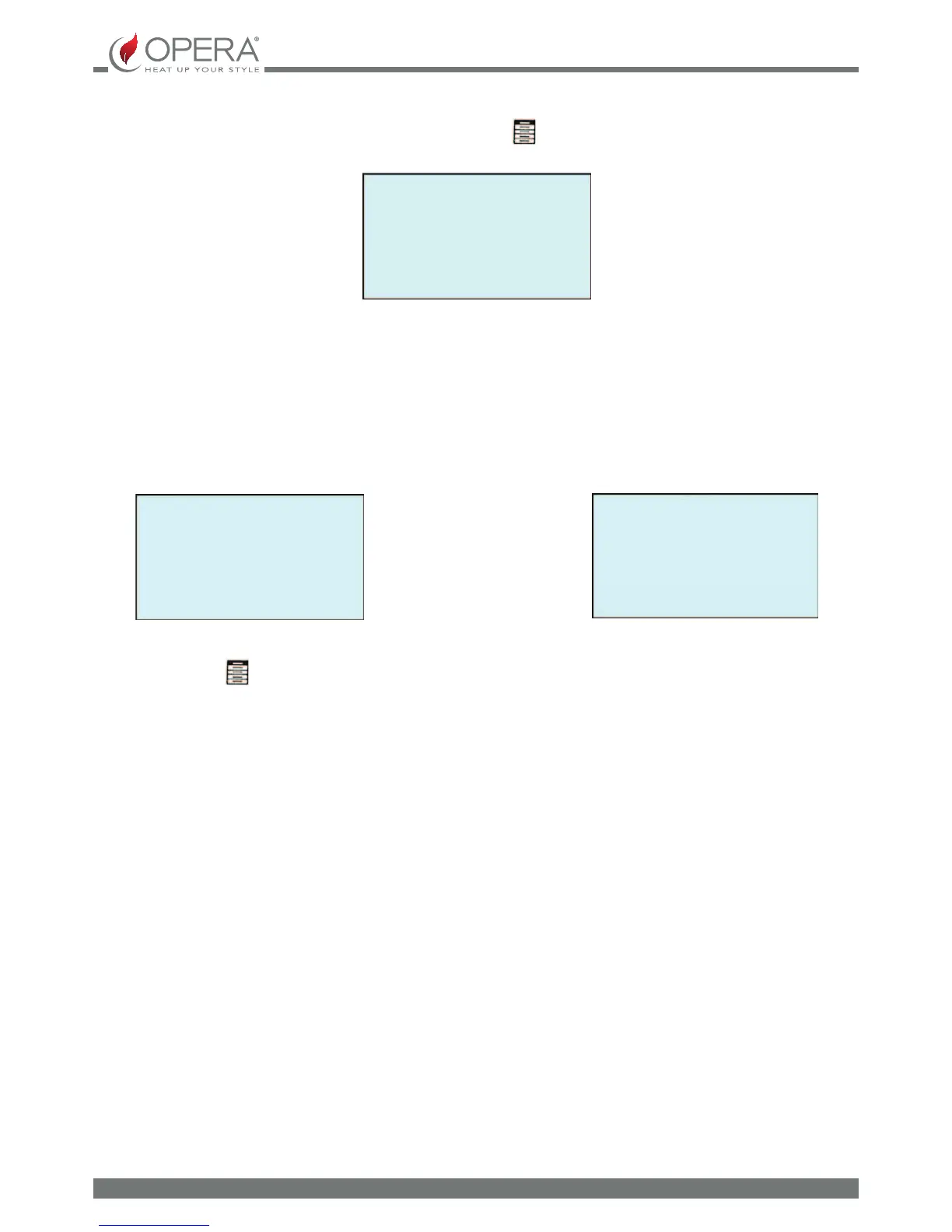
PRELOADING
PRESS + KEY
LOADING
5
AUTOMATIC submenu: to the preloading function in AUTOMATIC mode. The auger is activated automatically and goes
back to the screen relative to the user menu. Exiting and returning to the main screen on the display, PRELOADING appears
for about 2 minutes.
SYSTEM STATUS
Displays the page relative to the current status of the system, supplying information to the user regarding the operating status,
the temperature of the smoke, the smoke extractor rotation speed, the operating power and the room temperature (the value
set for the room temperature set is indicated in square brackets).
OFF
SMOKE TEMP: 24.3°C
SMOKE SPEED: 0 G/M
ROOMT1: 23.4 (18.3)°C
By pressing the [-] button, access the second page of the SYSTEM STATUS menu. To exit and go back to the screen relative to the
user menu, press the
button.
OFF
INT. TEMP. (°C): 23.4
ELECTRONIC T. (°C): 32.1
BLOWER SPEED (%): 0
PELLET SETTING:
Allows to display and modify the pellet drop percentage. On commissioning, check in the span of time of at least 6 consecutive
hours that the combustion satises the following requirements:
- There must not be a tendency for accumulation of excess fuel in the burner or poor draft.
- There must not be a tendency for ame shutdown due to low fuel levels or due to excess draft
As the correct operation of the appliance depends on the environment condition and especially draft, the type of tting to the
ue and the type of pellet used, if there are any of the tendencies described above and you are sure the appliance is clean, the
user may have to set an ideal pellet set in order to obtain combustion in compliance with the technical data and suitable for the
type of pellet used. There are 14 parameters organised on the basis of the density and specic weight of the pellet. Select the
most appropriate parameter, which gives good combustion, applying the following indications:
If the pellets tend to accumulate in the re pot (due to a heavy pellet to burn or poor draft of the ue), select a lower
parameter to that in use. Check combustion for at least one hour and, if necessary, reduce the parameter selected further until
ideal combustion is reached. This activity is the user's responsibility.
If the ame tends to shut down (due to a very volatile pellet or excessive draft in the ue), select a parameter higher than
that in use. Check combustion for at least one hour and, if necessary, increase the parameter selected further until ideal
combustion is reached. This activity is the user's responsibility.
The factory parameter is 7.
fuel starts to fall into the burner. The display shows the auger activation time in seconds.
To exit and go back to the screen relative to the user menu, press the
button.


 To Next Page