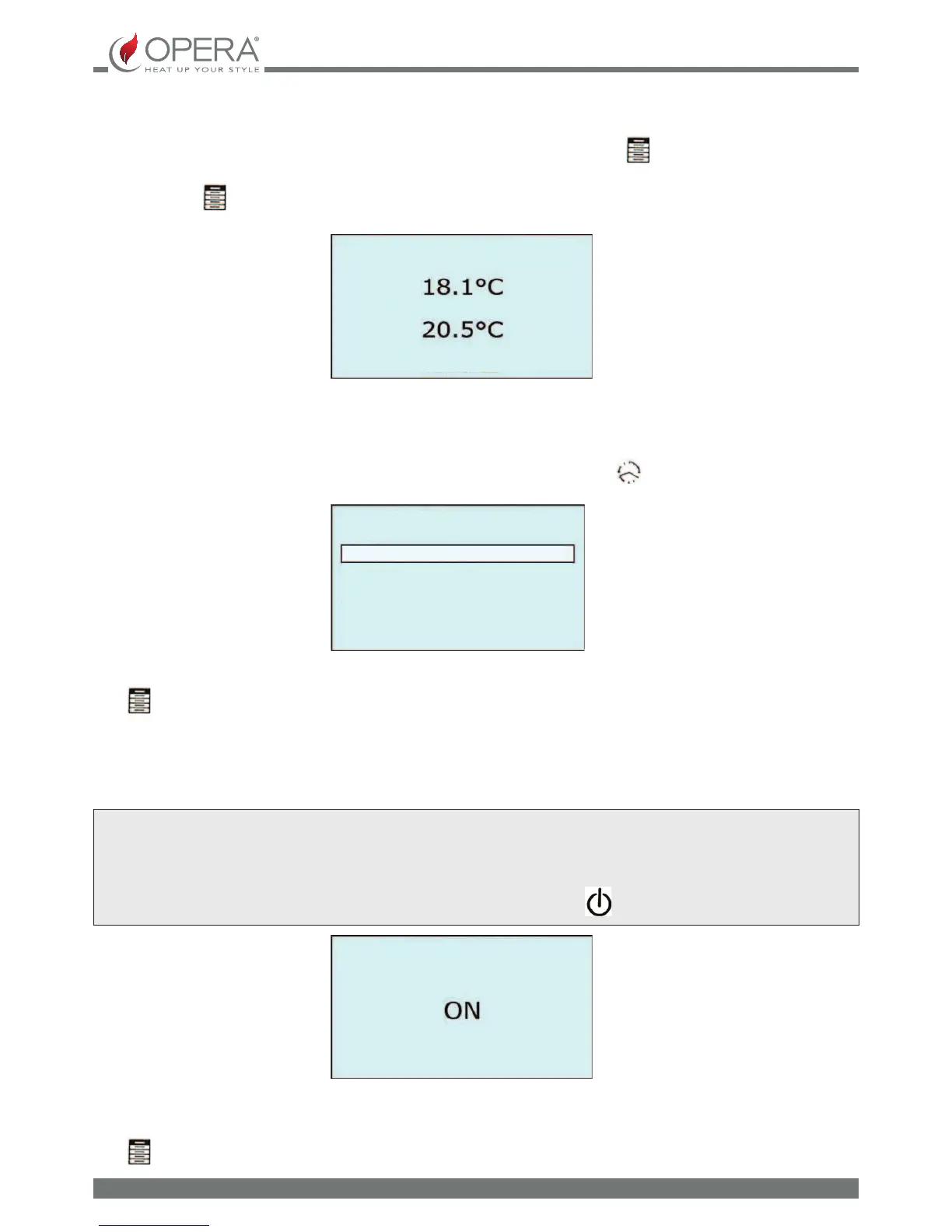
MANUAL MODE
To modify the temperature set in MANUAL mode, operate on the main screen; press the key once at any time and then the
[+] and [-] to increase or decrease it. The room temperature is indicated at the top of the display and the temperature set at the
bottom. Press the
button to go back to the main screen.
CHRONO MODE
To access the CHRONOTHERMOSTAT menu, by operating on the main screen, hold the button down for more than 3
seconds.
ROOM TEMPERATURE
MODIFICATION SETTING
MANUAL
CHRONOTHERMOSTAT
EXIT
CHRONO ACTIVATION
COMFORT SETTING
NORMAL SETTING
ECONOMY SETTING
TIME SLOT SETTING
Press the [+] and [-] buttons to scroll the menu items
Press
to select the choice of menu item.
EXIT: exit the CHRONOTHERMOSTAT menu to go back to the main screen.
CHRONO ACTIVATION: allows the activation of the CHRONO CHRONOTHERMOSTAT mode. This mode allows the appliance to
switch on and o in the time slots set and to automatically manage the operating power on the basis of the temperature requested.
ATTENTION
FIRING IN PROGRAM MODE TAKES PLACE ONLY IF THE APPLIANCE IS ACTIVE, THE GREEN LED ON THE COMMAND PANEL IS ON
ON THE CONTRARY, IT IS NECESSARY TO PRESS THE
BUTTON.
To activate ON or deactivate OFF the CHRONO operating mode, press the [+] or [-] keys respectively.
The activation of the CHRONO mode is conrmed by the switch-on of the red LED on the commands panel.
Press
to save and go back to the previous screen.
CHRONO ACTIVATION


 To Next Page