19
Model 72 User Manual - OPEX Corporation
Operating the Model 72
1 To begin, make sure the main power switch (located on the back of the
machine) is turned on.
2 Press the Start button on the keypad.
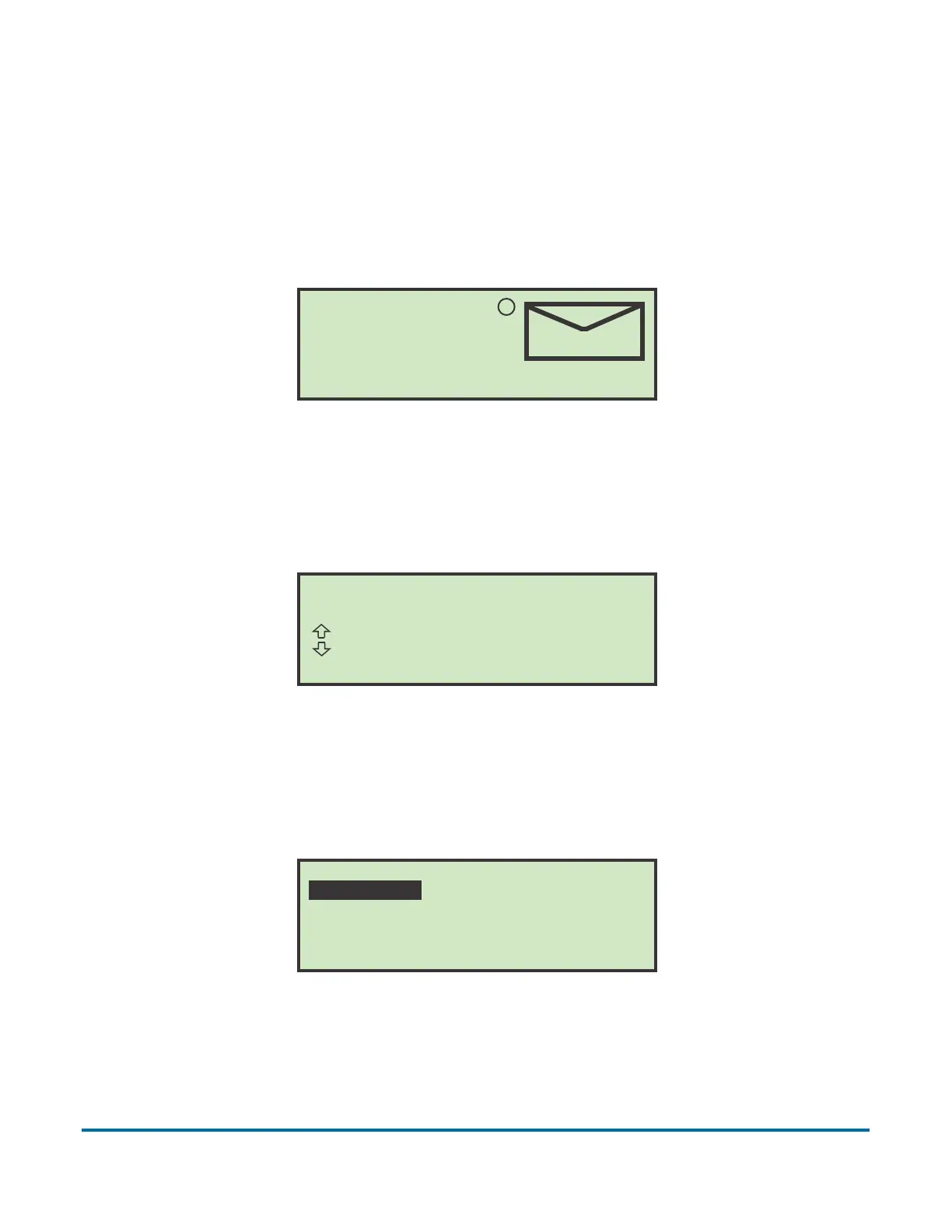
The welcome screen is displayed on start up for a few seconds.
Figure 7: Welcome screen
The welcome screen can be bypassed by pressing the Cancel button instead
of the Start button. The LCD will then display the Login screen (Figure 8).
Figure 8: Login screen
3 Press the Enter button on the keypad to display the SELECT OPERATOR
screen.
Figure 9: Select Operator screen
(C)2010 OPEX CORP ALL RIGHTS RESERVED
MODEL 72 - CONTROL CENTER
OPEX
R
Wednesday, March 3, 2010 10:34 A.M.
MODEL 72
OPEX CORPORATION
Press ENTER to log in.
SELECT OPERATOR
PAT NEW SUPERVISOR



 To Next Page