14
Model 72 User Manual - OPEX Corporation
Machine controls
Make sure that the machine is plugged in and turned on. The main power
switch is located at the back of the Model 72 on the main panel beneath the
feed conveyor.
The Model 72 controls are located on the keypad to the right of the operator as
indicated in Figure 3. Refer to “Navigation” on page 16 for more information on
using the keypad buttons.
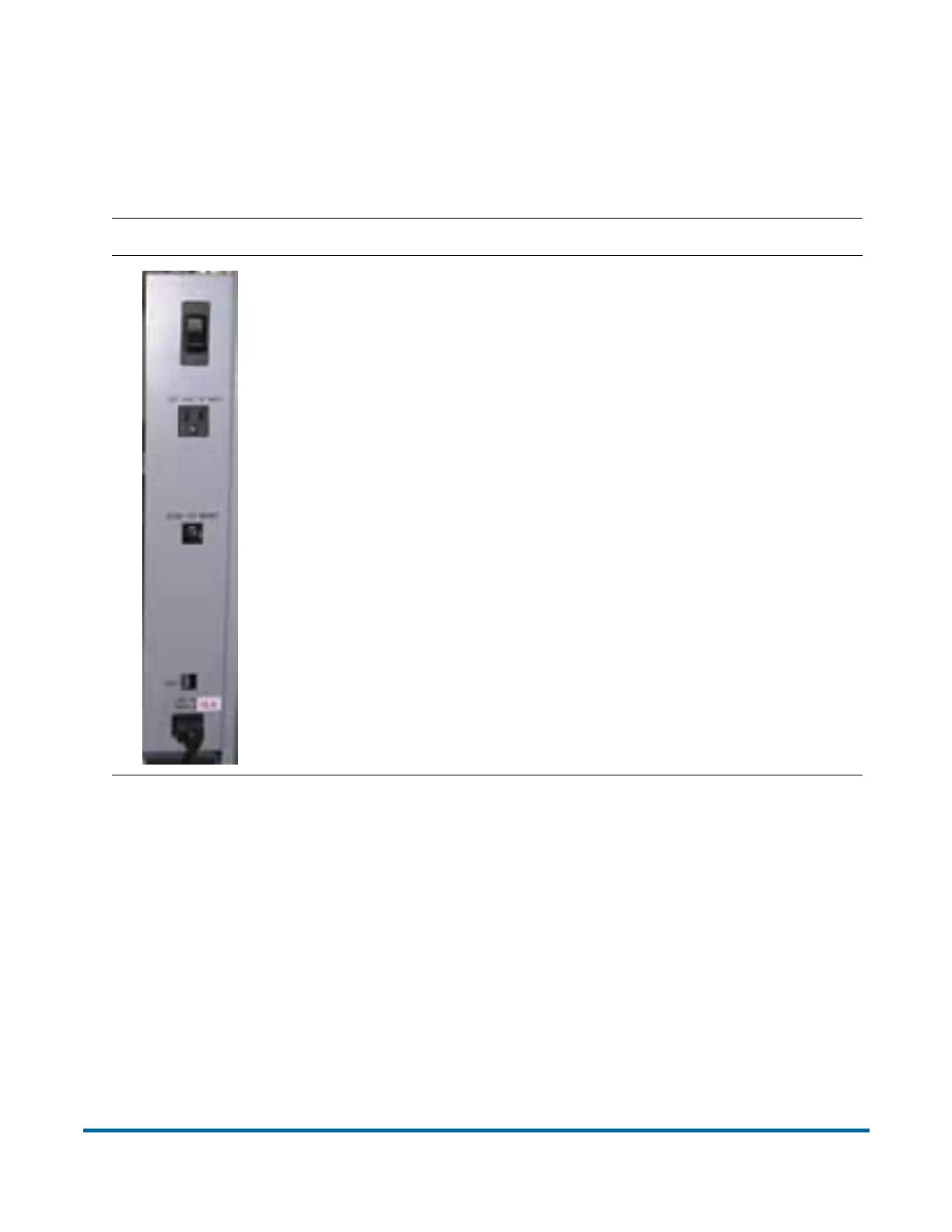
Back Panel Component/Function
Main Power On/Off Switch
Allows building-supplied AC to enter the machine. The
switch should be off whenever troubleshooting AC or
changing machine components. The main power has a 10
Amp circuit breaker.
Accessory Outlet
Used with low current items, 1A or less, such as a stapler or
a CD/MP3 player.
Note: This is a North American option only.
Accessory Outlet Circuit Breaker
Protects the Model 72 from an overdrawn current by the
Accessory Outlet. This a 1A fuse.
ONS Connector
Connects the OPEX Network Solutions (ONS) system to a
Host PC. The connector will be different depending on the
ONS system (blank/RS232/RS422).
AC Connector
Connects building-supplied AC power to the Model 72.



 To Next Page