34
Model 72 User Manual - OPEX Corporation
Job Parameters
This section describes the job parameters that can be set for each job. Job
parameters can be accessed when adding a new job, as described in “Adding
a new job” on page 32, as well as when changing a job (described below).
To edit job parameters for an existing job
1 Login as a supervisor, use the Arrows to select CHANGE JOB LIST and press
Enter. The Change Job List screen appears (see Figure 33).
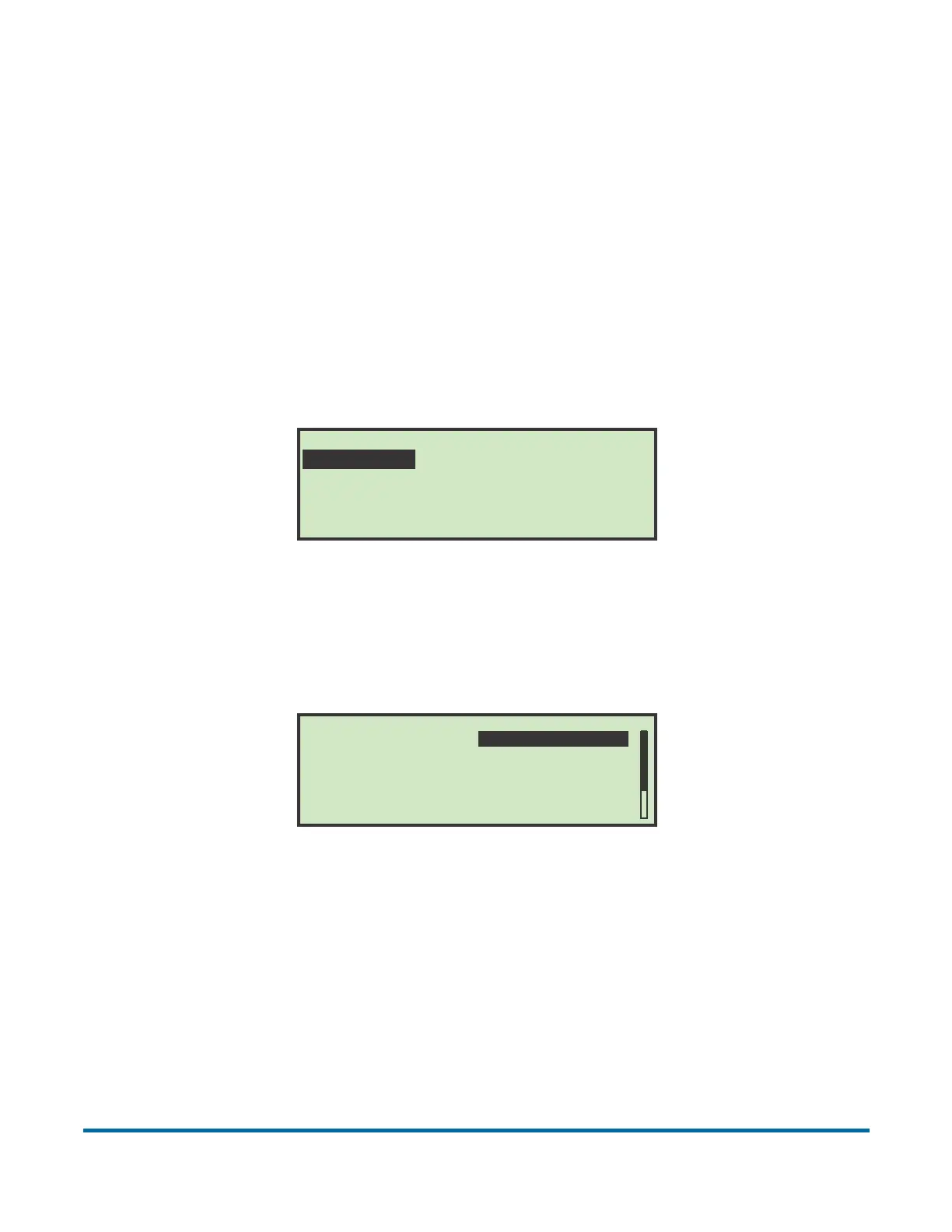
2 Select CHANGE, and press Enter. The SELECT JOB TO CHANGE screen
appears.
Figure 37: Select Job To Change screen
3 Use the Arrow keys to choose a job, and press Enter to select the job. Once
you’ve selected a job, the SELECT JOB OPTION screen appears.
Figure 38: Select Job Option screen
4 Use the Up/Down arrows to highlight a job parameter, and press Enter to
select it. The available job parameters are described below.
SELECT JOB TO CHANGE
TEST JOB AMEX001 NEW
SELECT JOB OPTION
TEST JOB
CONTENT 240v
DISTANCE
FIXED HEIGHT
16 ENVEL AVG 200v
1000
1
JOB NAME
ACTIVATION MODE
EXTRACT POSITION
MAIL HEIGHT OPTION
VERIFIER OPTION
GRAPH REFERENCE
TRANSPORT HEIGHT



 To Next Page