64
Model 72 User Manual - OPEX Corporation
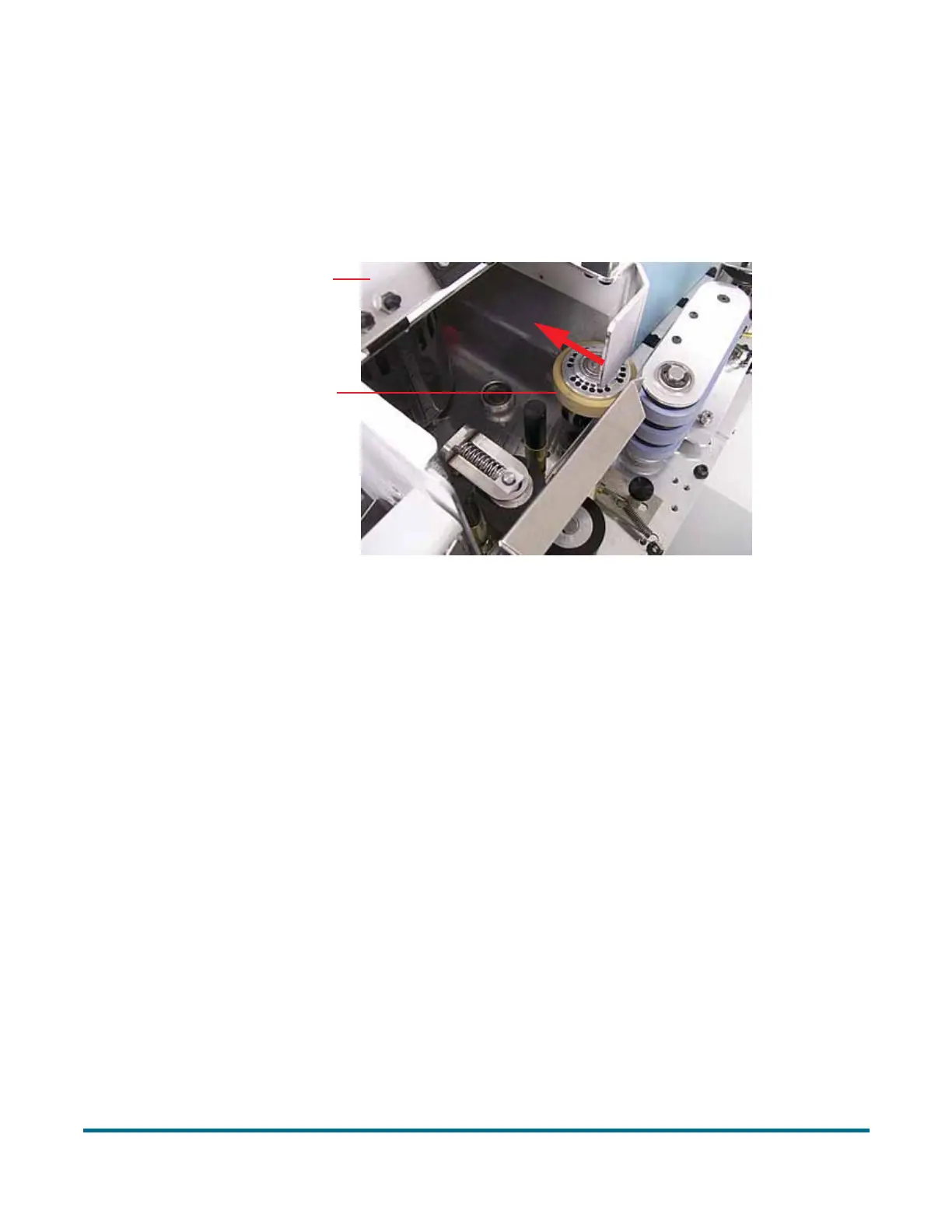
Changing the retard tire
1 Lift the hinged cover and inspect the retard tire. If the retard tire looks worn,
cracked, or brittle, it will need to be replaced.
2 Push slightly on the roller so that it is not pressed tightly against the friction
feeder.
3 Pull the rubber tire off the roller.
4 Examine, and replace the tire (#7226500) if needed.
5 Lower the hinged cover.
Push the retard clutch roller in the
Hinged cover
Retard tire
direction of the arrow to change the tire



 To Next Page