45
Model 72 User Manual - OPEX Corporation
Statistics
The operator and supervisor have the ability to view statistics. Unlike the
supervisor, the currently logged in operator can only view their own data. The
user can choose to view or print this information. In addition, the user can
specify a time range of the statistics to be viewed. The Model 72 must have
printer support to print reports. If printing is enabled, two additional options,
PRINT DETAILS and PRINT SUMMARY, will be displayed on the DISPLAY
STATISTICS screen. Selecting either of these print options will automatically
start printing the information selected. The printing status will be displayed on
the screen during printing operations.
Operator Statistics
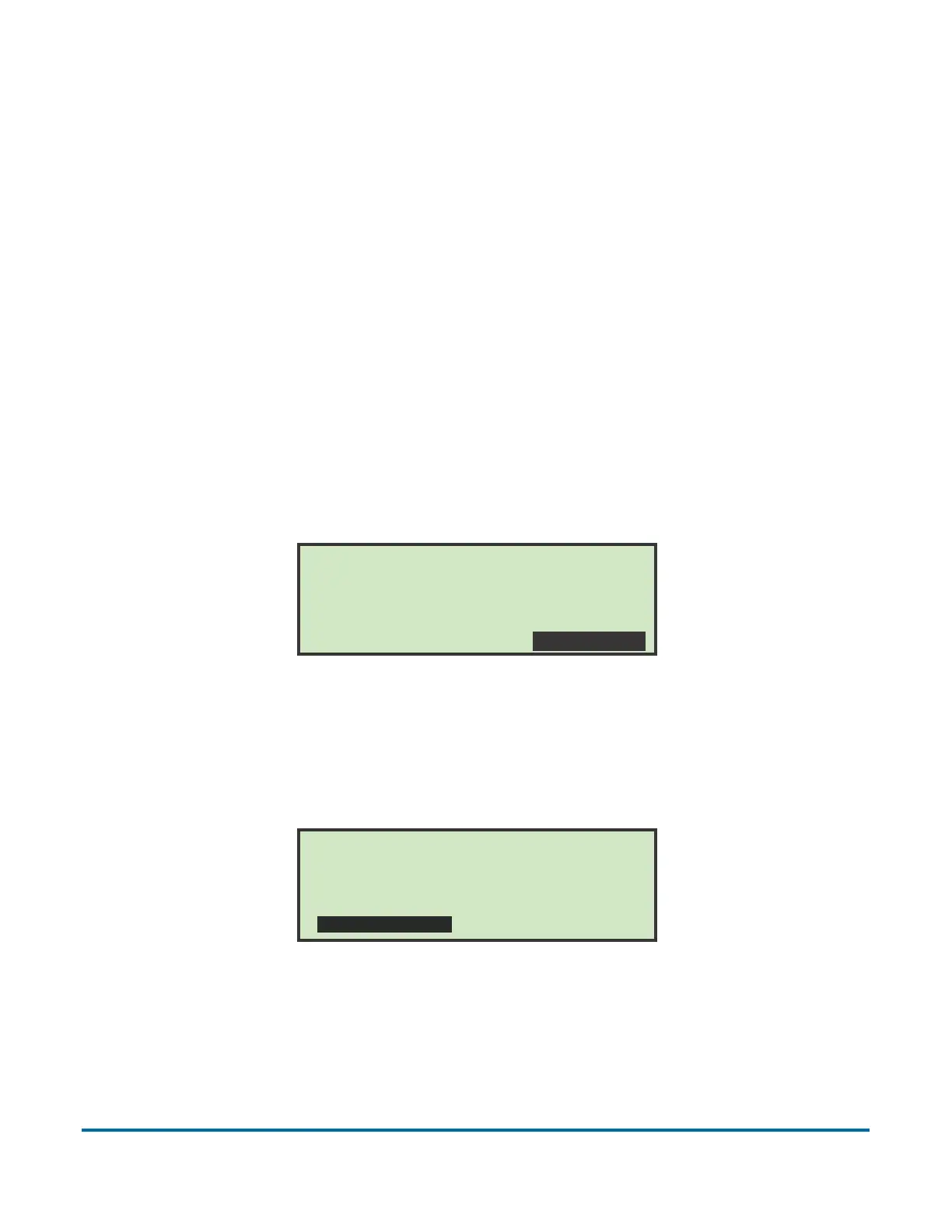
1 To view and/or print statistics, use the left/right arrow buttons to select and
highlight STATISTICS, and press Enter.
Figure 56: Main Menu screen - select statistics
2 On the DISPLAY STATISTICS screen, use the arrow buttons to select and
highlight SET TIME RANGE, and press Enter.
Figure 57: Display Statistics screen
3 On the SELECT TIME RANGE screen, use the arrow buttons to select and
highlight the desired time range, and press Enter.
Wednesday, March 3, 2010 10:34 A.M.
OPERATOR: PAT
JOB: NEW
SELECT JOB PASSWORD STATISTICS
DISPLAY STATISTICS
All times: All times
VIEW SUMMARY
PRINT SUMMARY
VIEW DETAILS
PRINT DETAILS
SET TIME RANGE



 To Next Page