60
Model 72 User Manual - OPEX Corporation
Emptying the Cutter Trash
If the optional slicing cutter is installed, as the machine is run, top cutter chips
will accumulate in the trash bin directly in front of the operator’s feet.
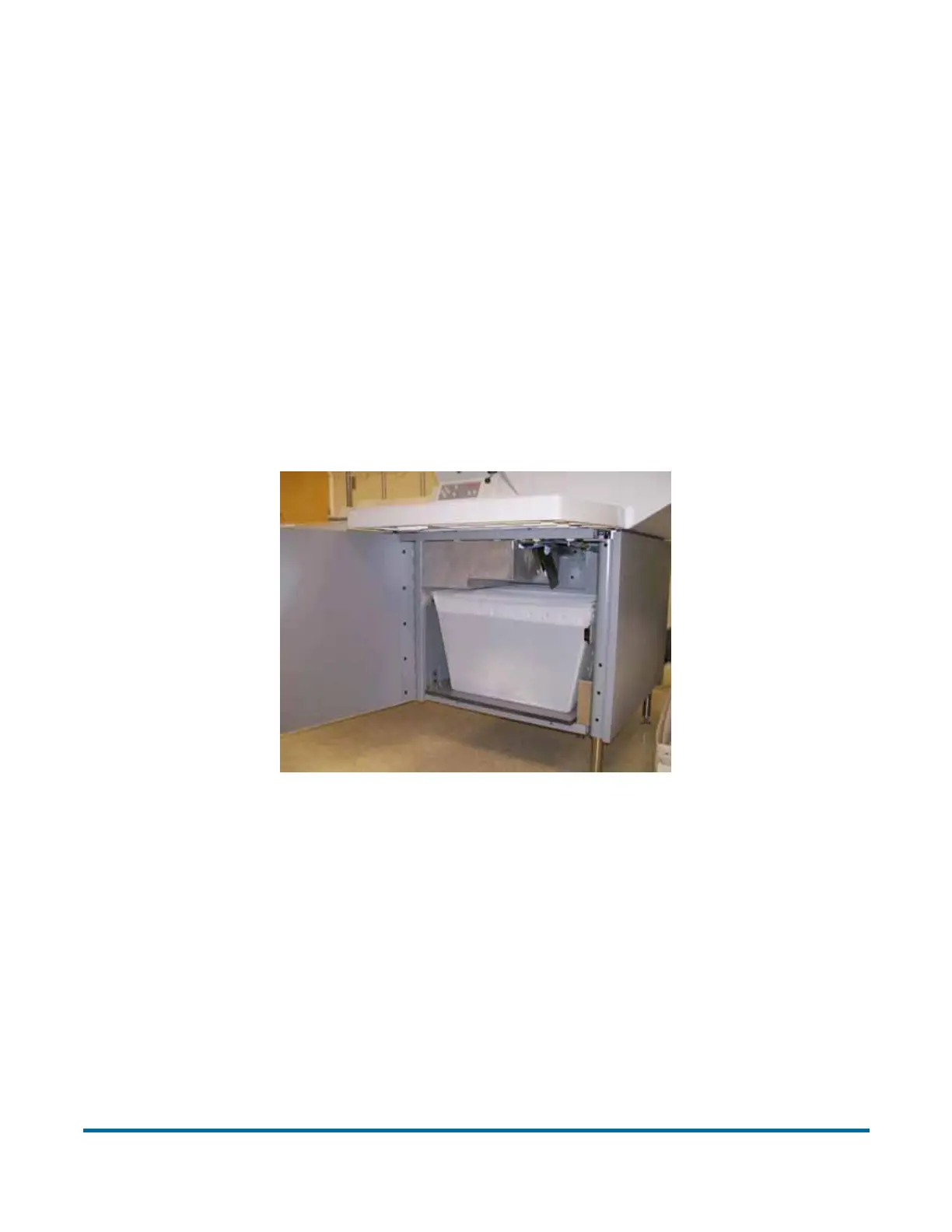
If the milling cutter is installed, the trash bin in front of the operator’s feet is not
required. Side cutter (and mill cutter) chips are collected in a trash bin located
inside the door to the operator’s right (see Figure 68). The bins should be
checked and emptied on a regular basis. Failure to empty trash bins will result
in chips “haystacking” up toward the cutter mechanism, preventing additional
chips from falling into the trash. This may lead to the cutter itself being jammed.
If this happens, empty the trash bin. Then clear the cutter so that no chips
remain, using a pencil or similar tool to push down chips which have collected
between the cutter and surrounding frame.
Figure 68: Trash bin location inside cabinet



 To Next Page