26
Model 72 User Manual - OPEX Corporation
Supervisor Operations
The supervisor role is to manage Operators and Jobs. All of the supervisor
tasks can be launched from the supervisor main menu.
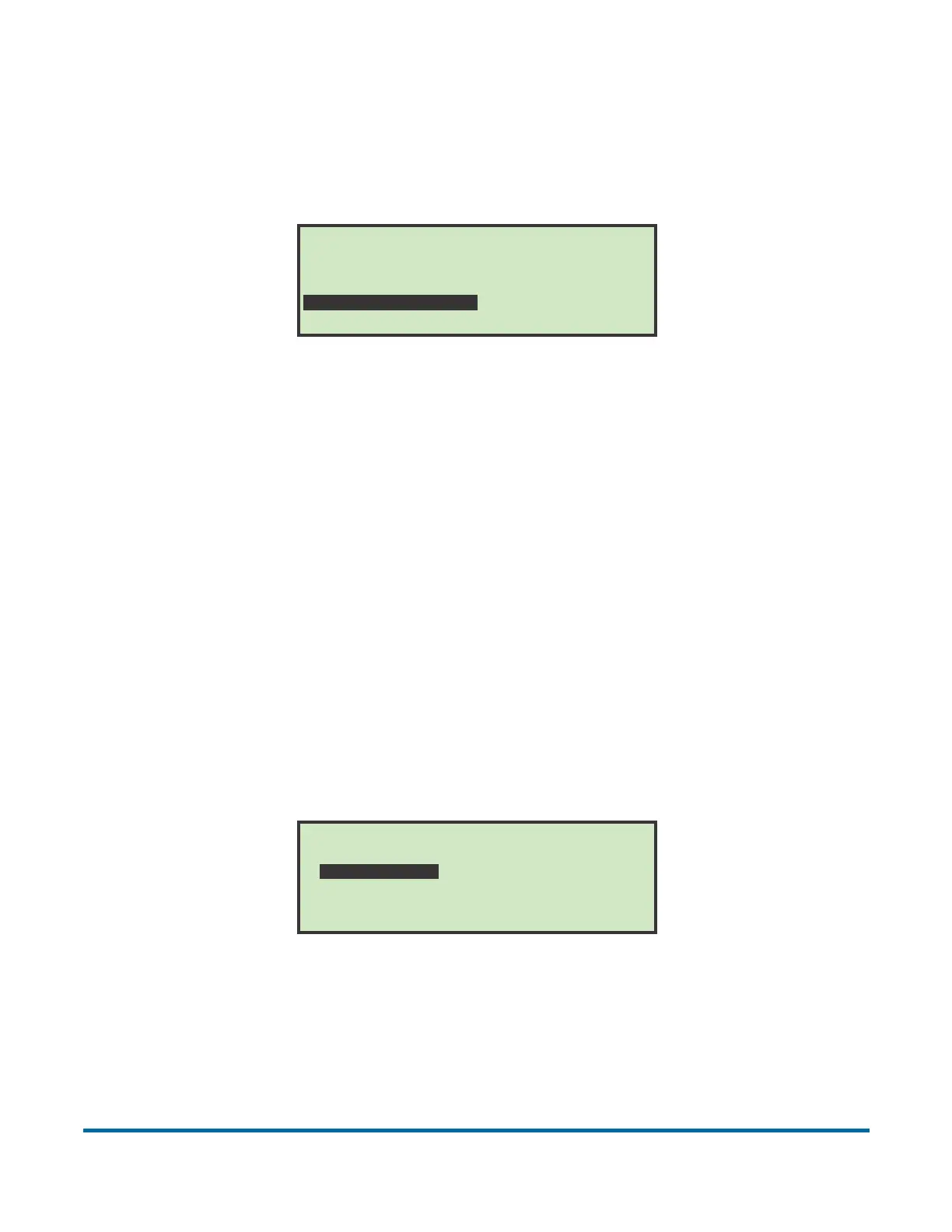
Figure 22: Supervisor Main Menu screen
• Log in as Supervisor using the login procedure. After logging in as
Supervisor, the “Supervisor Main Menu” screen will appear. This is the
screen where all the supervisor tasks can be launched. The following tasks
can be performed:
- CHANGE OPERATOR LIST – adding, modify and printing of operators
- CHANGE JOB LIST – adding, modify and printing of jobs
- STATISTICS MENU - viewing and printing of statistical reports
- PASSWORD OPTION – globally enable or disable all passwords
Change Operator List
Selecting CHANGE OPERATOR LIST on the Supervisor Main Menu screen
displays the following options:
Figure 23: Change Operator List screen
• ADD – enter a new operator and setup the operator options.
• CHANGE – select an existing operator from the operator list and modify the
operator’s options.
Monday, March 8, 2010 10:11 A.M.
SUPERVISOR
CHANGE OPERATOR LIST
STATISTICS MENU
CHANGE JOB LIST
PASSWORD OPTIONS
CHANGE OPERATOR LIST
DELETE
SELECT
PRINT
ADD
CHANGE
SORT LIST
PRINT ALL



 To Next Page