25
Model 72 User Manual - OPEX Corporation
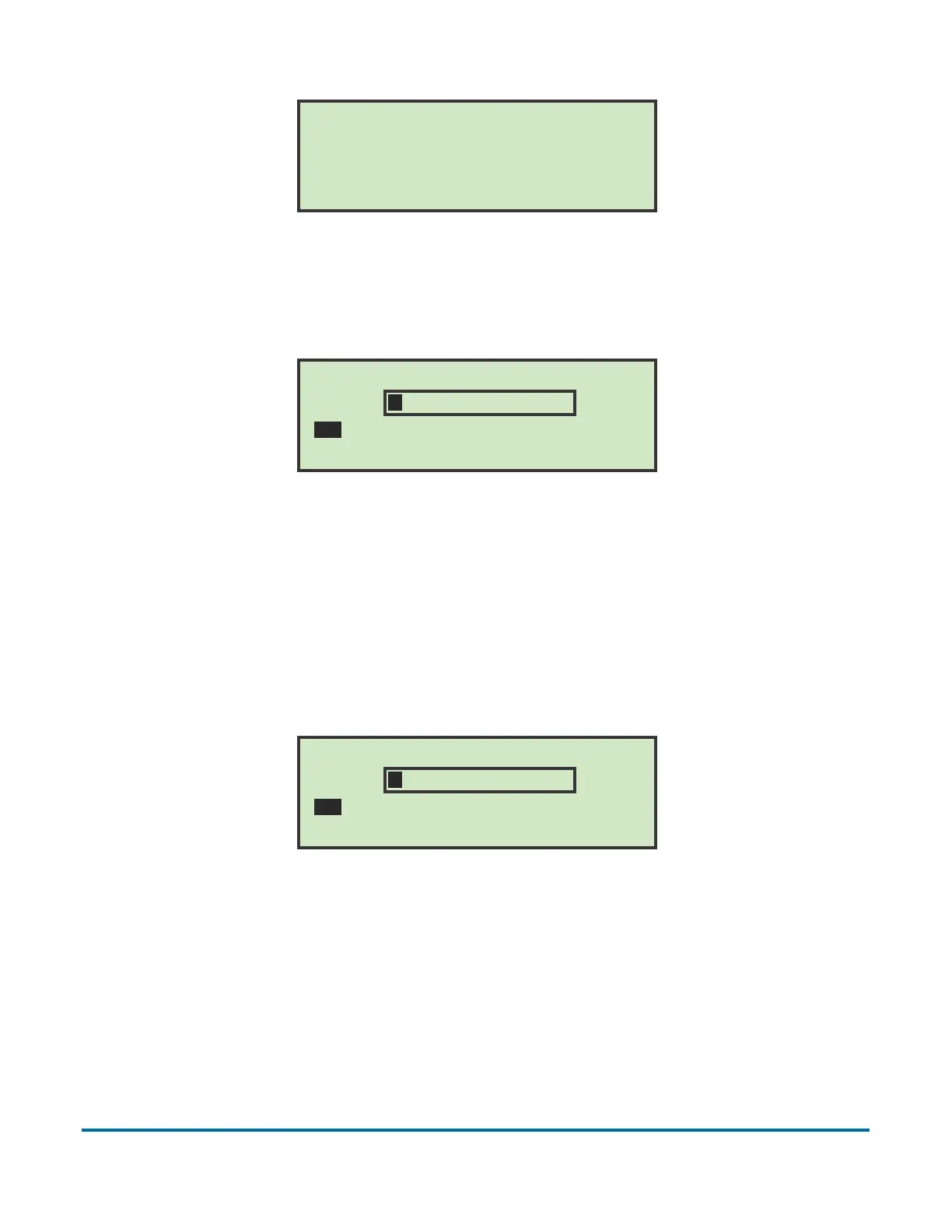
Figure 19: Check Password screen
2 Press the Enter button to display the CURRENT PASSWORD screen.
Figure 20: Current Password screen
3 The operator must enter their current password before setting their new
password. Use the keypad to enter the current password.
Once the correct current password has been entered, navigate to SAV and
press Enter on the keypad. The ENTER PASSWORD screen appears, allowing
you to create a new password.
Figure 21: Enter Password screen
4 Enter the new password using the keypad. The password can be up to 10
characters in length. Selecting SAV will save the new password. The LCD
will return to the run screen after entering a password.
CHECK PASSWORD
To add or change password, press ENTER.
(Leaving the password blank disables
the password feature.)
CURRENT PASSWORD
A B C D E F G H I J K L M
N O P Q R S T U V W X Y Z
0 1 2 3 4 5 6 7 8 9 ( SAV
ENTER PASSWORD
A B C D E F G H I J K L M
N O P Q R S T U V W X Y Z
0 1 2 3 4 5 6 7 8 9 ( SAV



 To Next Page