31
Model 72 User Manual - OPEX Corporation
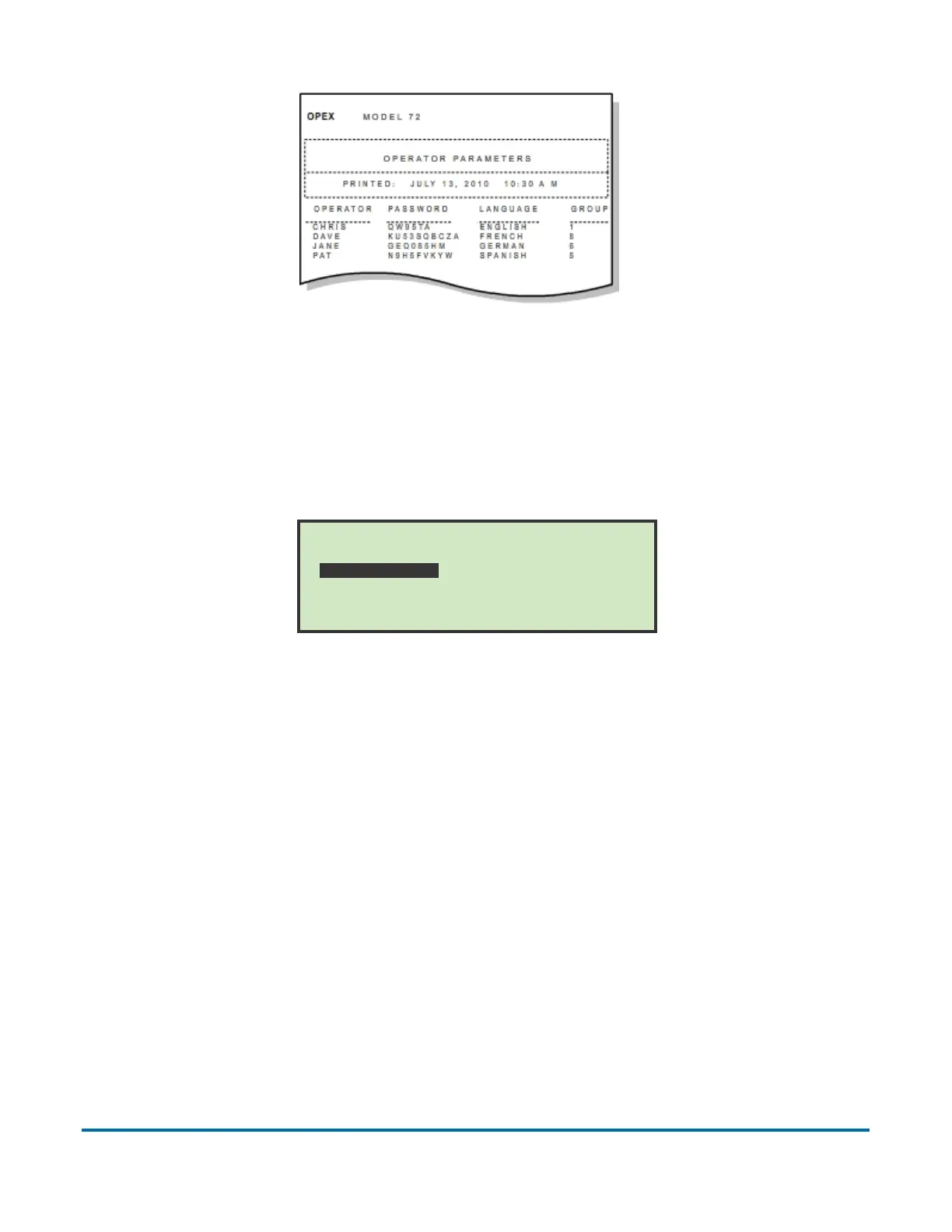
Figure 32: Example printout of Operator information
Change Job List
Selecting CHANGE JOB LIST on the Supervisor Main Menu screen displays the
following screen and available options:
Figure 33: Change Job List screen
• ADD – enter a new job and setup the job options.
• CHANGE – select an existing job from the job list and modify the job’s
options.
• SORT LIST – alphabetically sort the job list.
• PRINT ALL - print the entire list of jobs.
• DELETE - select a job from the job list and delete.
• SELECT - select a job from the job list. The selected job will become the
current job.
• PRINT – select a job from the job list and print all parameters associated with
the selected job.
CHANGE JOB LIST
DELETE
SELECT
PRINT
ADD
CHANGE
SORT LIST
PRINT ALL



 To Next Page