30
Model 72 User Manual - OPEX Corporation
Figure 30: SELECT OPERATOR screen
2 Use the Arrow keys to choose an operator, and press Enter to select the
operator. The selected operator will become the current operator.
Sort List
1 On the CHANGE OPERATOR LIST screen (Figure 23), select SORT LIST.
2 Selecting SORT LIST will alphabetically sort the operator list.
Print All or Individual Operator Parameters
Operator information can be printed for an individual or all operators. The
printout includes the name, password, group number and language. The
printout choices are available from the CHANGE OPERATOR LIST screen.
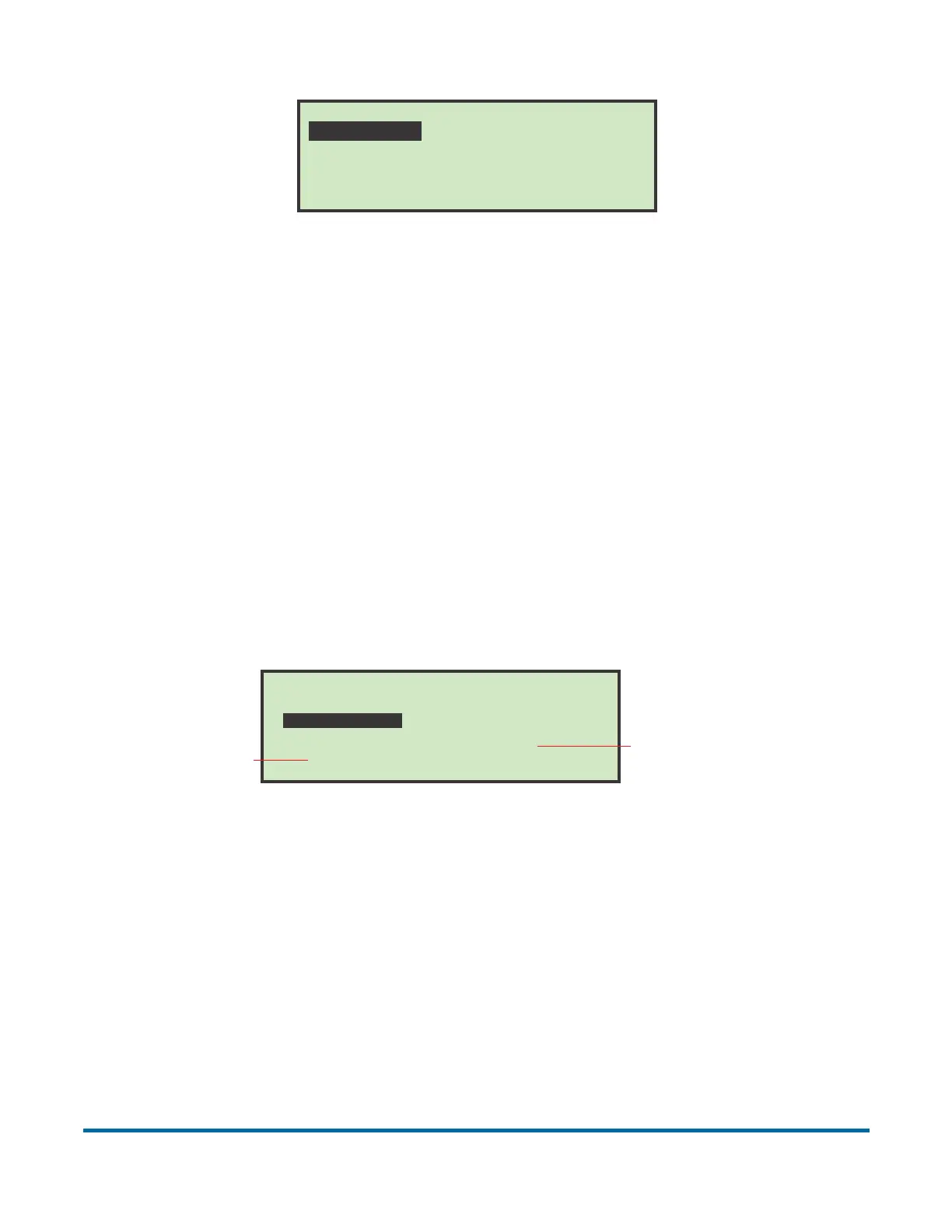
Figure 31: Change Operator List screen
The user must be logged in as supervisor to print out the report.
Note: If you want to print information for a specific operator, you will be
presented with an additional screen where you can choose the operator.
SELECT OPERATOR
PAT NEW SUPERVISOR
CHANGE OPERATOR LIST
DELETE
SELECT
PRINT
ADD
CHANGE
SORT LIST
PRINT ALL
Selects an individual
operator and prints
all parameters
associated with them
Prints the
entire list of
all operators



 To Next Page