43
Model 72 User Manual - OPEX Corporation
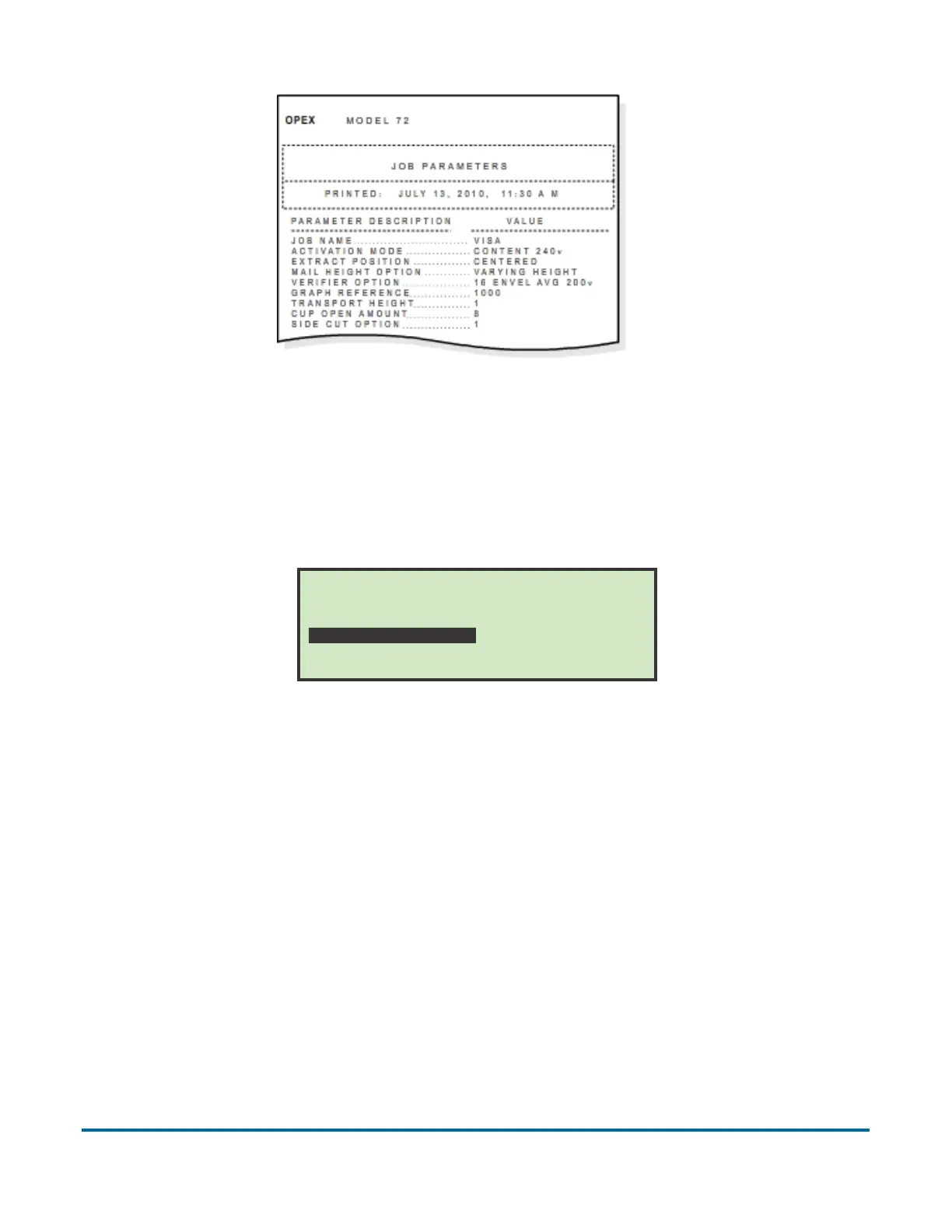
Figure 53: Example printout of Job information
Password Options
Selecting PASSWORD OPTIONS on the Supervisor Main Menu screen displays
the GENERAL OPTIONS screen.
Figure 54: General Options screen
Operator and Supervisor passwords can be globally enabled or disabled from
this screen. The defaults for the passwords are set to enabled. If passwords
are enabled, the operator or supervisor will only be prompted to enter a
password if one already exists.
To disable operator passwords
1 Select PASSWORD OPTIONS on the Supervisor Main Menu screen.
2 Use the left/right arrows to select OPERATOR PASSWORDS and press Enter.
The Operator Passwords screen appears.
GENERAL OPTIONS
OPERATOR PASSWORDS SUPERVISOR PASSWORD



 To Next Page