27
Model 72 User Manual - OPEX Corporation
• SORT LIST – alphabetically sort the operator list.
• PRINT ALL - print the entire list of operators.
• DELETE - select an operator from the operator list and delete.
• SELECT - select an operator from the operator list. The selected operator will
become the current operator.
• PRINT – select an operator from the operator list and print all parameters
associated with the selected operator.
Add Operator
1 On the CHANGE OPERATOR LIST screen (Figure 23), select ADD. The
RENAME OPERATOR screen will appear.
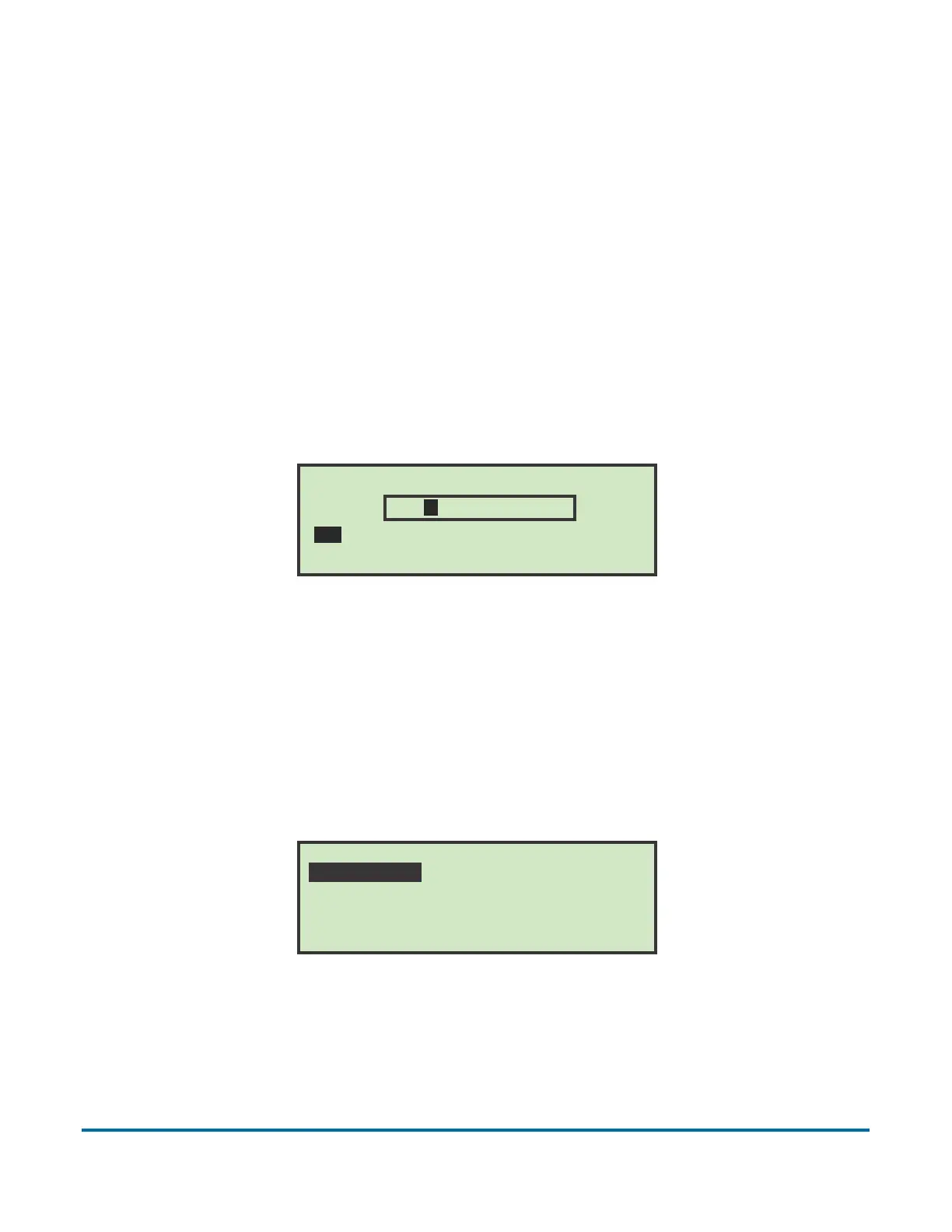
Figure 24: Rename Operator screen
2 Enter the operator’s name using the Arrow buttons to navigate through the
onscreen keypad. Selecting SAV will create the new operator. Pushing the
Cancel button on the keypad will end the operator creation process.
Once you have named the operator and selected SAV, the following screen
appears.
Figure 25: Place Cursor Over New Location screen
Note: The names that appear on your screen will most likely be different.
RENAME OPERATOR
A B C D E F G H I J K L M
N O P Q R S T U V W X Y Z
0 1 2 3 4 5 6 7 8 9 ( SAV
NEW
PLACE CURSOR OVER NEW LOCATION
PAT NEW SUPERVISOR



 To Next Page