15
Model 72 User Manual - OPEX Corporation
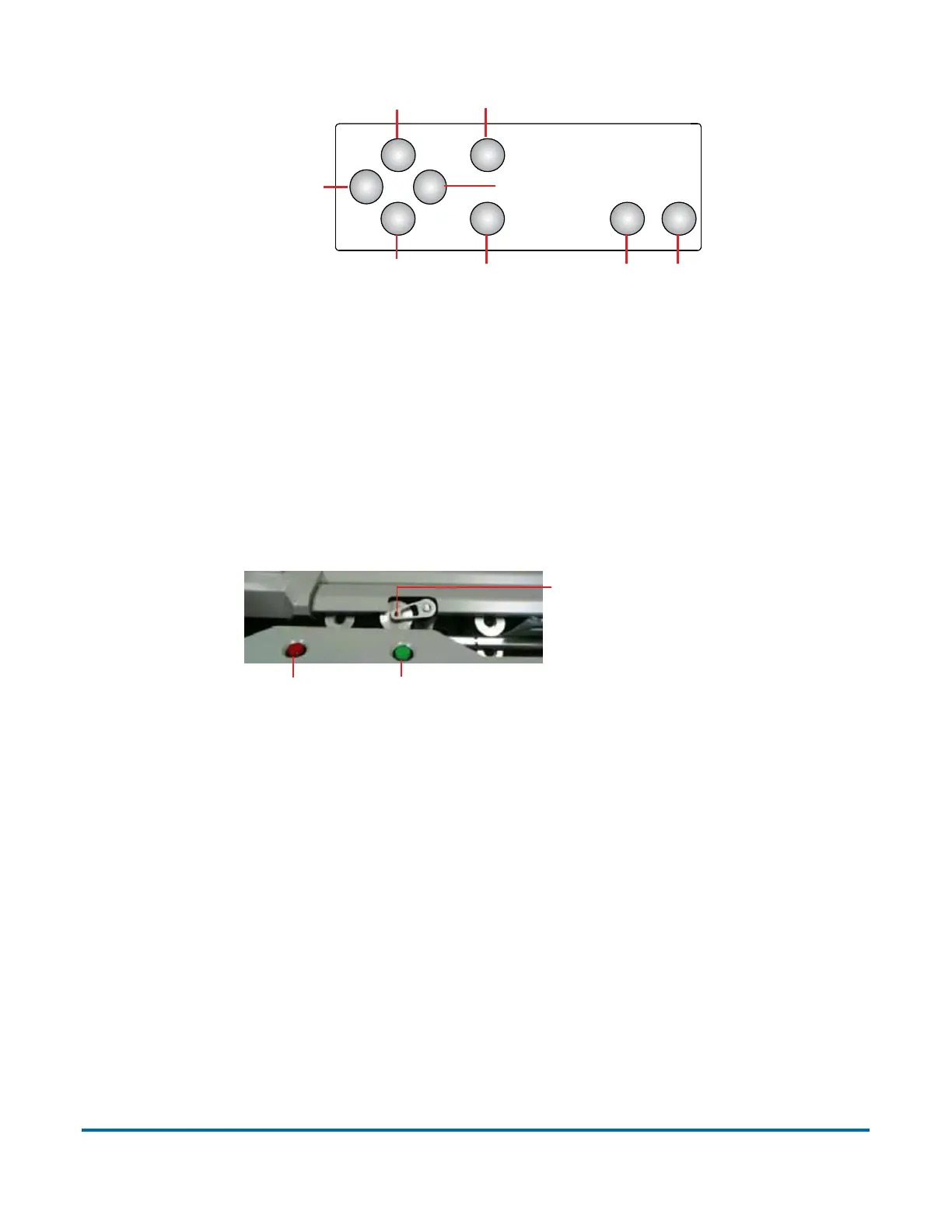
Figure 3: Model 72 keypad button names
The Cycle button, located to the left of the seated operator, is mounted flush in
the desktop (see Figure 4). The green lens is illuminated when the machine
has been turned on.
The red lens immediately to the left of the Cycle button is the Verifier warning
light.
Figure 4: Cycle button and verifier light
The verifier detects the presence of contents mistakenly left in the envelope. If
the Verifier is enabled, and contents are detected, the red light will flash, and
the machine will not advance the envelope into the trash. Pick up the envelope,
check for contents, and continue by pressing the Cycle button.
The Model 72 verifier uses a magnetic (hall effect) sensor to measure the
thickness of the envelope to determine if the envelope is empty of contents.
Enter
Cancel
Start Stop
Up Arrow
Down Arrow
Left Arrow
Right Arrow
Verifier light Cycle button
A thickness sensor verifies that the envelope is empty
Thickness wheel



 To Next Page