62
Model 72 User Manual - OPEX Corporation
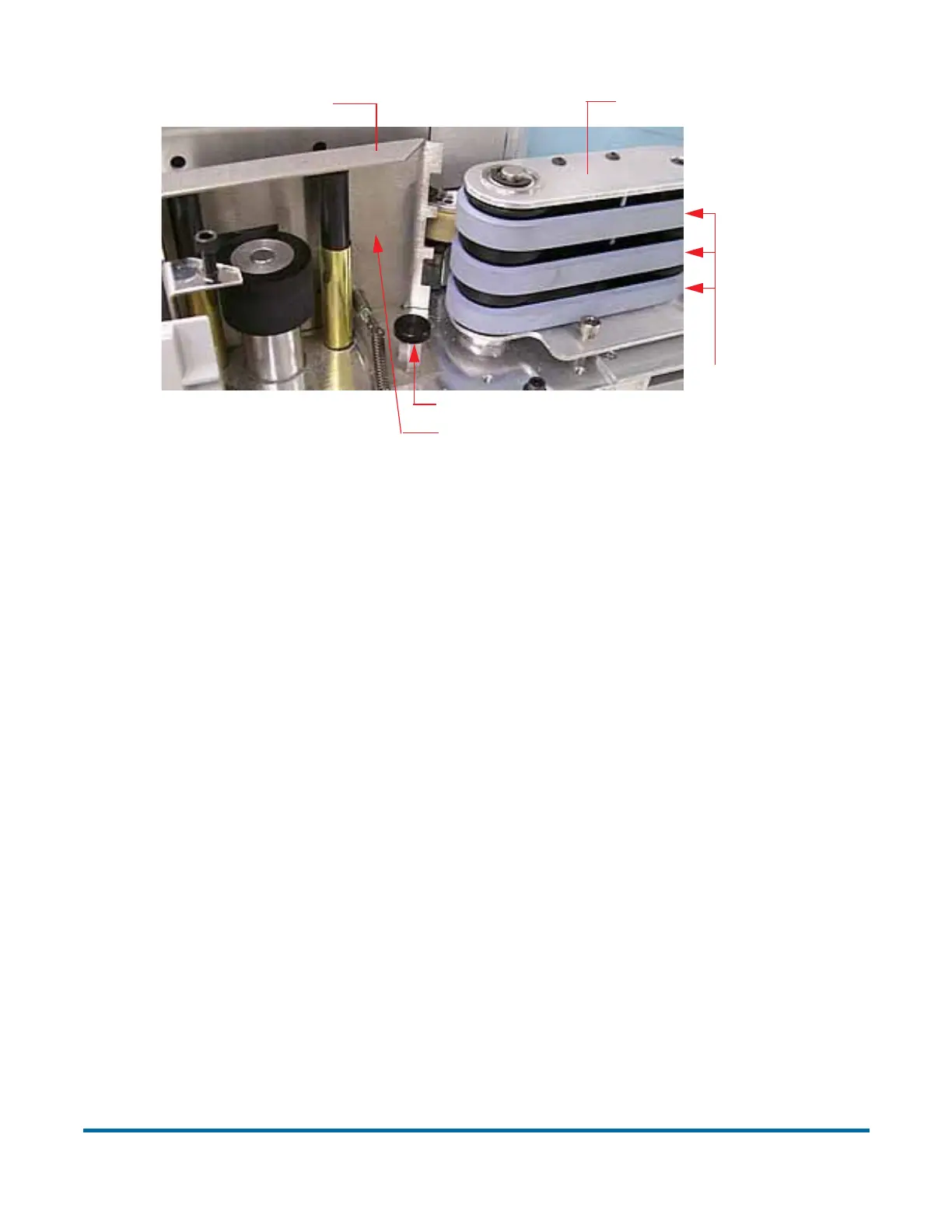
Figure 70: Changing Feeder belts
3 Remove the three belts from the feeder assembly.
4 Install three new belts (#7333934) in the same location as the older belts.
5 Return the guide to its original position, and tighten the thumb screw.
6 Replace the front cover making sure to align the holes in the cover with the
three screws (see Figure 71) for proper placement.
Loosen thumb screw
Push guide away from belts
Feed belts
Feeder assembly
Feed guide



 To Next Page