8
Model 72 User Manual - OPEX Corporation
• Do not place fingers in the cutter areas. The cutter blades are sharp and may
cause cuts should you inadvertently come in contact with them whether the
machine is running or not.
• Do not operate this equipment with the cover doors removed.
• Do not set liquids on the desk which could spill into the machine.
• Do not use high pressure “canned air” that is marked flammable to clean
paper scraps and dust from the machine.
• Do not place fingers in the feed area while running the machine.
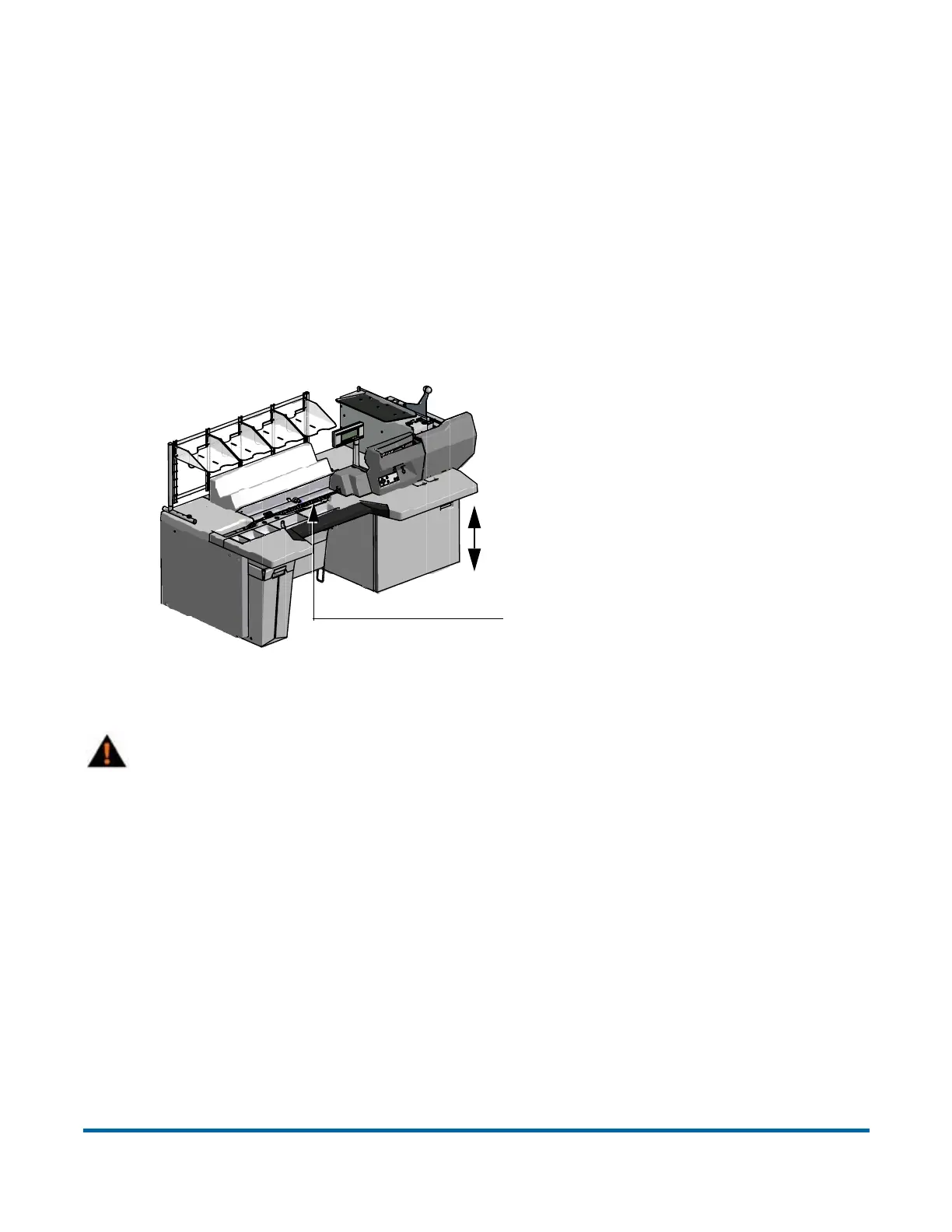
Avoid creating pinch points
with adjustable work surface.
(Optional lift system only)
Transport is adjustable by job.
When selecting a job, keep hands
out from under the machine.
Keep hands, hair, loose clothing
and jewelry away from moving parts
Warning: Unplug the machine from the power source to remove power
from the machine for servicing or when moving the machine.



 To Next Page