12
Falcon User Manual - Remittance Processing - OPEX Corporation
How the Falcon works
The Falcon scanner is controlled by a single, Windows 7 driven PC. The
operator interacts with the system via the CertainScan software and simply
drops items onto the conveyor. The system scans the items based on the
current job parameters. The scanner can capture MICR and OCR information,
print audit trails on items, and sort them to a specified bin.
Software
The Falcon uses two software applications which control the system:
INtime Controller - The INtime Controller runs in the background of the
CertainScan software and controls all machine related functions, such as
monitoring sensors, triggering gates, and turning motors on and off. The INtime
Controller runs in its own real-time operating system, called INtime. You do not
need to access the INtime controller and should never close the INtime
window.
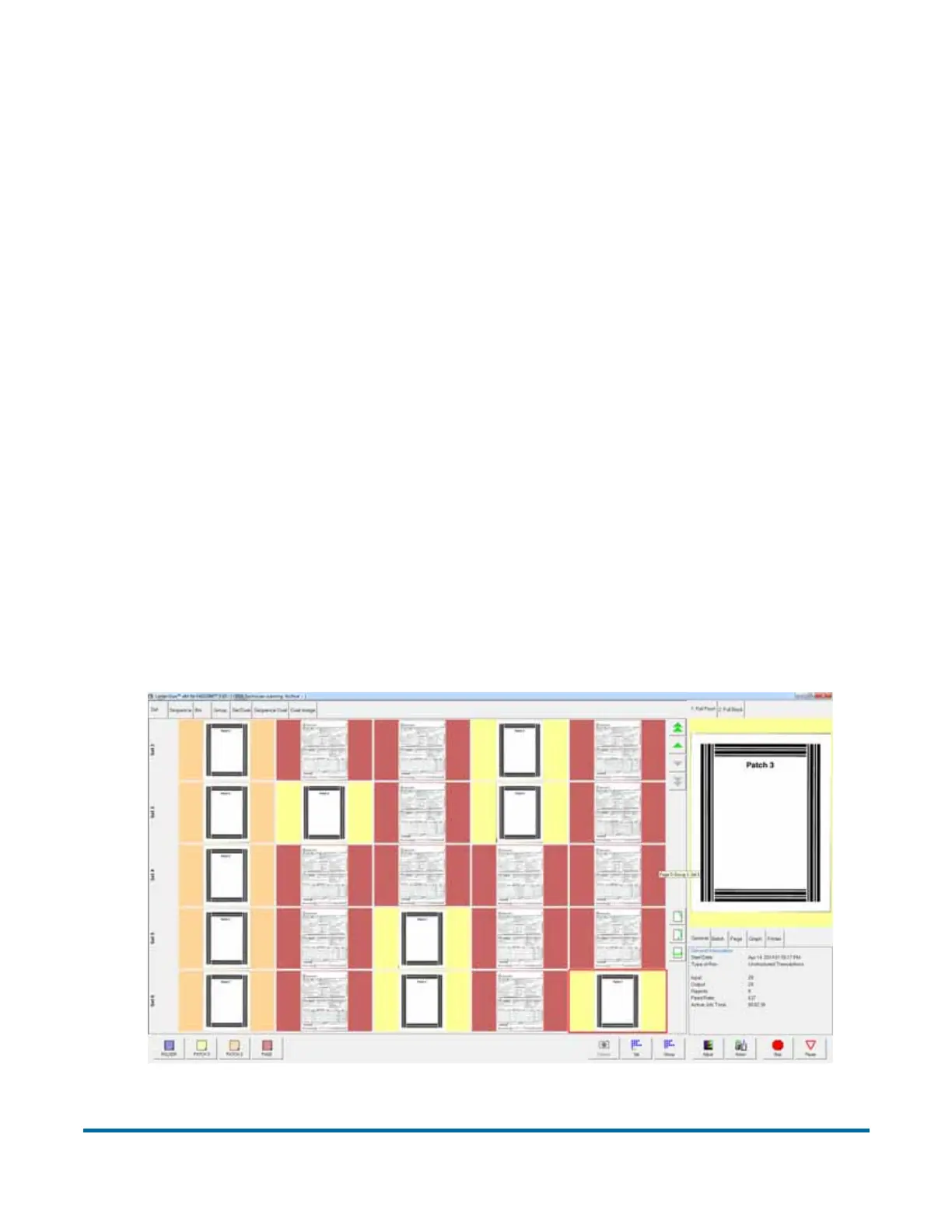
CertainScan - The CertainScan software interfaces with the Controller and
manages the non-machine related functions performed by the scanner.
CertainScan provides an interface for setting up jobs, page types, audit trails,
and for running jobs. This is the main interface with the machine.
Figure 1: CertainScan Run Screen example



 To Next Page