80
Falcon User Manual - Remittance Processing - OPEX Corporation
Removing/Replacing the printer cartridge
The scanner’s imprinter and HP ink cartridge are accessible when the transport
area is open. When you remove a cartridge, pay close attention to the position
and orientation of the cartridge so it can be replaced properly.
When you install a new printer cartridge, first check the expiration date of the
new cartridge you plan to use. The Falcon printer cartridges (in sealed
containers) have a shelf life of two years from the date of manufacture.
Accessing the printers
1 Open the transport rear door by disengaging the latch handle.
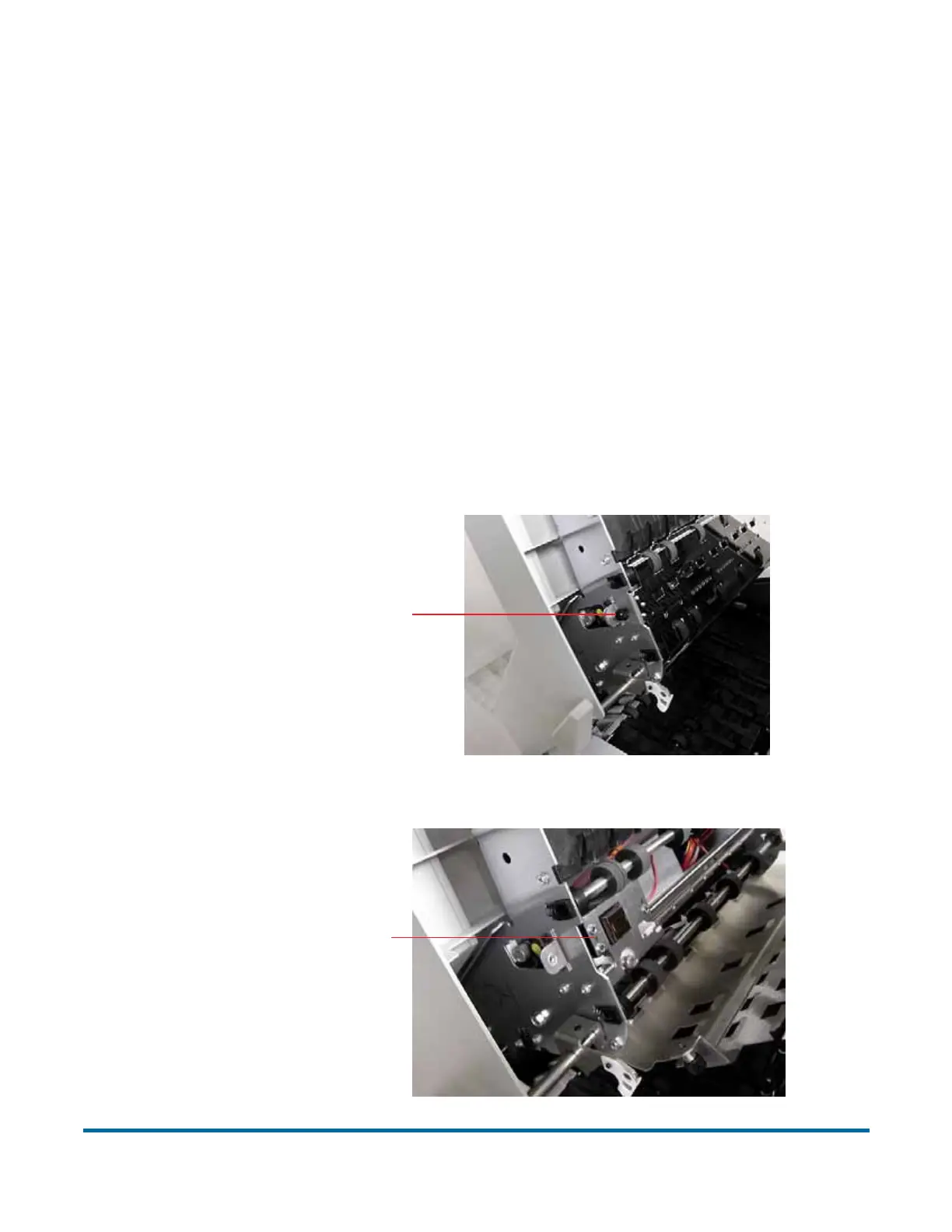
2 To access the front printer:
a. Loosen the thumbscrew shown in the following figure.
b. Swing open the paper guide to expose the printer assembly.
Loosen thumbscrew
Printer assembly



 To Next Page