66
Falcon User Manual - Remittance Processing - OPEX Corporation
Ending the job
When you have finished scanning items, press Stop to put the system in
standby mode. From standby mode, you can restart the job, Delete the last
scanned item, view thumbnails, or Exit the job and return to the Scan screen.
Note: You can also press the Close Batch button to close the current batch and
exit the job when prompted.
Using Batch Editor to fix incomplete batches
If there is a problem with the machine and/or CertainScan does not close
properly during a run, a batch may not be closed and saved properly. If this is
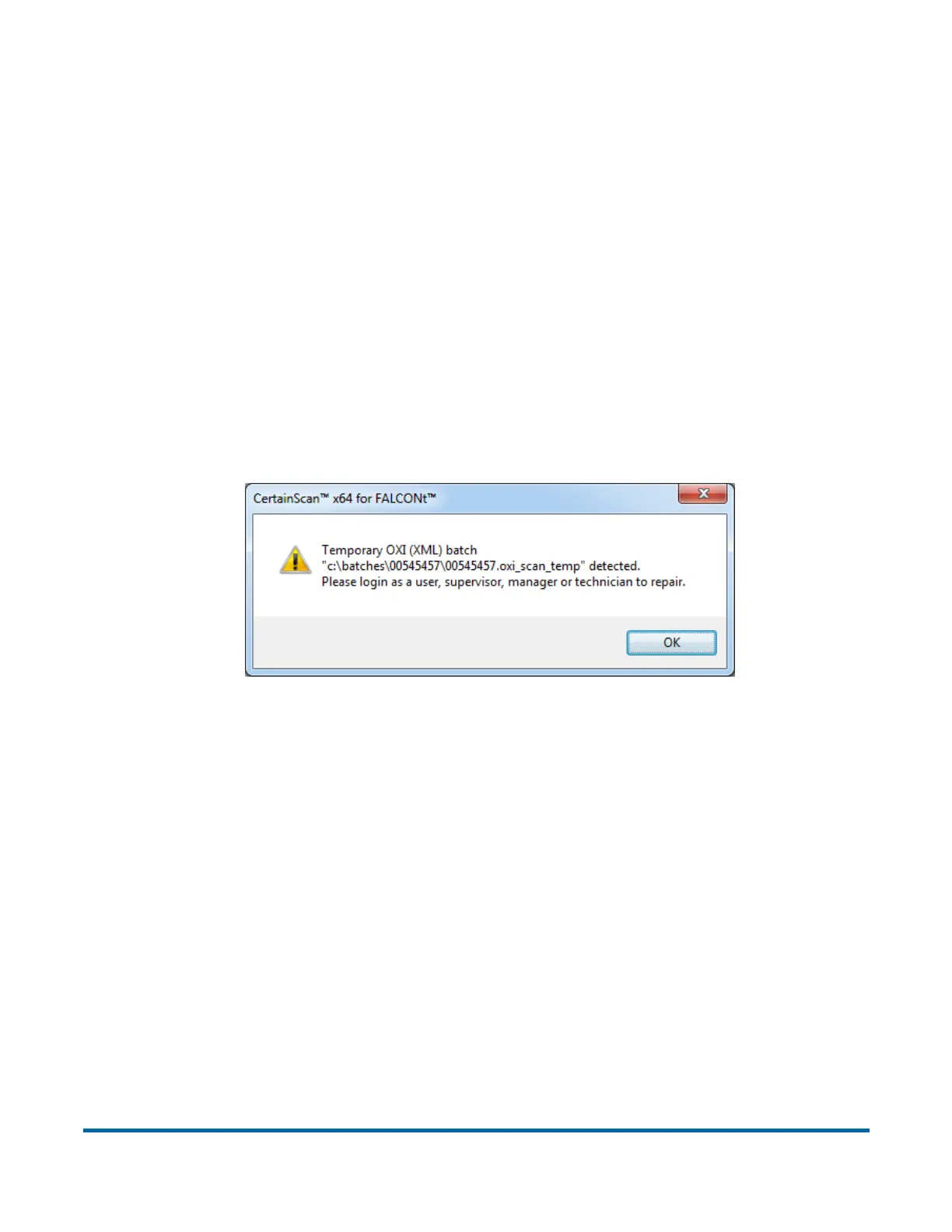
the case, you will be notified that a temporary batch file exists when restarting
CertainScan.
Consult your Falcon Administrator if you receive this error message.



 To Next Page