70
Falcon User Manual - Remittance Processing - OPEX Corporation
Key assist
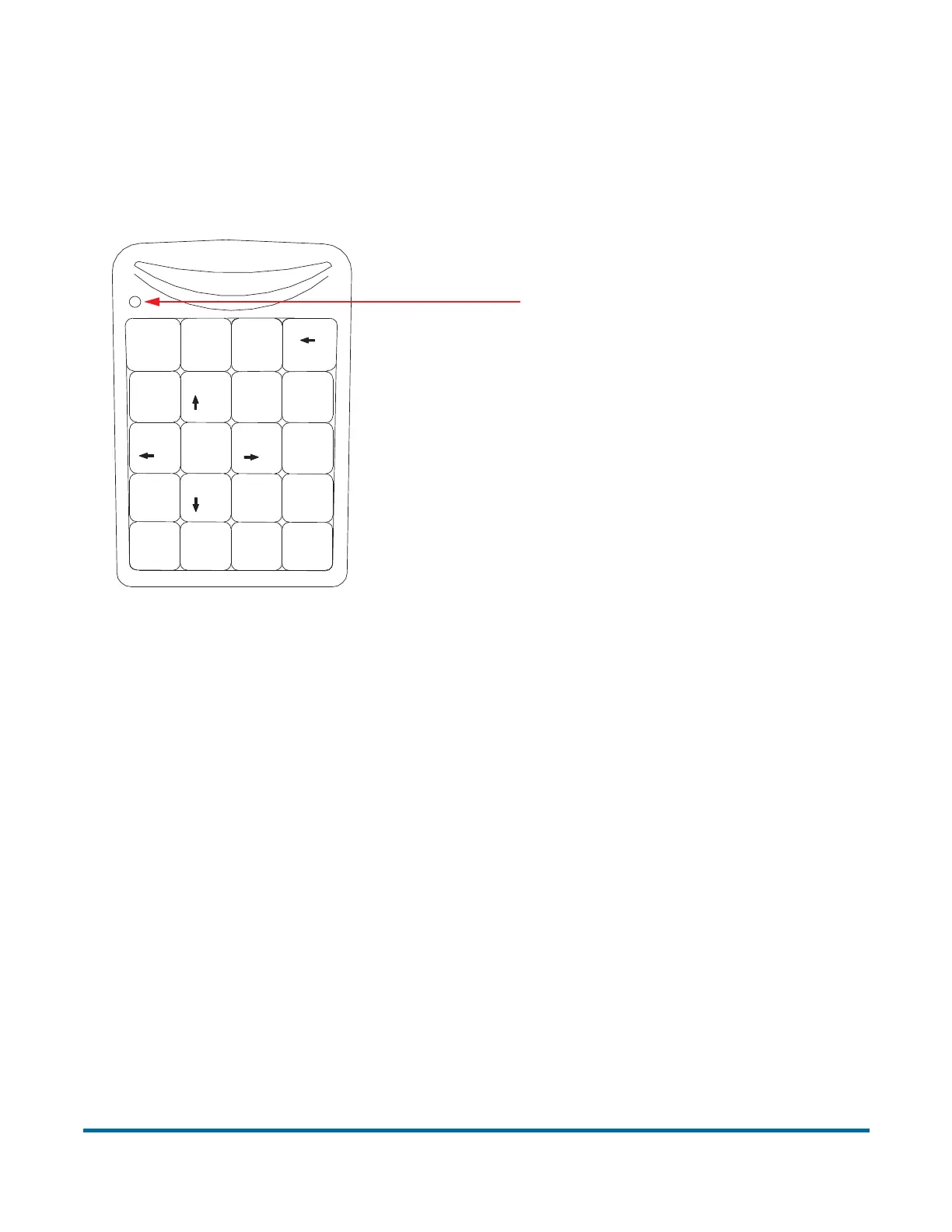
KeyAssist, a purchasable option, allows you to use the keys on an external
keypad to perform specific functions in the Run screen, such as selecting a
page type, starting and stopping jobs, and rotating images. This feature
alleviates the repetitive motion of reaching to touch the monitor.
External keypad
KeyAssist currently uses a hard-coded keyboard mapping, depending on the
Job Type. There are two mapping schemes, described below:
• Mapping Scheme 1 - the original KeyAssist scheme that supports eight page
types and does not support a New Group key function (groups did not exist
when this scheme was devised).
• Mapping Scheme 2 - uses double key combinations to support 12 page
types and a New Group button. It also remaps New Transaction and Solicit
Custom Data to double key combinations.
The KeyAssist feature will not work with structured jobs, as they require page
types in a specific order. Also, you cannot use KeyAssist with Reference ID in
the same job, as Reference ID already utilizes keyboard input.
Note: In addition to specific KeyAssist capabilities, you can often use the Enter
and Esc keys to accept and cancel dialog boxes. This capability is
standard to Windows apps, and is available whether or not KeyAssist has
been activated.
Home
7
89
6
5
4
1
2
3
/
Num
Lock
Enter
*
Bk Sp
Pg Up
_
+
=
Pg Dn
Del
*
0
00
End
Ins
,
Make sure Num Lock
is enabled (LED lit)



 To Next Page