54
Falcon User Manual - Remittance Processing - OPEX Corporation
Assigning a page type
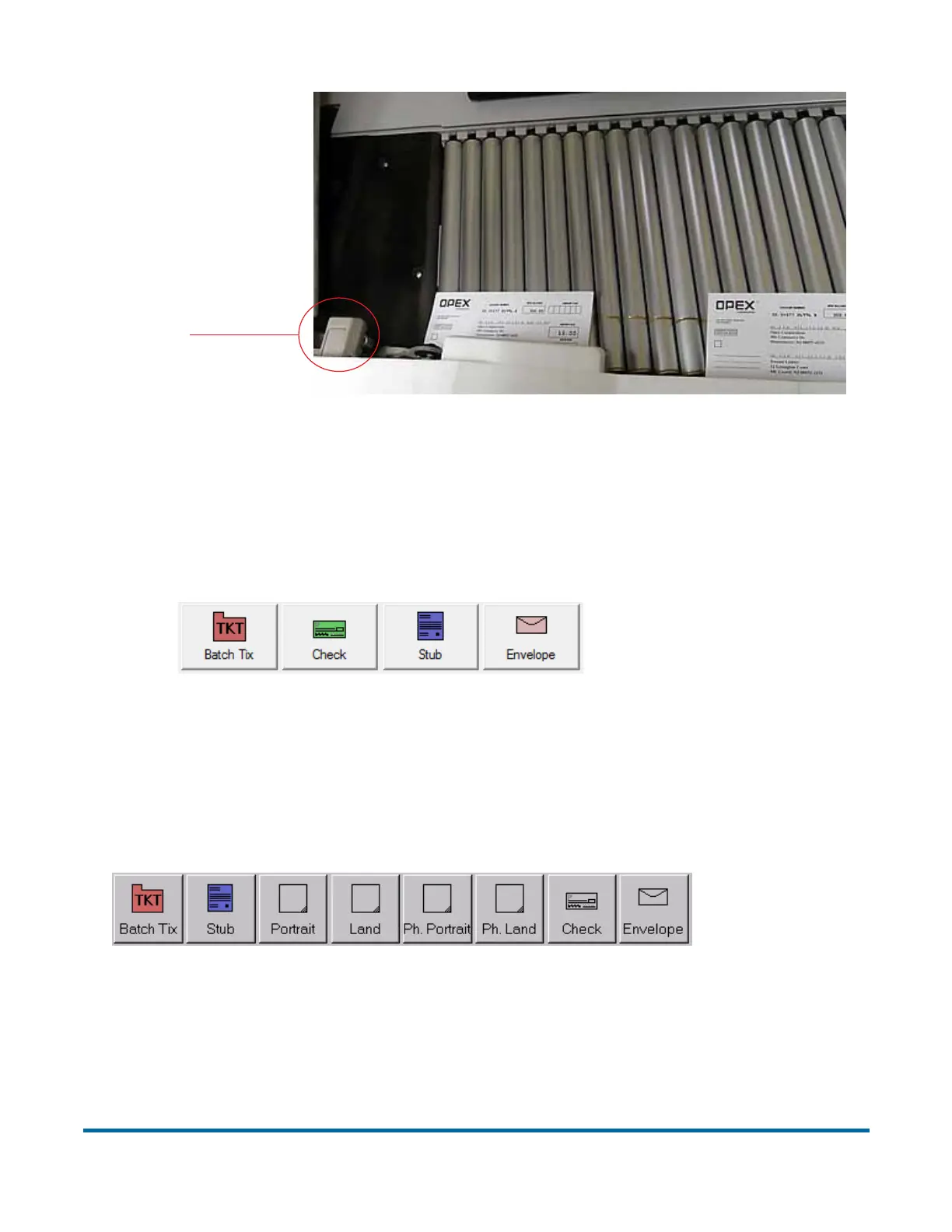
You can manually assign a page type to the next item you scan by pressing the
appropriate Page Type button. These buttons are only available if they have
been activated in the general job parameters.
Figure 13: Sample Page Type buttons
In a structured job, the Page Type buttons will also indicate which page types
the system expects to see next. For example, if the job expects to see either a
batch ticket or a stub to start a transaction, their corresponding page type
buttons will appear in color (as shown in Figure 14).
Figure 14: Sample Page Type buttons (structured job)
Page type locking
Depending on the job setup, you may also have the ability to apply a page type
to several items. With page type locking enabled, you can press the page type
MFD Override
button



 To Next Page